Club Sim Hong Kong eSIM Guide: HK$50 Checkout Prompt, Passport Registration and the 365-Day Keep-Alive Rule
Club Sim Hong Kong eSIM purchase and passport registration, checked against official sources: the HK$50 checkout prompt (also stated as the free physical-SIM de
What this covers
Source: an X article by @zynqorw (published 2026-08-10 14:43 Asia/Shanghai). The author bought a Hong Kong Club Sim eSIM on the website, completed real-name registration with a passport, and planned to keep the number alive with an HK$15 pass. The first order cost the author HK$53.
This guide follows the author's steps and checks prices and keep-alive rules against the Club Sim website, its official pack data and the Club Sim General Terms and Conditions. No hands-on testing is claimed here; the author's personal experience is labelled as the author's case. The source recommended an eSIM-writing card with the author's affiliate link and discount code; both have been removed.
Official links: Club Sim · Buy an eSIM · Asia Data Roaming Pass · Chinese Mainland & Macao roaming data · OFCA real-name registration
Official checks first
| Item | Source claim | Official check (fetched 2026-11-11 Asia/Shanghai) | | --- | --- | --- | | Operator | An HKT brand | Terms say the service is provided by CSL Mobile Limited (an HKT group member) | | First-order minimum | HK$50 minimum | The source's checkout sidebar showed "Select service, minimum charge HK$50", and the site's front-end has a checkout prompt "Minimum purchase of each new SIM: HK$50". But the pack pages describe "HK$50 or above" as the free physical-SIM delivery threshold, and the T&C do not state a per-SIM minimum. Treat it as a checkout prompt and follow the live page | | Mainland China & Macao data | HK$38, 1GB, 90 days | Official pack data now lists HK$38/1GB, HK$48/2GB, HK$98/5GB, HK$168/10GB, all 90 days | | Asia Data Roaming Pass | HK$15, valid 365 days, day pass | Official data: zones A/B HK$15, validityInDays: 365, sold per day (24 hours after activation). Mainland China, Macao, Japan, Taiwan and others can be chosen | | Keeping the number | Buy one HK$15 pass to extend a year | Clause 14.5 has two official wordings: the English static T&C page (TNC_en.html) and the FAQ say within 365 days from the expiry of your last Service Pack; the site content API's zh/en 14.5 says within 365 days from the purchase of your last Service Pack. To be safe, count from the earlier purchase date, check the validity date in your account and do not wait until the end of the window | | Cheaper pack | Not mentioned | The catalogue lists an HK$6 SMS Pack (30 days, Hong Kong only). Untested here for keep-alive; some low-price packs in the catalogue may be hidden or not purchasable, so availability and whether it extends validity depend on the app | | Changes/refunds | Payments are non-refundable | Clause 8.7: no changes once you press "Subscribe"; 8.8: packs bought on the website or app are non-cancellable and non-refundable | | Activation deadline | Activate within 365 days | The checkout page says the Club eSIM must be activated within 365 days of purchase, or the eSIM and packs lapse | | System requirement | iOS 12.1+ / Android 10+ | Matches the checkout page | | Payment | Alipay, no HK card needed | Clause 8.3 lists only credit card, Clubpoints, Tap & Go and "other specified methods"; Alipay is not named. It only appeared on the source's checkout page; use what your checkout shows | | Delivery | — | Clause 10.1: physical SIMs ship to Hong Kong addresses only (or outlet purchase/pickup). No official text says a physical SIM must be activated in Hong Kong, so this guide makes no such claim | | Real-name registration | Passport photo, approved in minutes | Hong Kong law requires every SIM to be registered before activation. People without an HKID can use another valid document and must declare they have no HKID. Each person can register up to 10 prepaid cards per operator. The approval time is the author's case |
Who it suits, and what to watch
Likely a fit: you want a long-term +852 number for verification codes, can register with your own ID as required, and will remember to buy one pack a year.
Be careful if: you tend to forget renewals (after 365 days the number may be reclaimed); you only have a mainland-China iPhone and do not want a separate eUICC card; you expect to send SMS or make calls from the mainland: the roaming pass is data only, with no roaming voice or international SMS.
Before you start
- An eSIM-capable device: non-mainland iPhones, Pixel, Samsung and other phones with native eSIM. Mainland-China iPhones lack native eSIM; the author used a writable physical eUICC card, wrote the profile onto it and inserted it like a normal SIM. Several brands exist; this guide recommends none and includes no promo links
- Passport (or another valid original ID) to photograph during registration
- An email address you use: the eSIM QR code is sent there
- Payment: the author used Alipay; credit cards also work
Part 1: Buy the Club Sim eSIM
Step 1 | Open the site and look at the categories
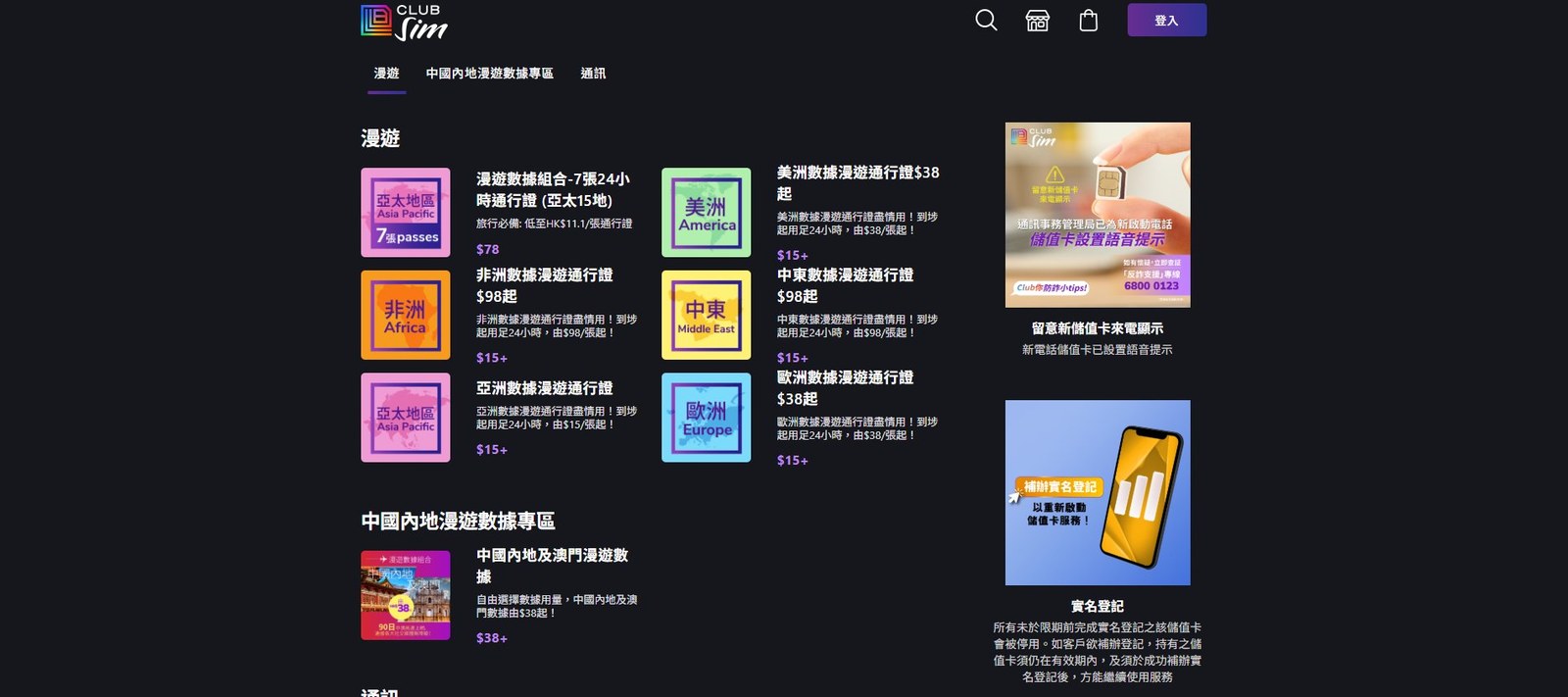
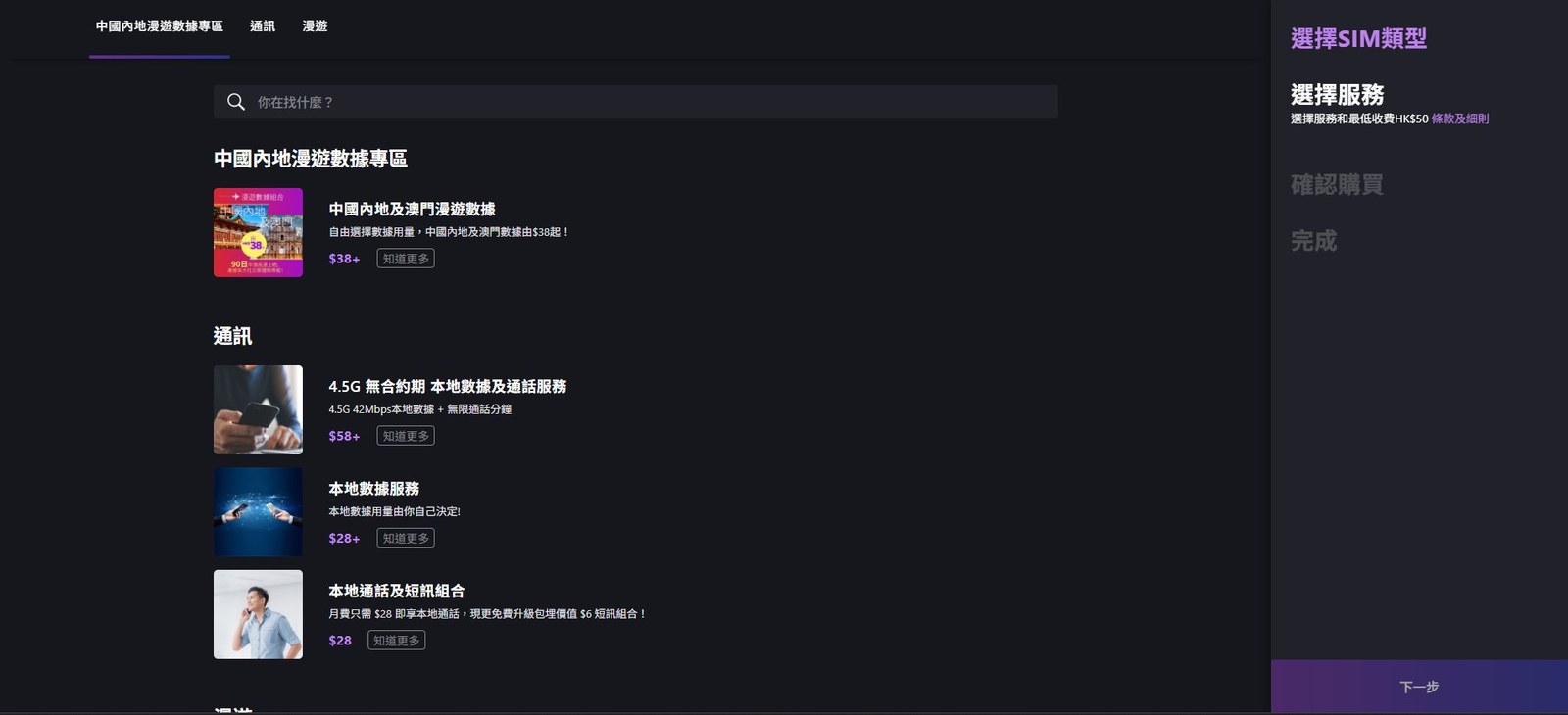
Open Club Sim. Packs come in three groups: local communications, the Mainland China roaming data zone, and roaming passes by region.
Step 2 | Create an account
Click "Login" at the top right; new users click "Sign up".
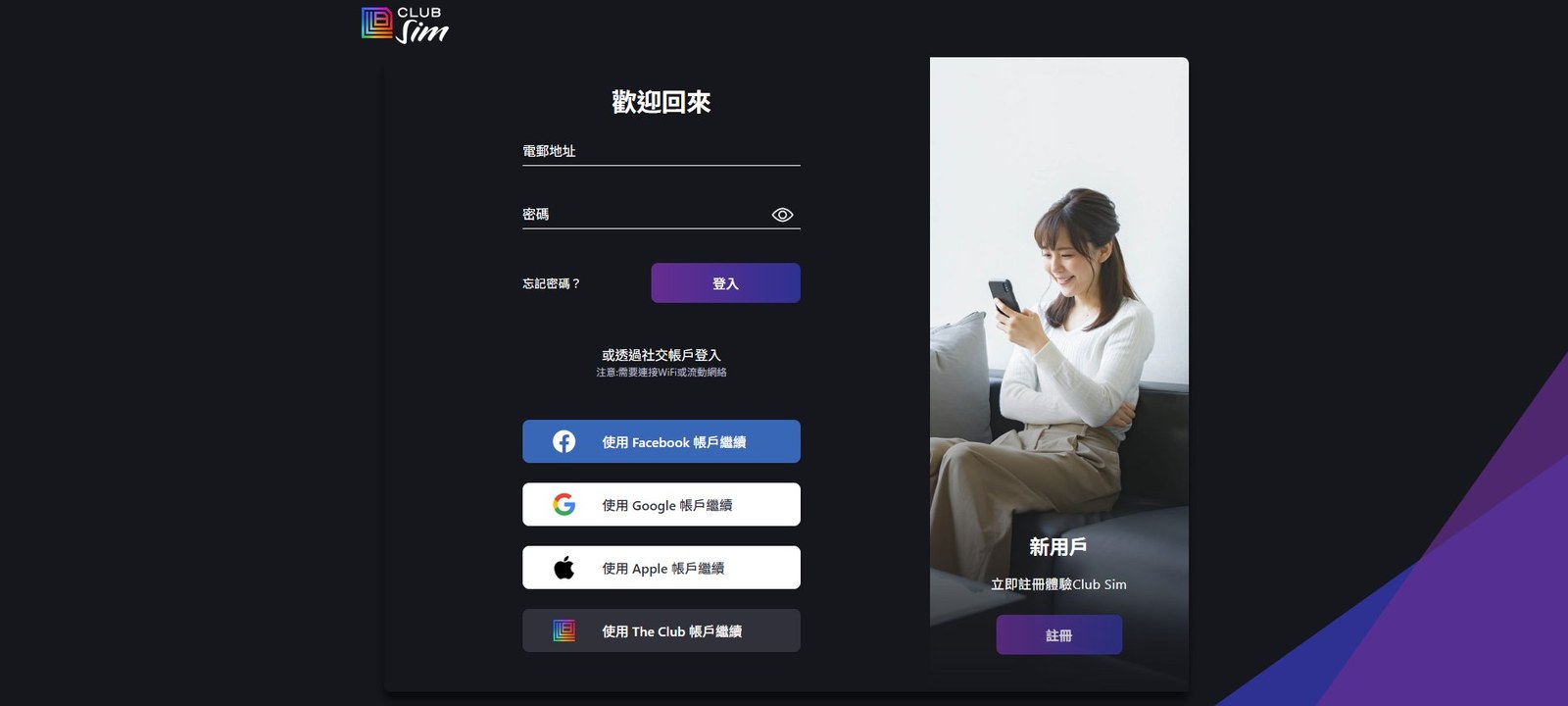
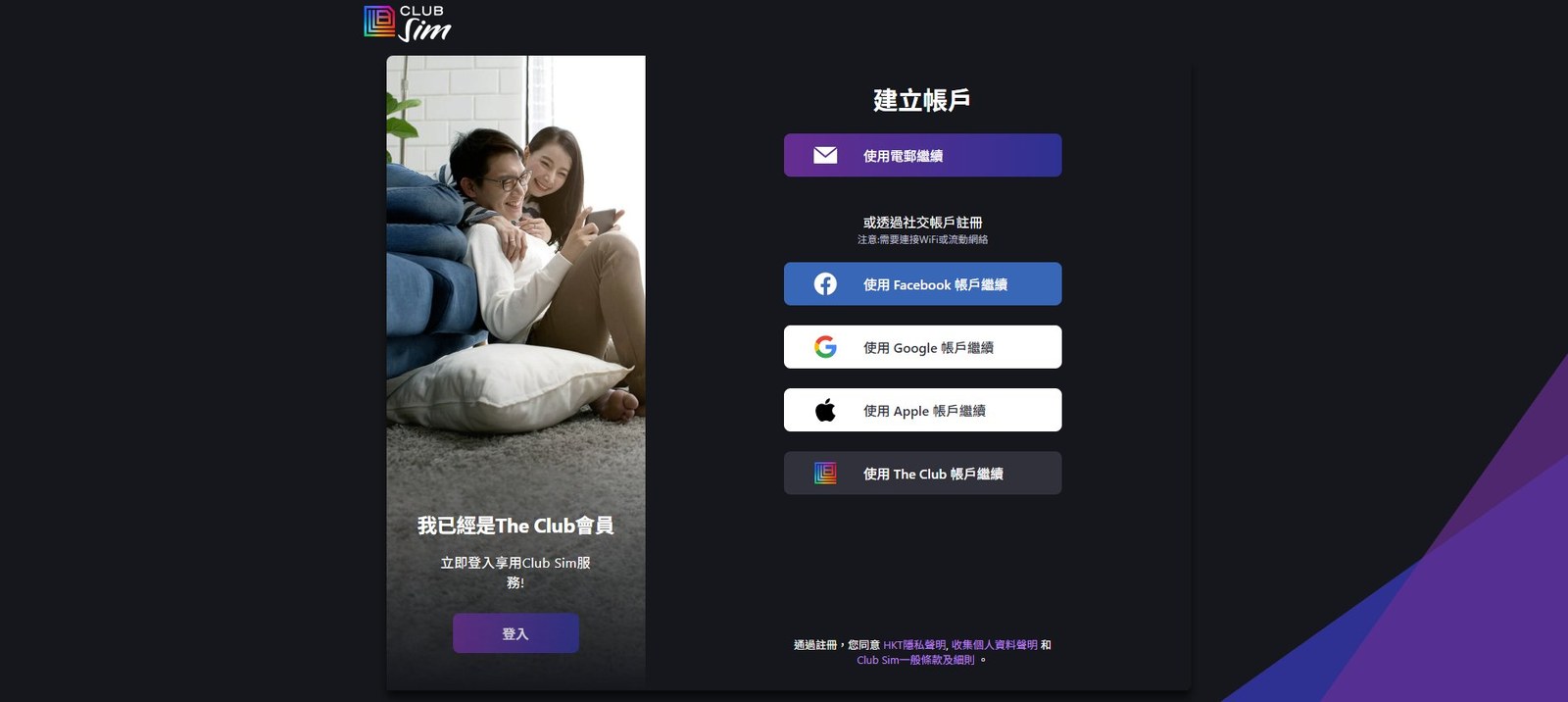
The author chose "Continue with email" so the eSIM QR code arrives by email.
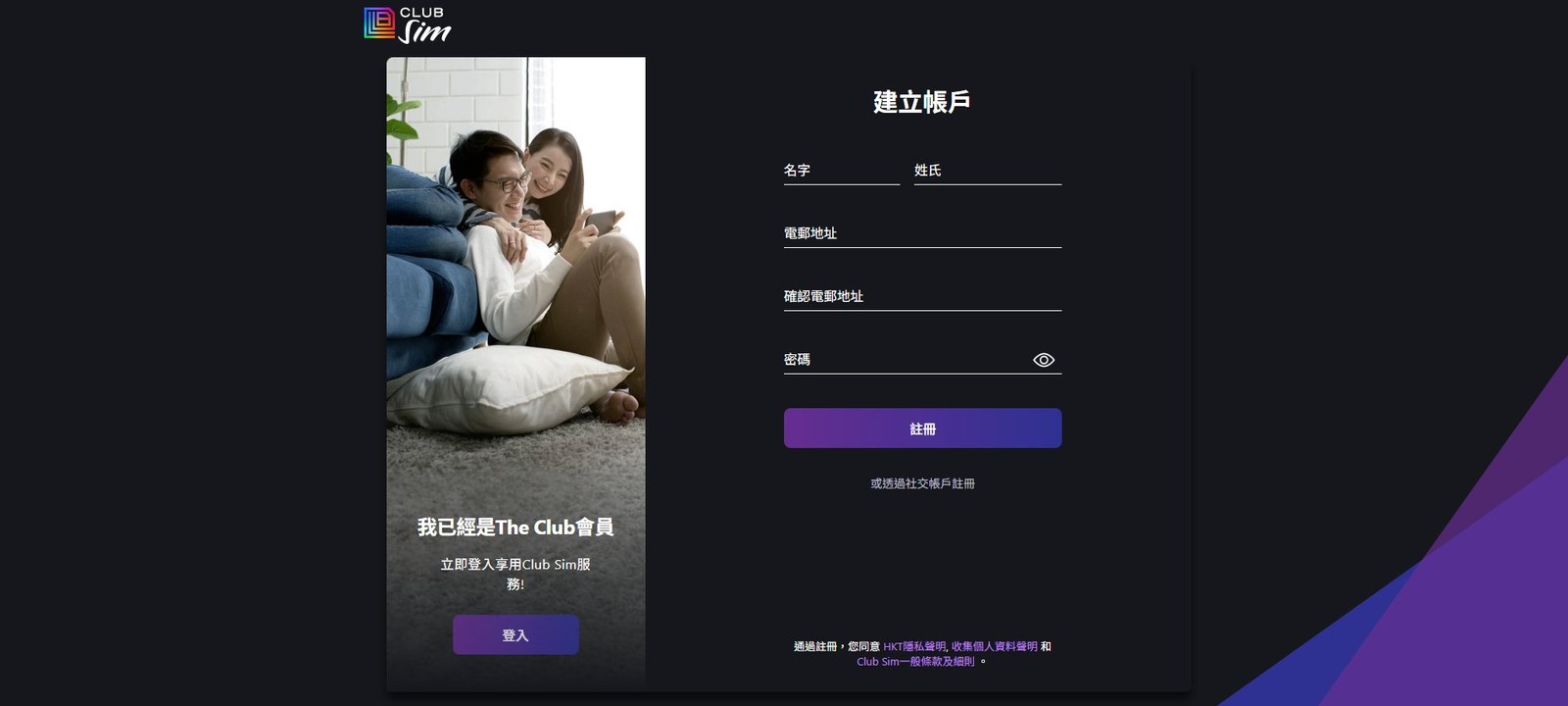
Enter first name, last name, email and password. The author suggests using the romanised name on your ID so it matches registration later.
Step 3 | Verify your email
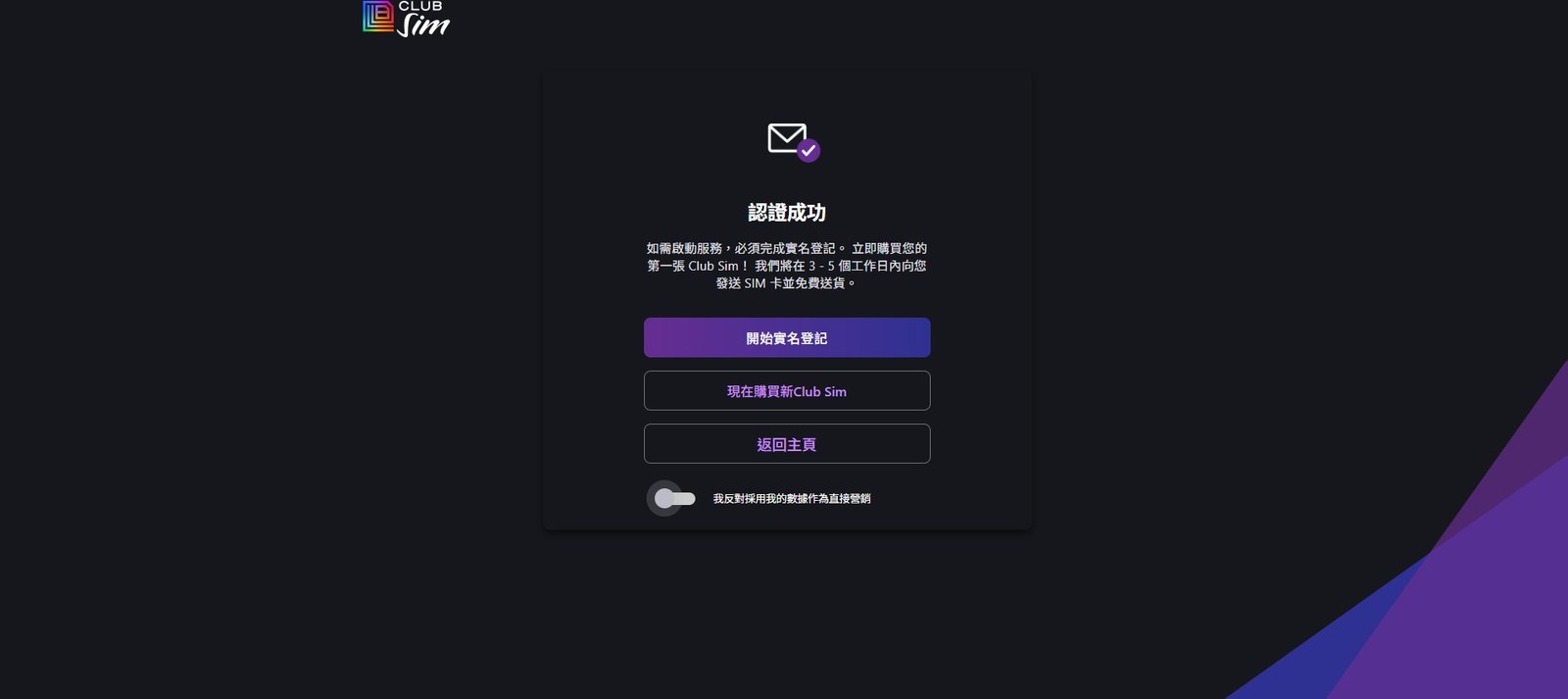
Click the link in the email and you will see "Verified". Click "Buy a new Club Sim now" first, not "Start real-name registration": you have no card yet, so registration cannot proceed. Turn on the "I object to direct marketing" switch at the bottom if you like.
Step 4 | Choose eSIM
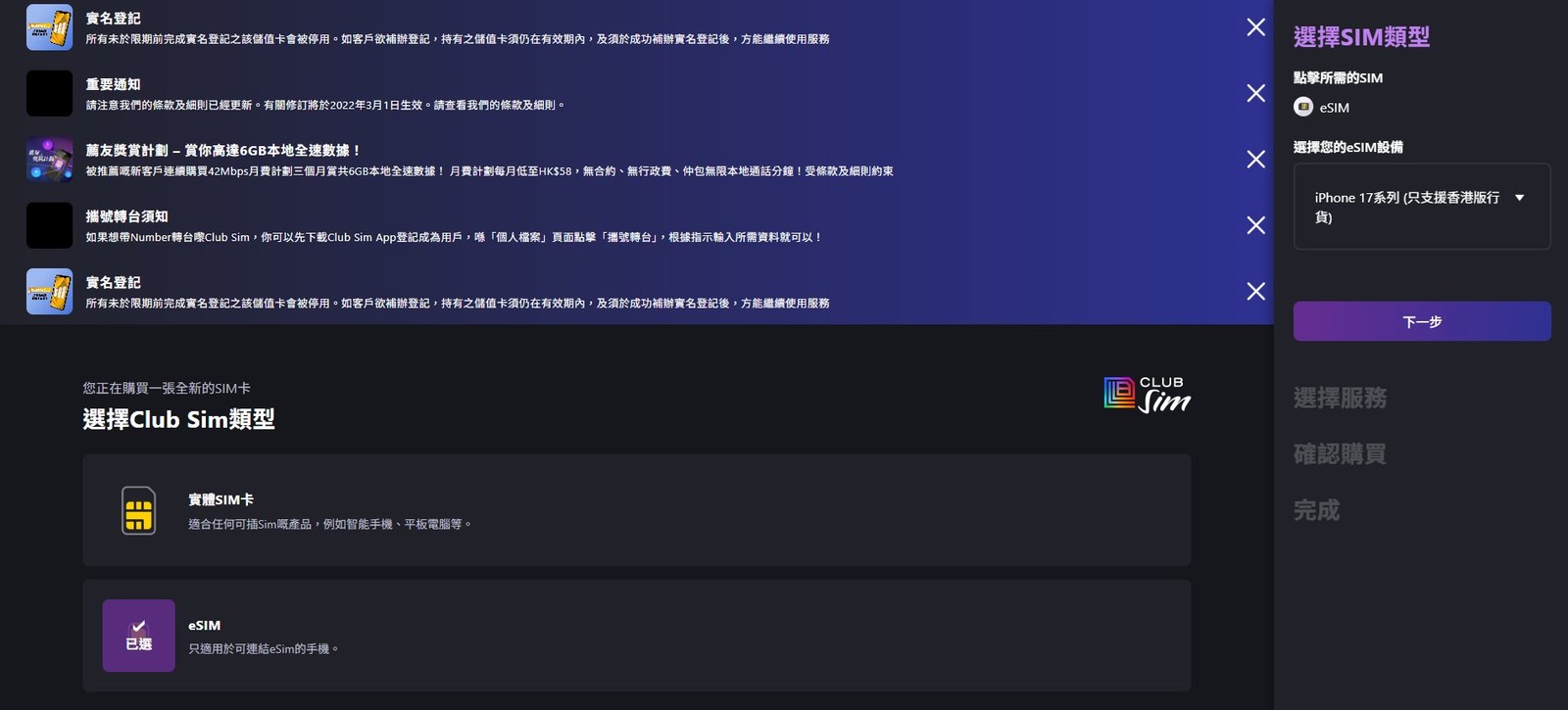
Choose eSIM as the SIM type (physical SIMs ship only to Hong Kong addresses). Pick a device model on the right; the author says any model works. The field only drives a compatibility hint; whether it installs depends on your device.
Step 5 | Pick packs; note the HK$50 checkout prompt
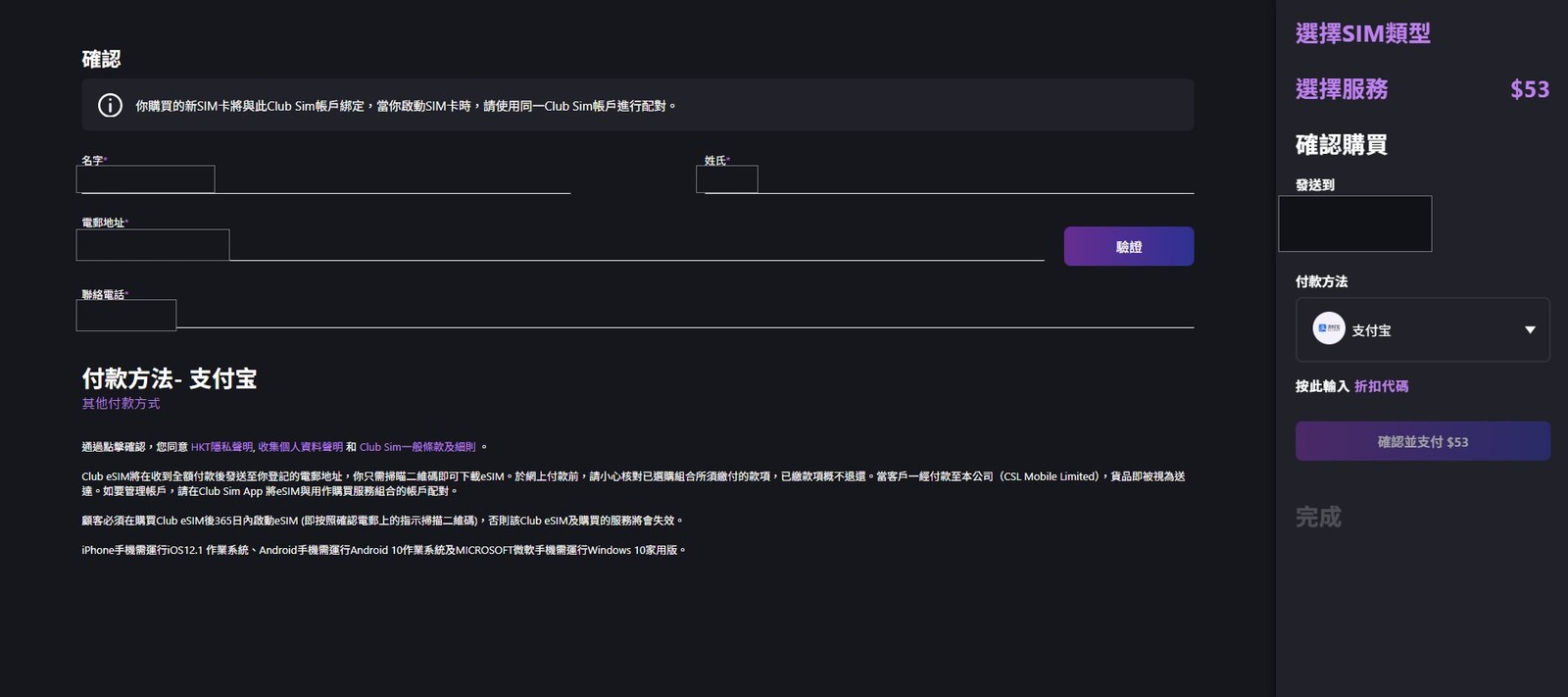
The source's checkout sidebar said "Select service, minimum charge HK$50", and the author could not proceed with a single HK$38 pack. This is a checkout prompt; follow the live page.
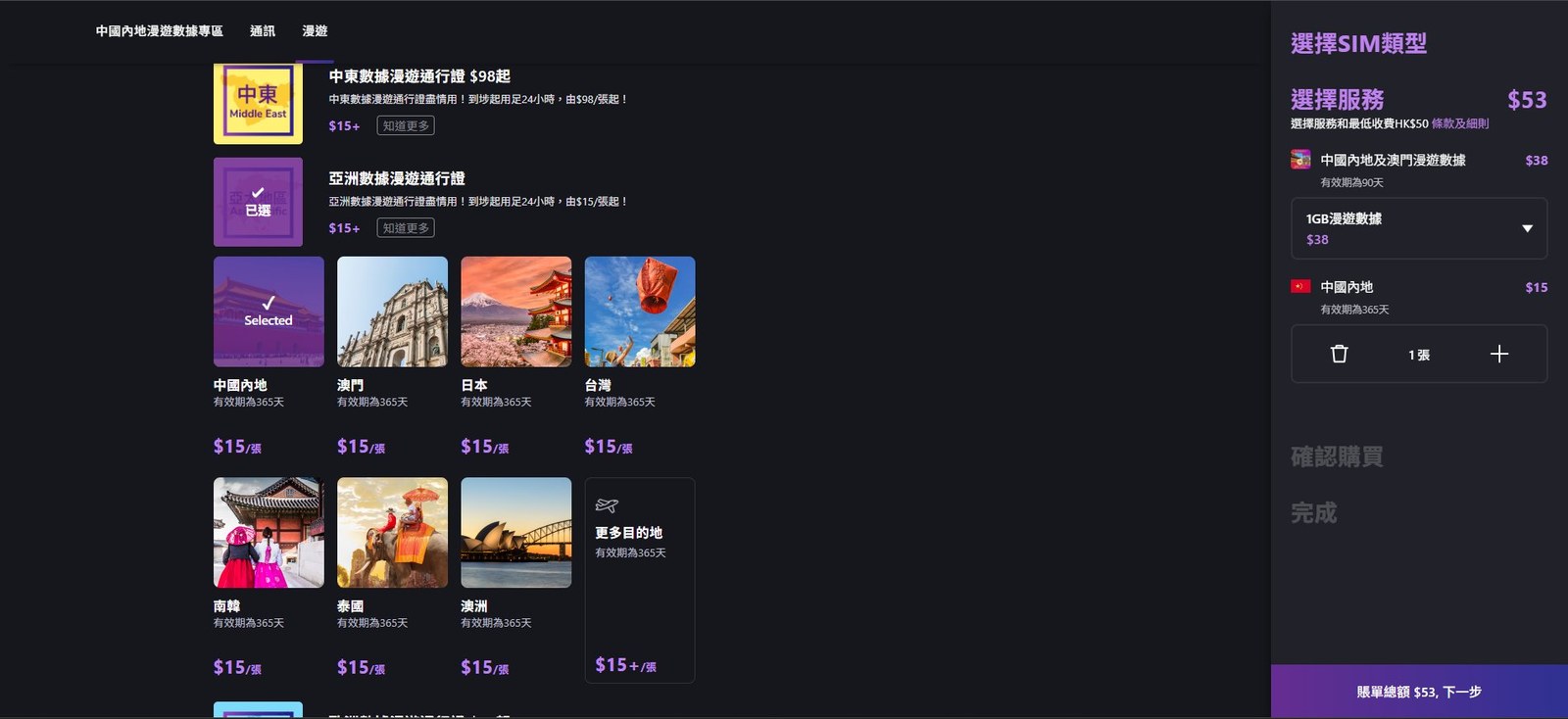
The author's combination (HK$53 total):
| Pack | Price | Validity | | --- | --- | --- | | Mainland China & Macao roaming data 1GB | HK$38 | 90 days | | Asia Data Roaming Pass ("Mainland China" selected) | HK$15 | Usable within 365 days; 24 hours once activated | | Total | HK$53 | |
The HK$15 pass is a day pass that starts on arrival and lasts 24 hours. For keeping the number, what matters is that it counts as a Service Pack, so buying it restarts the 365-day clock (see the end).
Step 6 | Confirm details and pay
Enter name, email and contact phone. Click "Verify" next to the email: the eSIM QR code goes there. The author entered a mainland mobile number and picked Alipay from the payment menu.
Before paying, note three terms: payments are non-refundable; the eSIM must be activated within 365 days; iOS 12.1+ or Android 10+ is required.
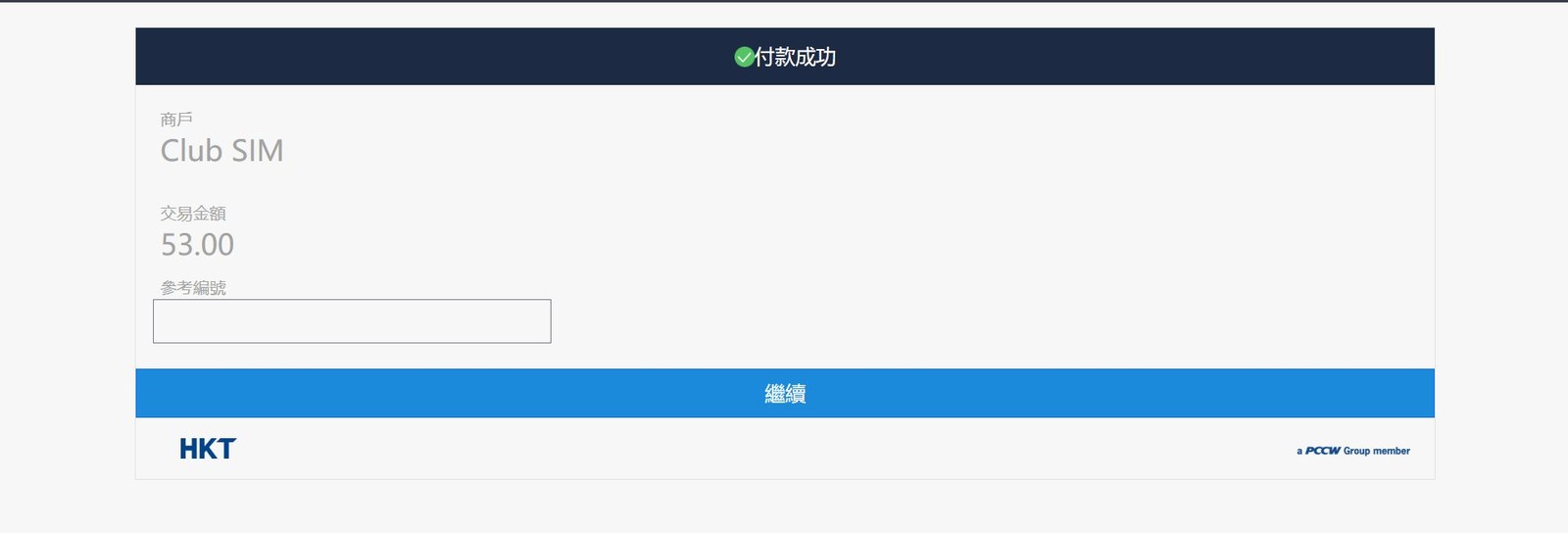
After paying in Alipay you return to HKT's payment-success page.
Step 7 | Get the eSIM QR code
The QR code at the top right of the success page is your eSIM, and an email is sent too. Save the CLS number, order number and transaction number for customer service (do not post them publicly). Leave both "Enable monthly auto-renewal" switches off, as they are by default.
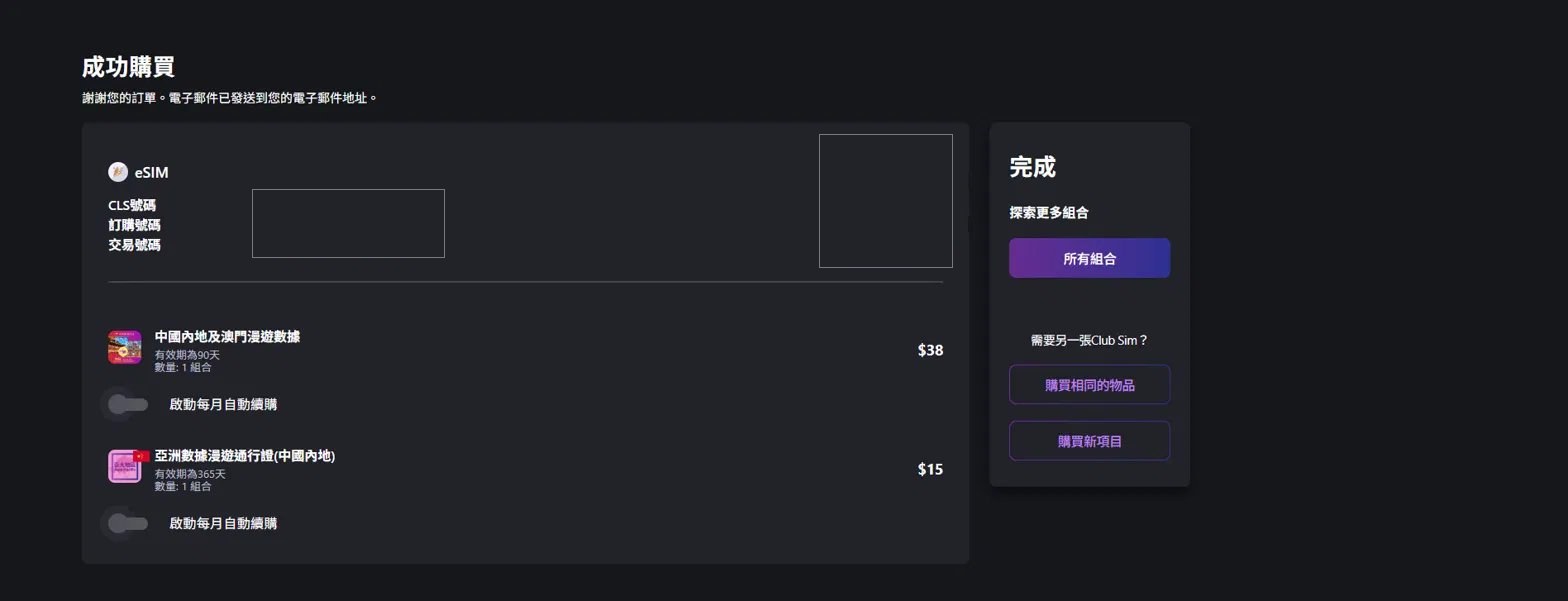
The card is bought but not yet usable, and the number is not shown until you register.
Part 2: Real-name registration
Hong Kong law requires every SIM to be registered before activation; there is no way around it at any operator. The author used a passport. Outline:
- Download the Club Sim app, or log in on the website from your phone.
- Scan the eSIM QR code or enter the ICCID to link the card to your account.
- Choose the ID type, allow camera access and photograph the original document.
- Check the recognised details and submit.
- Wait for the SMS. The author was approved within minutes; that is the author's case.
- Pair the eSIM with your account in the app; the number appears after that.
The author's email held two QR codes: one to install or write the eSIM, and one to pair the card with the Club Sim account. After pairing, the number showed up shortly.
Use your own ID. OFCA warns against buying "pre-registered" cards. Operators run spot checks by SMS from "#SIMREG", and cards that miss the deadline are deregistered.
Keeping the number: buy a pack at least once a year
Club Sim has no monthly fee. Clause 14.5 has two official wordings: the English T&C page and FAQ say 365 days from the expiry of your last pack; the site content API says 365 days from its purchase. Either way, if you buy no pack in time the card ends permanently and the number may be reassigned. Go by the validity date in your account and renew early; do not wait until the end of the window.
The author's plan: buy another HK$15 Asia Data Roaming Pass before expiry. The author says renewals are not subject to the HK$50 first-order minimum and that a reminder SMS arrives before expiry. These are the author's case.
Tips:
- Count conservatively from "last purchase date + 365 days" and set a reminder 15–30 days earlier.
- After renewing, check the new expiry date in the app profile.
- The catalogue also lists a cheaper HK$6 SMS Pack, but it is untested; some low-price packs may be hidden or not purchasable, so check availability and the resulting expiry date in the app.
- Once the number lapses it is reclaimed and generally cannot be recovered, so do not leave it late.
Related guides
- Global eSIM transfer guide: read before switching phones so you do not delete the eSIM profile by mistake
- DITO Philippines eSIM guide (170)
- CALENDAR Rakuten eSIM (157)
Based on the source author's personal record and checked against official pages; not advice. Prices, packs and terms follow the live Club Sim website and app.