TOYOTA Wallet Guide: QUICPay, iD Mastercard, and Apple Pay
A verified walkthrough of Toyota Finance TOYOTA Wallet: signup, dual prepaid cards (QUICPay/JCB and iD/Mastercard), charge limits and fees, with the source post
What this guide covers
TOYOTA Wallet is the mobile wallet from Toyota Finance. One signup can unlock two prepaid payment tools:
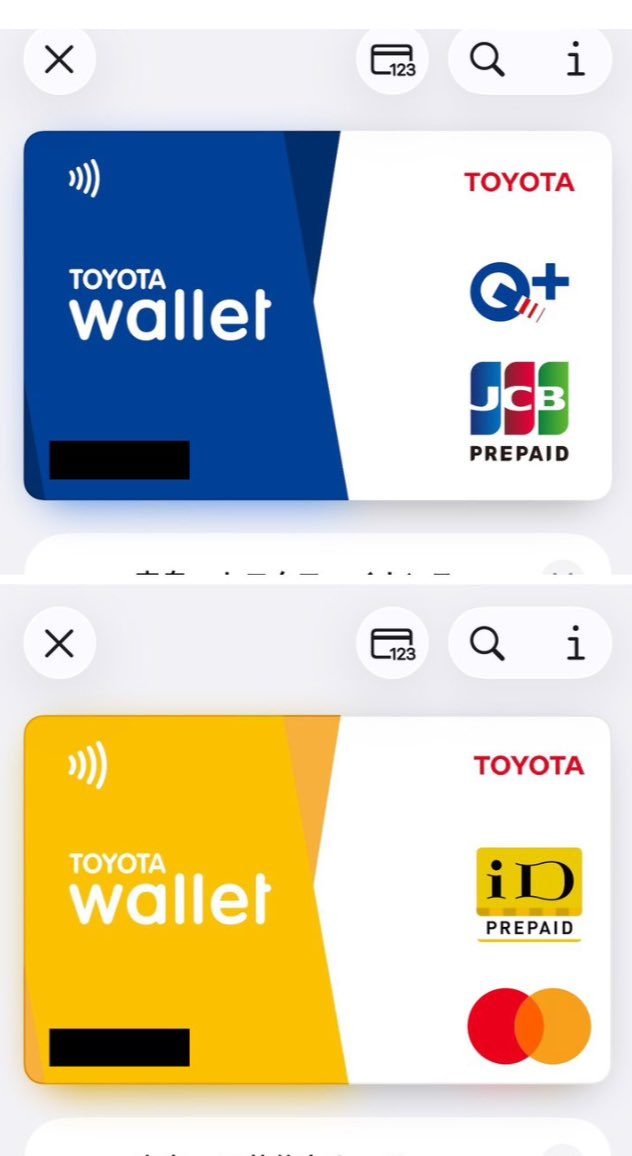
- QUICPay / JCB prepaid for QUICPay merchants in Japan (plus some JCB contactless use on iOS).
- iD / Mastercard prepaid for iD merchants, Mastercard contactless on iOS, and online Mastercard merchants.
Both can be added to Apple Pay following the official in-app flow. Source post @0xjackkk (2026-11-09) shared screenshots and reported a ¥500 top-up with a China Merchants Bank Mastercard debit card. That result is cited as the author’s personal report only—not our own test, and not a promise that other cards will work.
Official links: TOYOTA Wallet · iD / Mastercard · QUICPay · FAQ: who can apply
Eligibility (official)
| Item | Official note | | --- | --- | | Who | Individuals only | | Required | Smartphone, mobile number, email | | Account | From 2026-05-11, new applications need a TOYOTA Account (id.toyota) | | Verification | SMS / voice OTP; screenshots use a Japanese mobile number format |
The source post’s “Japan phone that can receive SMS” matches the official SMS requirement. Whether a non-Japanese carrier number passes live checks is decided by the app—not by this article.
Signup flow (aligned with screenshots)
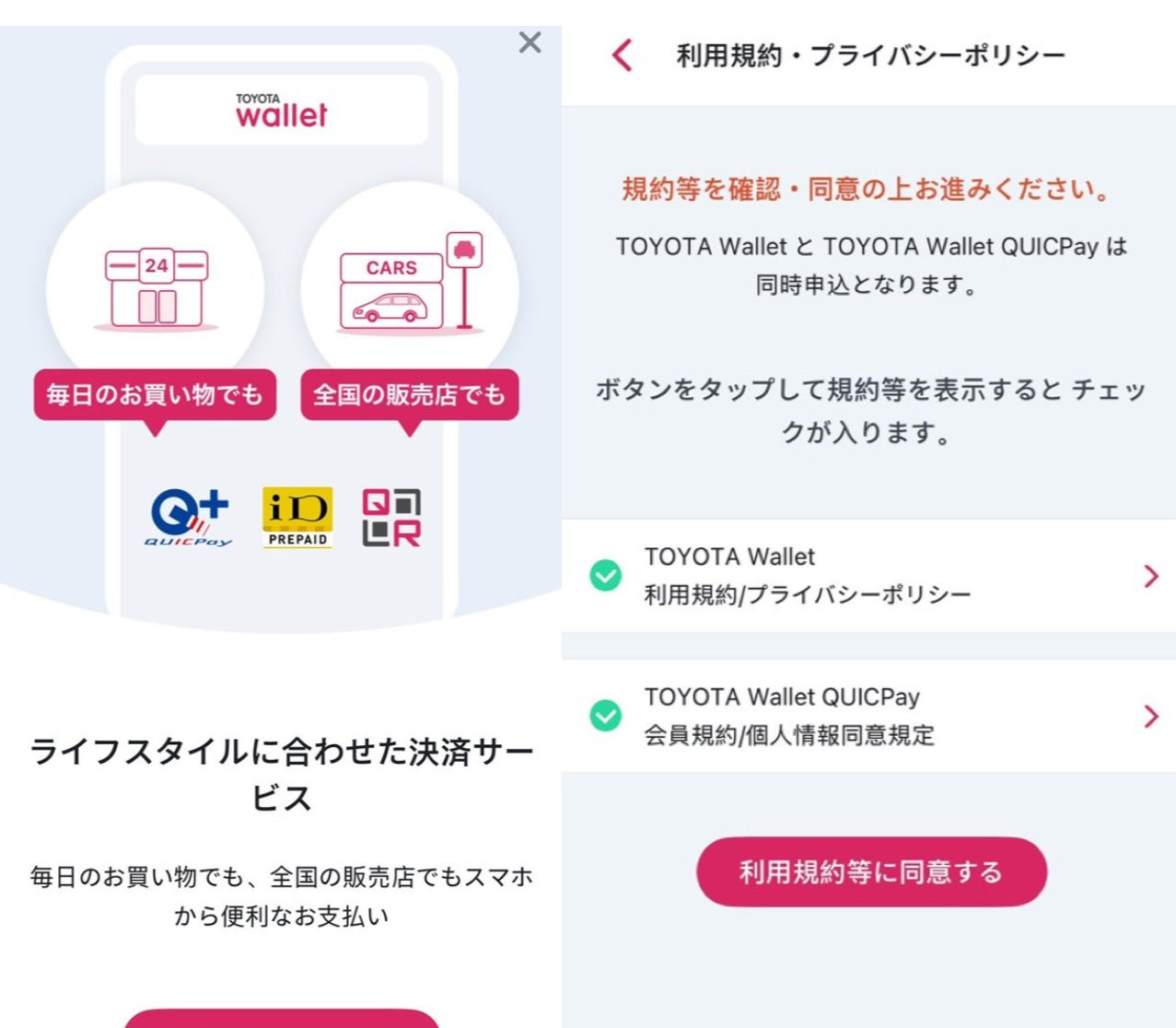
- Install TOYOTA Wallet and start from the “さあ、はじめよう”-style entry.
- Agree to terms / privacy (often bundled with QUICPay membership terms).
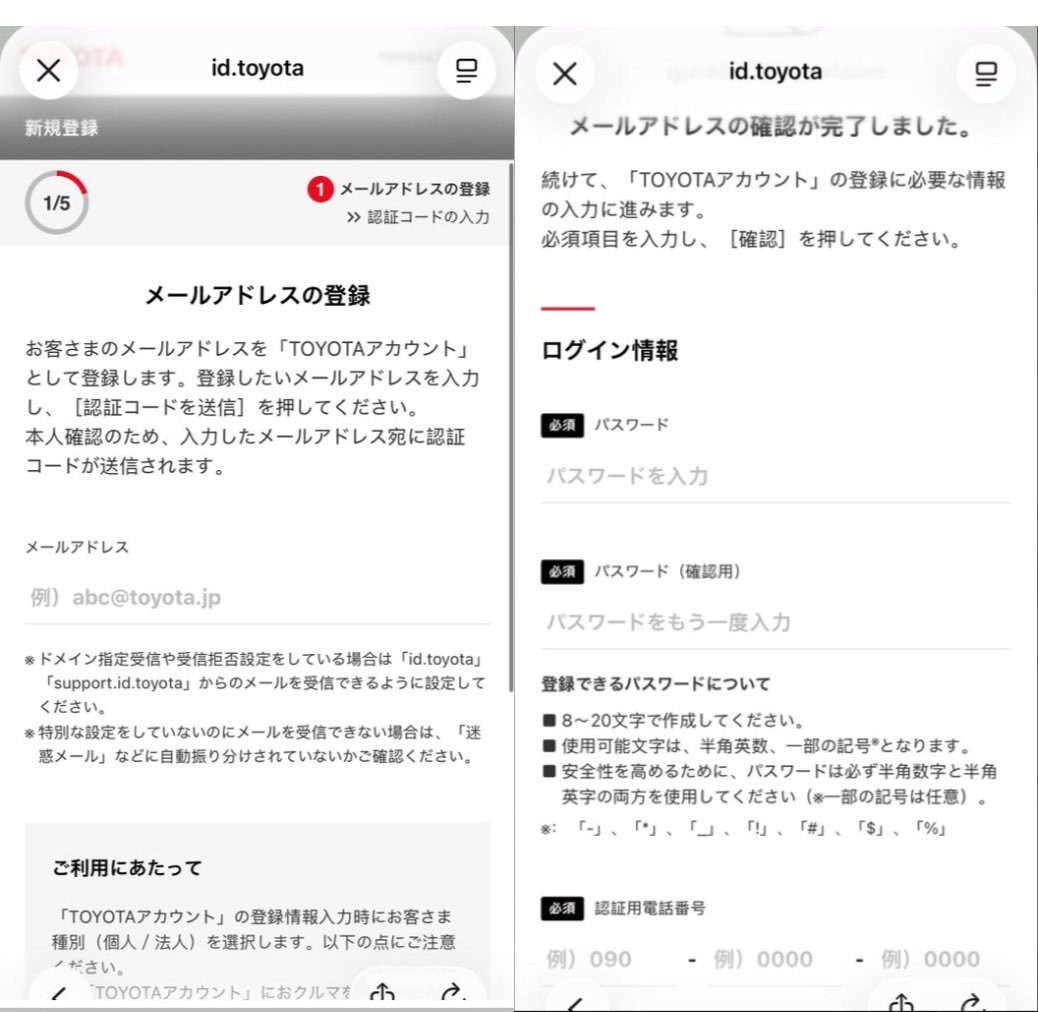
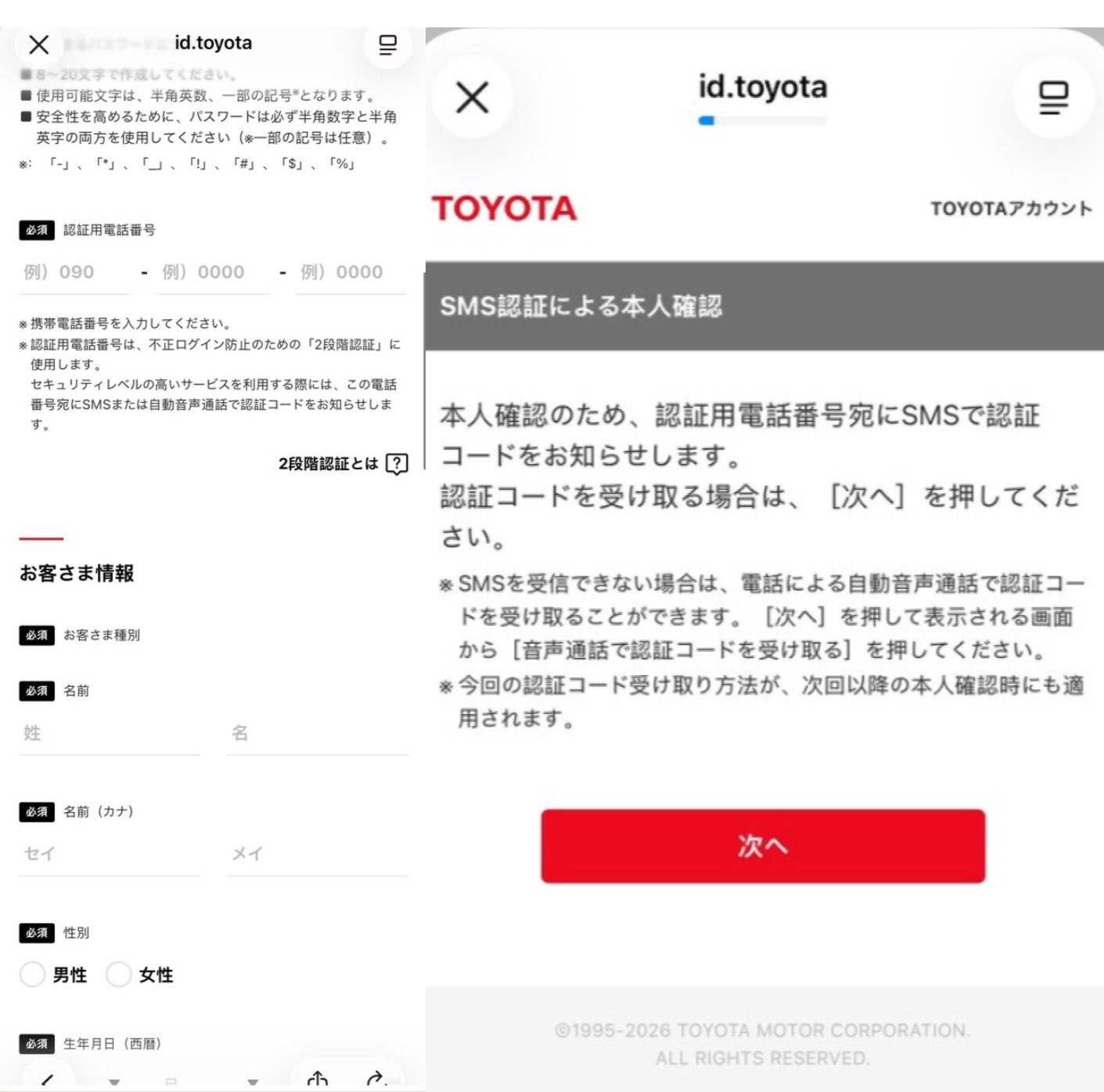
- Create or sign in to a TOYOTA Account: email OTP → password (about 8–20 characters with letters and digits—follow the live page) → phone for authentication.
- Enter name, gender, date of birth; use katakana when the form rejects kanji.
- Complete SMS (try voice OTP if SMS fails).
- Under Wallet (ウォレット), enable QUICPay and iD / Mastercard, then add them to Apple Pay.
- Set a charge method and top up. The source’s CMB debit success is one reported case.
MY TS CUBIC is a different product area; the prepaid wallet lives under Wallet. An in-app note that bank-account charging is paused does not automatically mean card charging is paused.
What each card does
| | QUICPay / JCB | iD / Mastercard | | --- | --- | --- | | Main use | QUICPay+ merchants; some JCB contactless on iOS | iD merchants; Mastercard contactless on iOS; online Mastercard | | Funding | Credit-linked spend and/or prepaid balance (Toyota Finance cards) | Prepaid balance only | | Apple Pay | Supported | Supported | | Android caveat | Version / Google Pay interactions apply | Mastercard contactless not available on Android (official) |
Limits and fees
QUICPay prepaid (funds settlement disclosure)
| | At enrollment | After setting a Toyota Finance-issued card | | --- | --- | --- | | Per charge / per day | ¥50,000 | ¥300,000 | | Per month | ¥300,000 | ¥500,000 | | Balance cap | ¥50,000 | ¥300,000 |
The source’s “¥50,000 balance cap” matches the enrollment-tier balance limit. After the higher tier is unlocked, the ceiling rises—do not treat ¥50k as permanent. Source: QUICPay legal disclosure.
iD / Mastercard balance
- Caps: ¥50,000 per charge; ¥300,000 per day / month (first 1–2 days may stay at ¥50,000/day).
- Fees: free on listed VJA / Toyota Finance / bank-account paths; other credit cards listed at ¥204 per charge (page also notes a temporary fee-free campaign that may end without notice).
- Validity: about 4 years from registration/renewal, with auto-extension rules; unused expiry can void balance.
A CMB Mastercard debit success is outside the named free-fee examples—treat it as anecdotal.
Risks and restrictions
- QUICPay disclosure: completed charges are generally non-refundable; many merchant types are blocked (fuel, some hotels, cash-like goods, overseas, etc.).
- Top-ups may show as an authorization hold before settlement (as the source warned).
- Overseas App Store installs do not guarantee full Japan wallet features.
- The author later noted AI-assisted drafting in-thread; this guide re-checks limits and eligibility against official pages.
Quick checklist
- Phone + email + smartphone; TOYOTA Account required for new signups after 2026-05-11.
- Install, accept terms, finish SMS.
- Enable both prepaid products under Wallet; add to Apple Pay.
- Charge via supported methods; watch enrollment vs post-card-setup limits and possible iD fees.
- Treat the CMB debit anecdote as one data point—test small amounts and read your issuer statement.
Sources
- Source post: https://x.com/0xjackkk/status/2119783800347750554 (@0xjackkk, 2026-11-09)
- Official TOYOTA Wallet site, product pages, QUICPay funds-settlement disclosure, FAQ
- No referral codes from the source author; BiyaPay not involved. Always re-check live official pages.