Tangem Pay Guide: No-Fee Visa Virtual Card for USDC, and the Limits on the 50% Subscription Cashback
A Visa virtual card opened in Tangem Wallet, issued by Rain: no monthly fee on Basic, first virtual card $0, 1% standard cashback. Covers regions, Sumsub KYC, t
Checked 9 November 2026 (Asia/Shanghai, UTC+8). Screenshots come from the original author @Aisiverto's own walkthrough, with personal details masked. Fees, regions and promotions follow the Tangem app, the official site and the Paera terms. No sponsorship and no referral links.
The short version
Tangem Pay is a Visa card opened inside the Tangem Wallet app. Rain issues it and Paera LLC runs it, and you spend a USDC/USDT balance. Basic has no monthly fee, the official fee table lists the first virtual card at $0, and standard cashback is 1% (purchases of $30 or more, capped at $100 a month).
The key caveat: the 50% subscription and 10% taxi/food delivery promotion (28 Sep to 30 Nov 2026) has eligibility limits in the official terms. Appendix C says it covers only cardholders who, as of 25 September 2026, had a card issued before 1 September and no more than 3 completed purchases, enrolled automatically. New cardholders should not assume they get 50% back. Check your own Cashback page in the app, and payout is not guaranteed.
| Item | Official result | | --- | --- | | Issuer and operator | Visa card issued by Rain; Paera LLC handles onboarding and KYC/AML; Tangem AG only provides the wallet | | Monthly fee | Basic $0; Plus $29.99/month (waived above spending or Yield thresholds) | | Virtual card | First card $0, additional $5, replacement $1 (8 Oct 2026 fee table). The author reports a $5 fee; this guide follows the official table | | Non-USD spending | Card currency is USD; Visa rate + 1.5% | | ATM | Basic 4%, Plus 2% | | Standard cashback | Basic 1%, $100/month cap; Plus 2%, $300 cap; $30 minimum per purchase | | Top-up | USDC/USDT on Polygon, Base, BNB Smart Chain or Arbitrum, swaps inside Tangem Wallet, or US bank ACH/FedWire | | Wallets | Apple Pay and Google Pay | | Regions | US plus selected countries in LATAM, APAC, MEA and Africa, not every state or country; the app decides when you pick residence |
1. Rewards and the limited promotion
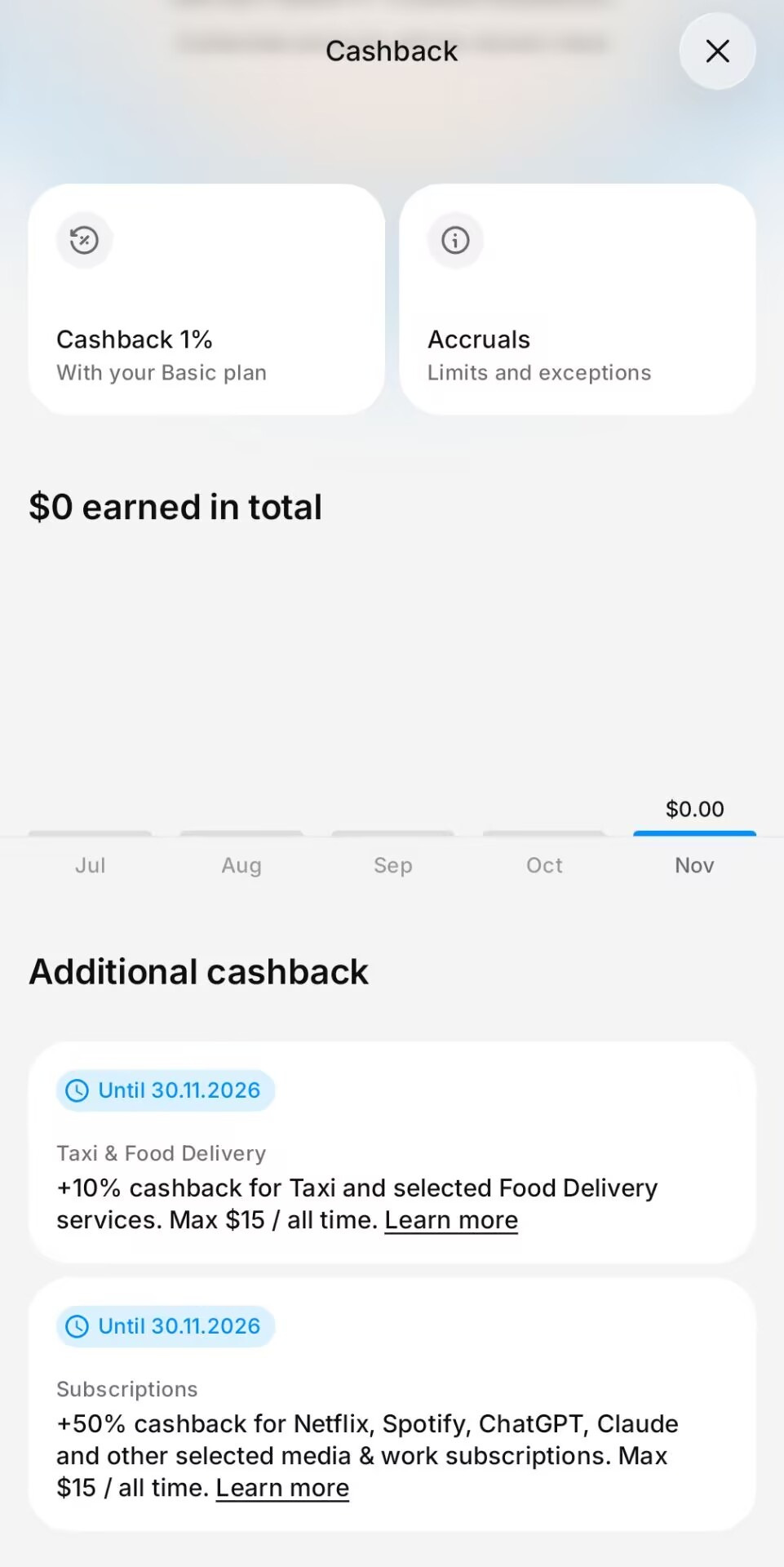
The app's Cashback page shows Basic 1% plus two extra promotions running until 30 Nov 2026.
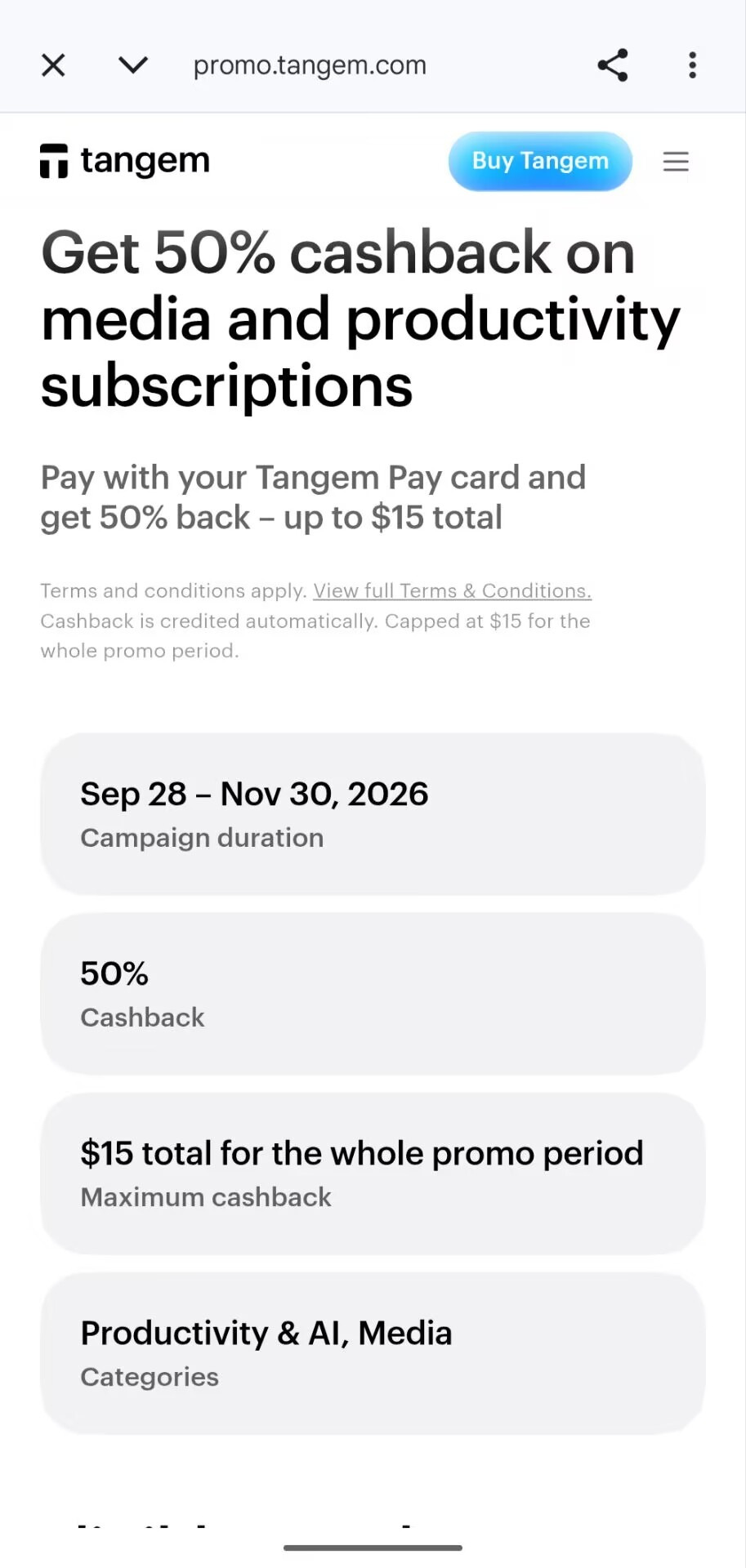
The promo page says 50% back on subscriptions from 28 September to 30 November, capped at $15 for the whole period.
Appendix C of the official terms adds details the promo page leaves out:
- Eligibility: as of 25 September, card issued before 1 September and no more than 3 completed purchases; automatic, no sign-up.
- Separate caps: $15 for subscriptions and $15 for taxi/food, so up to $30 combined.
- One reward per verified identity, across all accounts and cards.
- May end early; cashback already earned is honoured, and refunds or reversals are deducted.
- Taxi MCC 4121 counts online payments only.
Whether a charge counts depends on the merchant descriptor. Subscriptions billed through the App Store or Google Play may be recorded under App Store / Google Play.
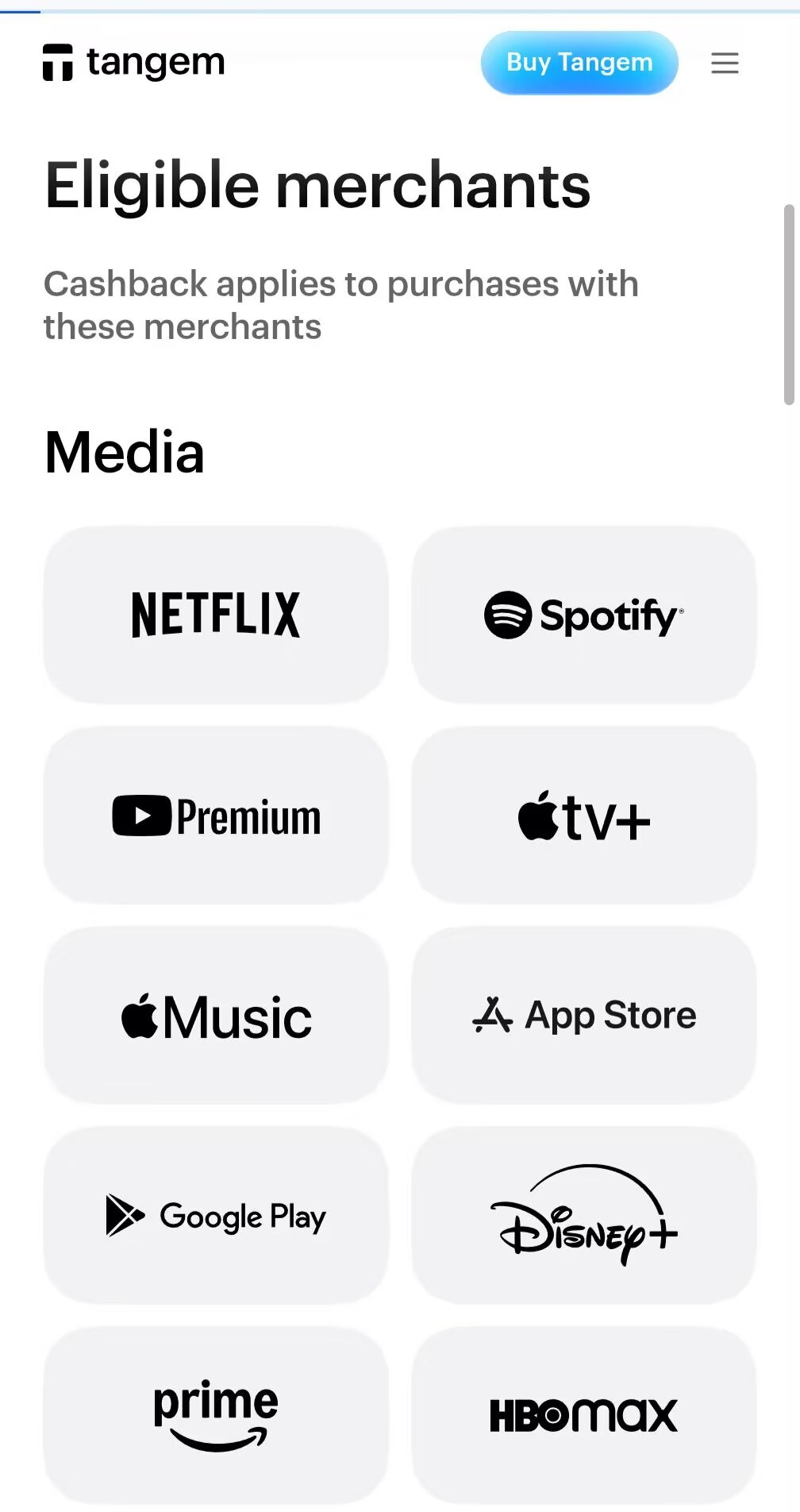
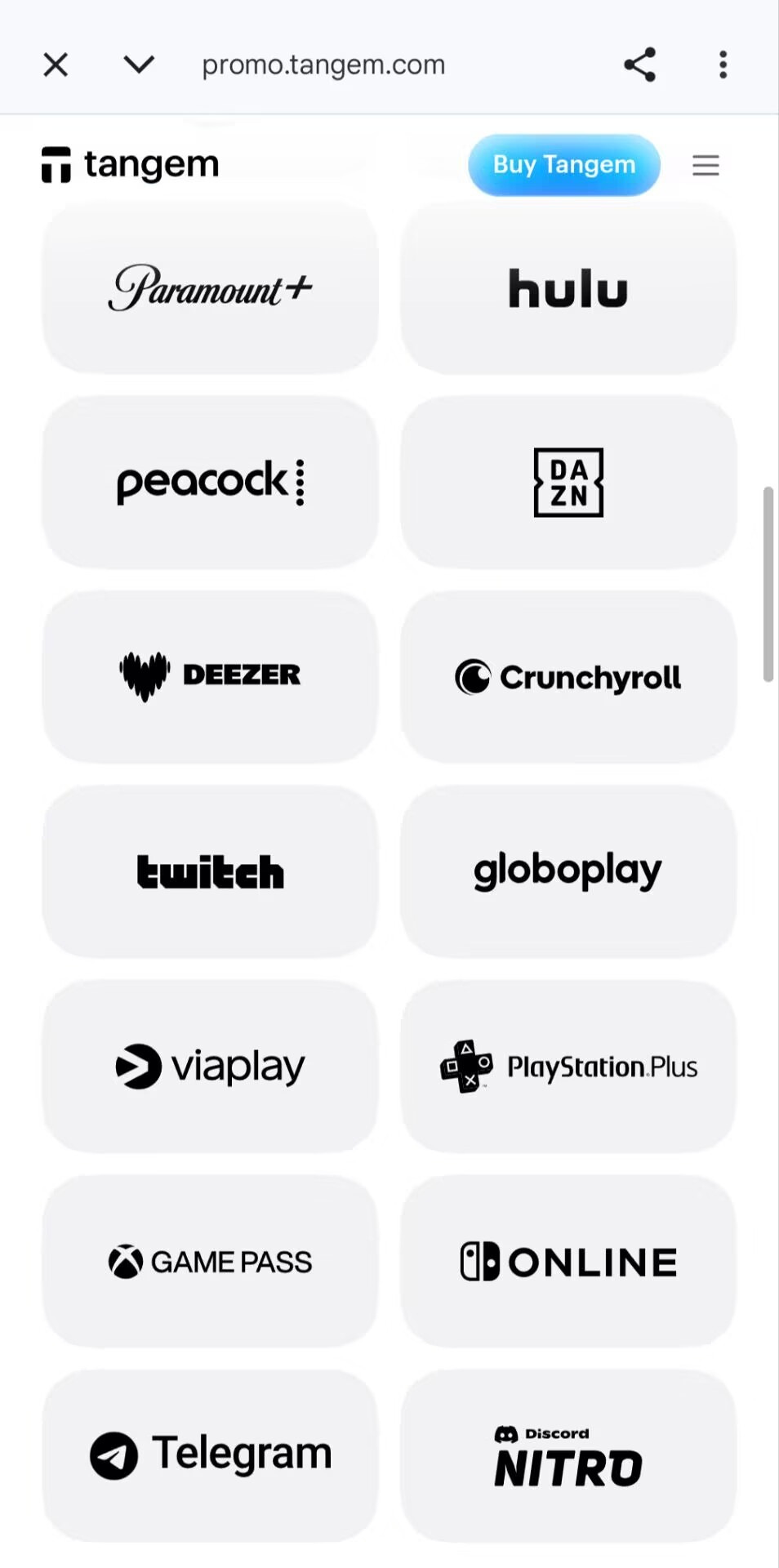
Eligible subscription merchants
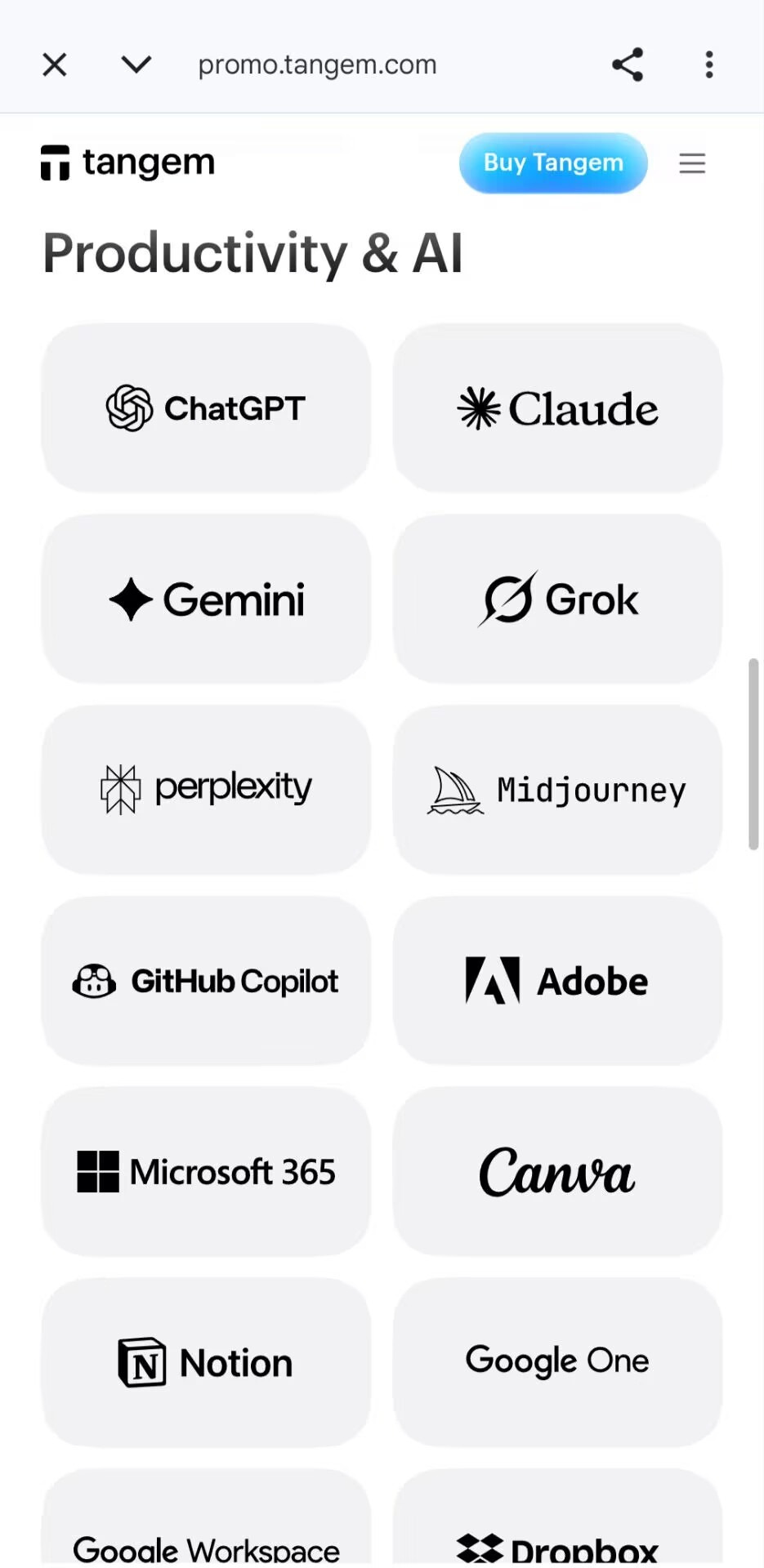
Media: Netflix, Spotify, YouTube Premium, Apple TV+, Apple Music, App Store, Google Play, Disney+, Amazon Prime, HBO Max, Paramount+, Hulu, Peacock, DAZN, Deezer, Crunchyroll, Twitch, Globoplay, Viaplay, PlayStation Plus, Xbox Game Pass, Nintendo Switch Online, Telegram Premium, Discord Nitro.
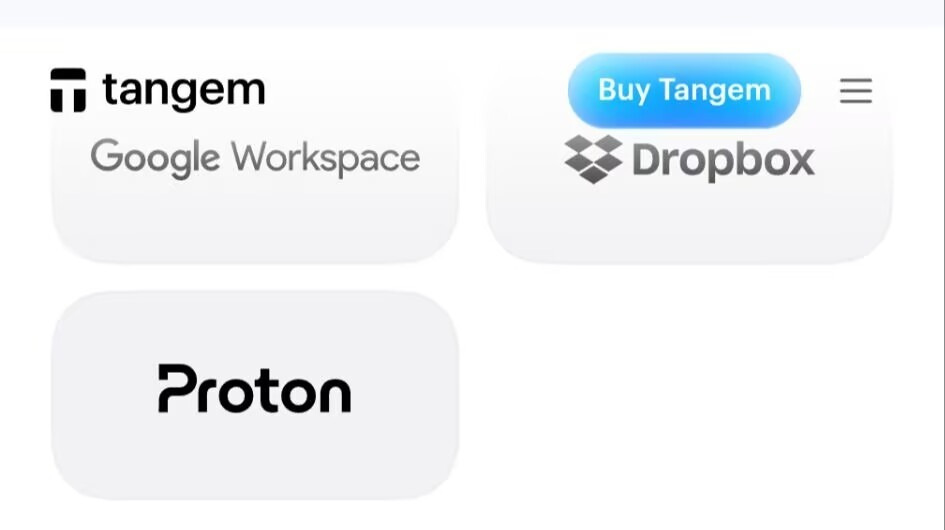
AI and work: ChatGPT, Claude, Gemini, Grok, Perplexity, Midjourney, GitHub Copilot, Adobe, Microsoft 365, Canva, Notion, Google One / Google Workspace, Dropbox, Proton.
2. Who can apply
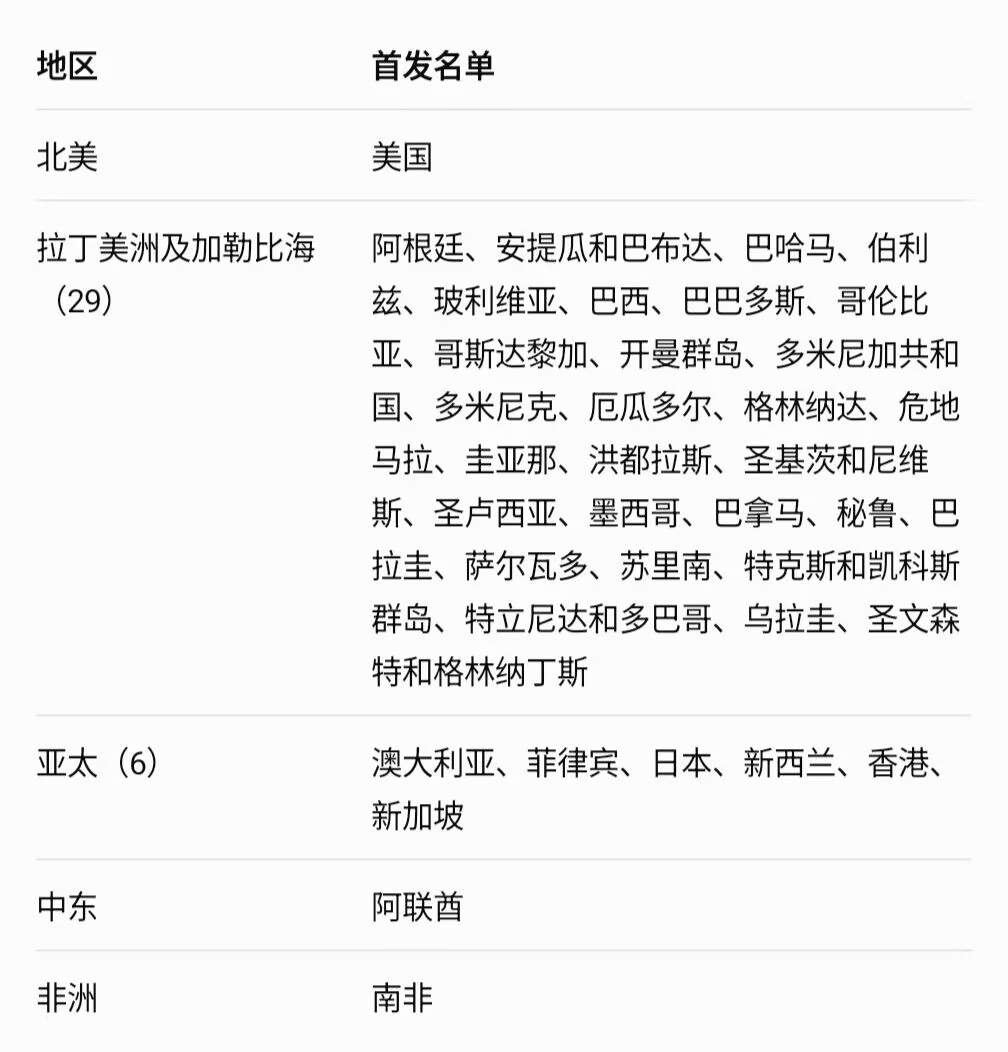
You choose a country of residence at sign-up, and KYC checks your ID and address. The official site only says "the US and selected countries across LATAM, APAC, MEA and Africa" and publishes no full list. The table below is the author's launch list (38 places). It is not an official list and is for reference only. Mainland China is not on it.
You need: the Tangem app, your own valid ID (passport or national ID), a phone number, an email, and a genuine home address in the country you select. Do not use a false residence or anyone else's details.
3. Step by step
Step 1: Install the official app
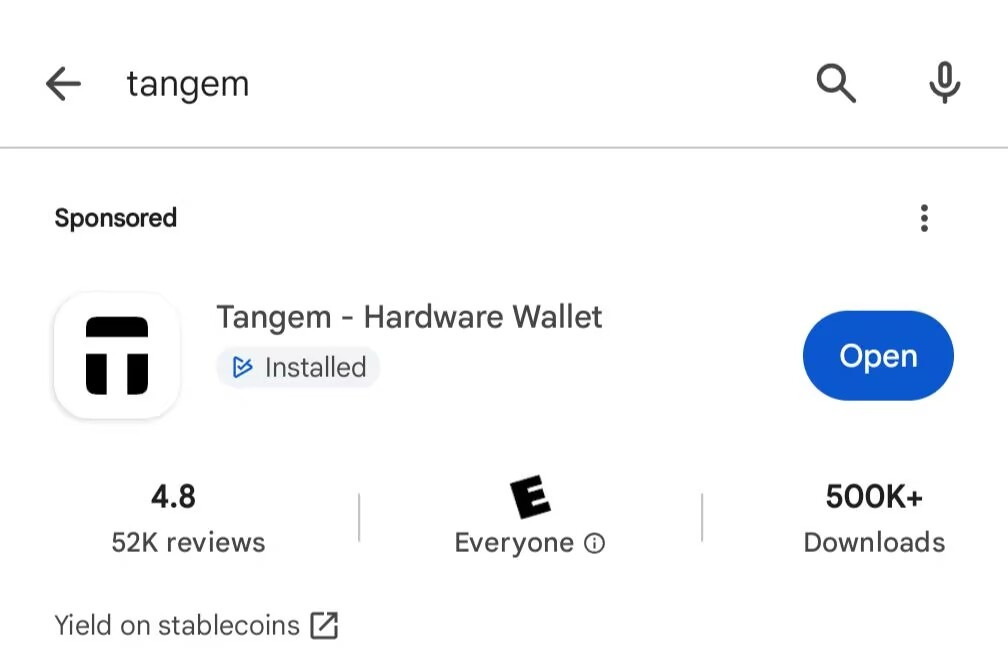
Search Tangem on Google Play or the App Store and pick the official "Tangem - Hardware Wallet".
Step 2: Create a wallet and open Tangem Pay
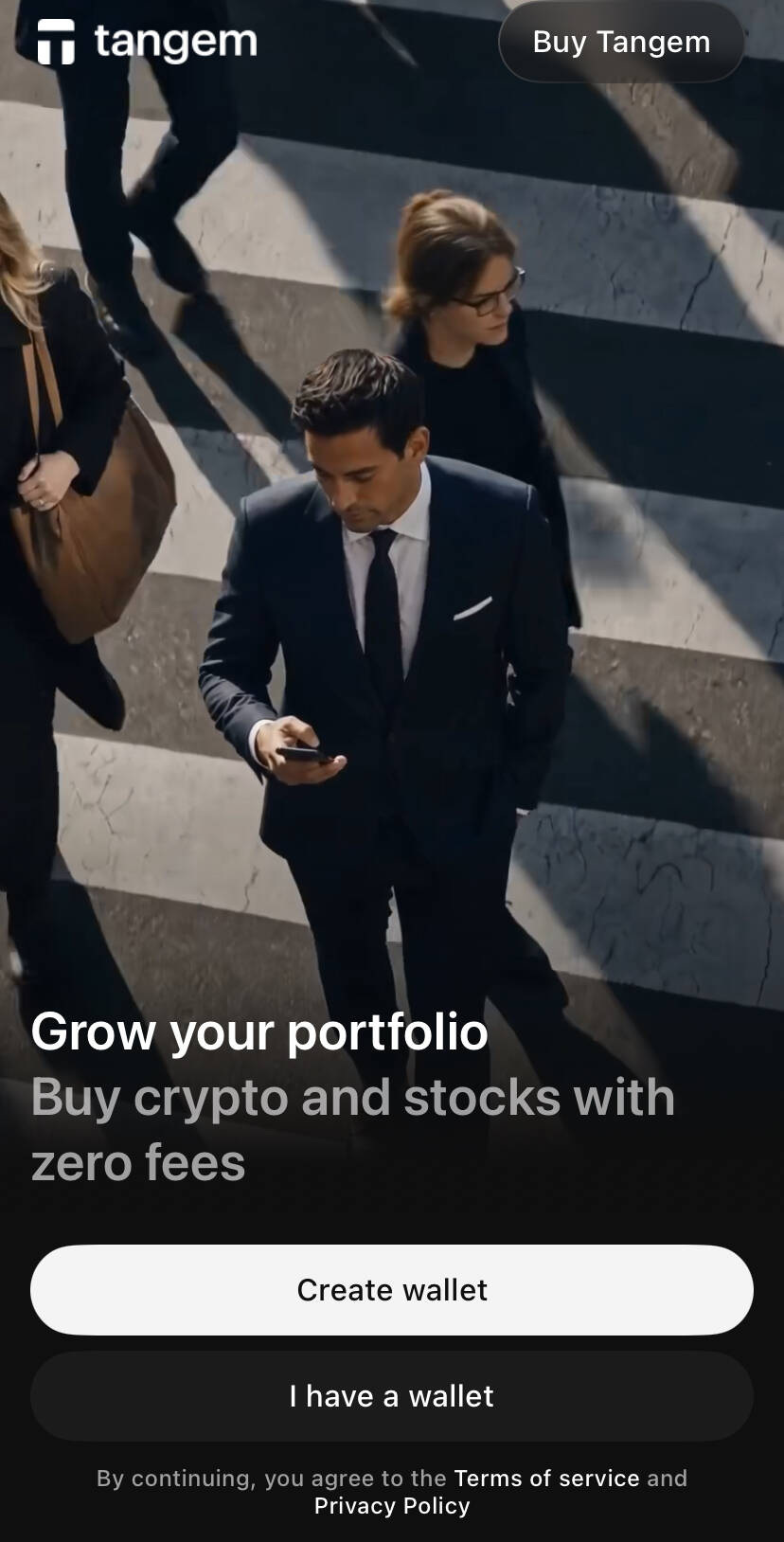
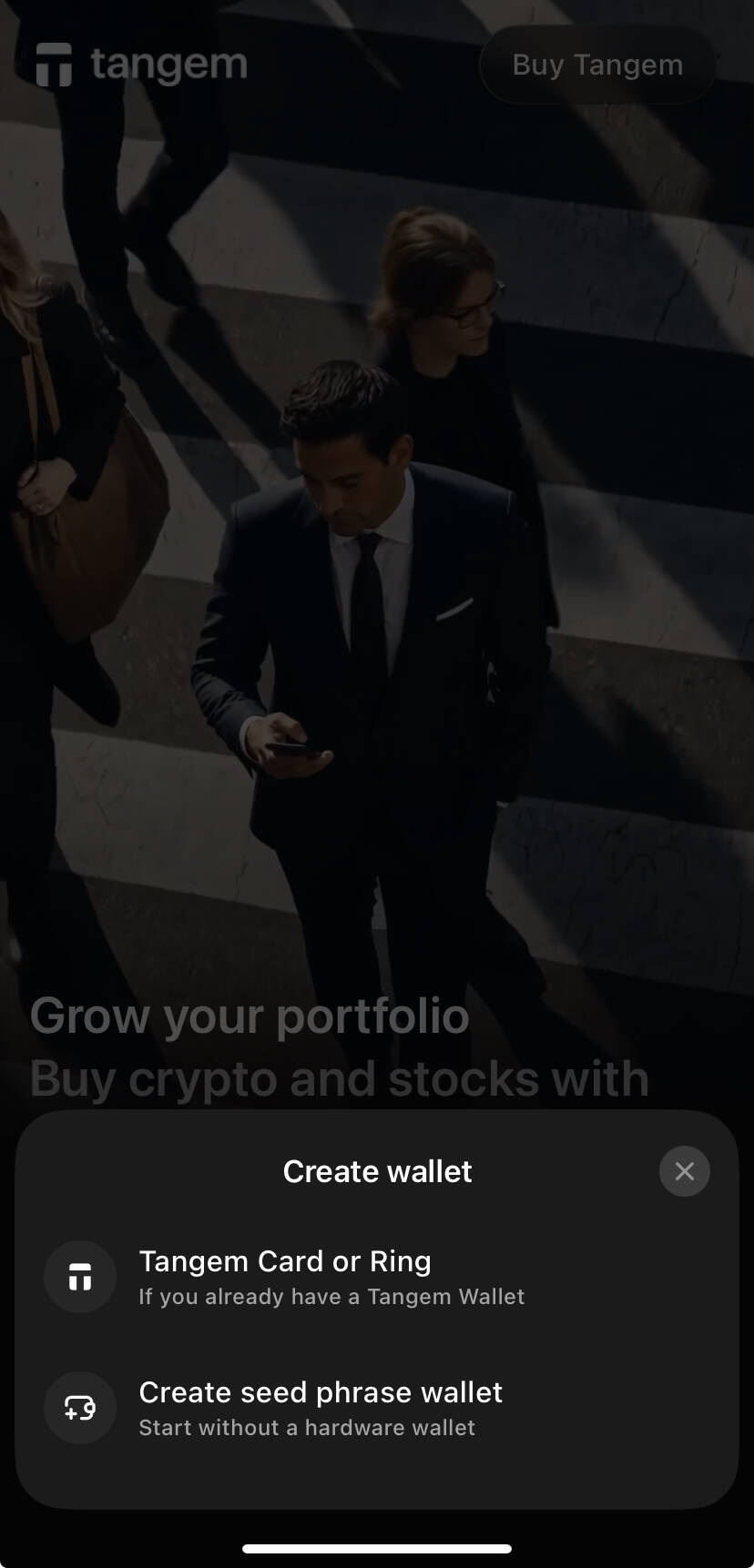
Open the app and tap "Create wallet". You can start with a seed-phrase mobile wallet without a hardware card; keep the seed phrase offline.
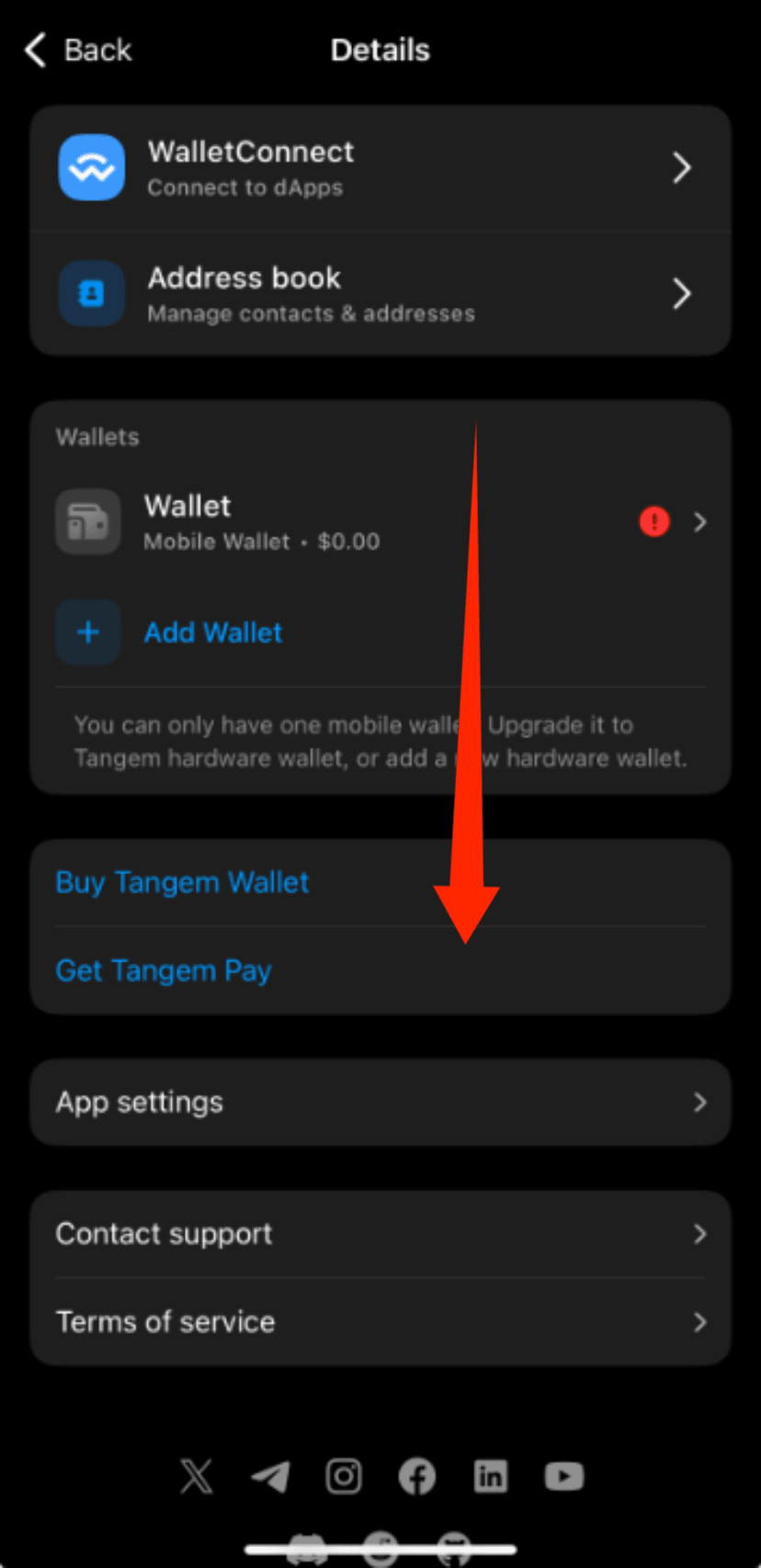
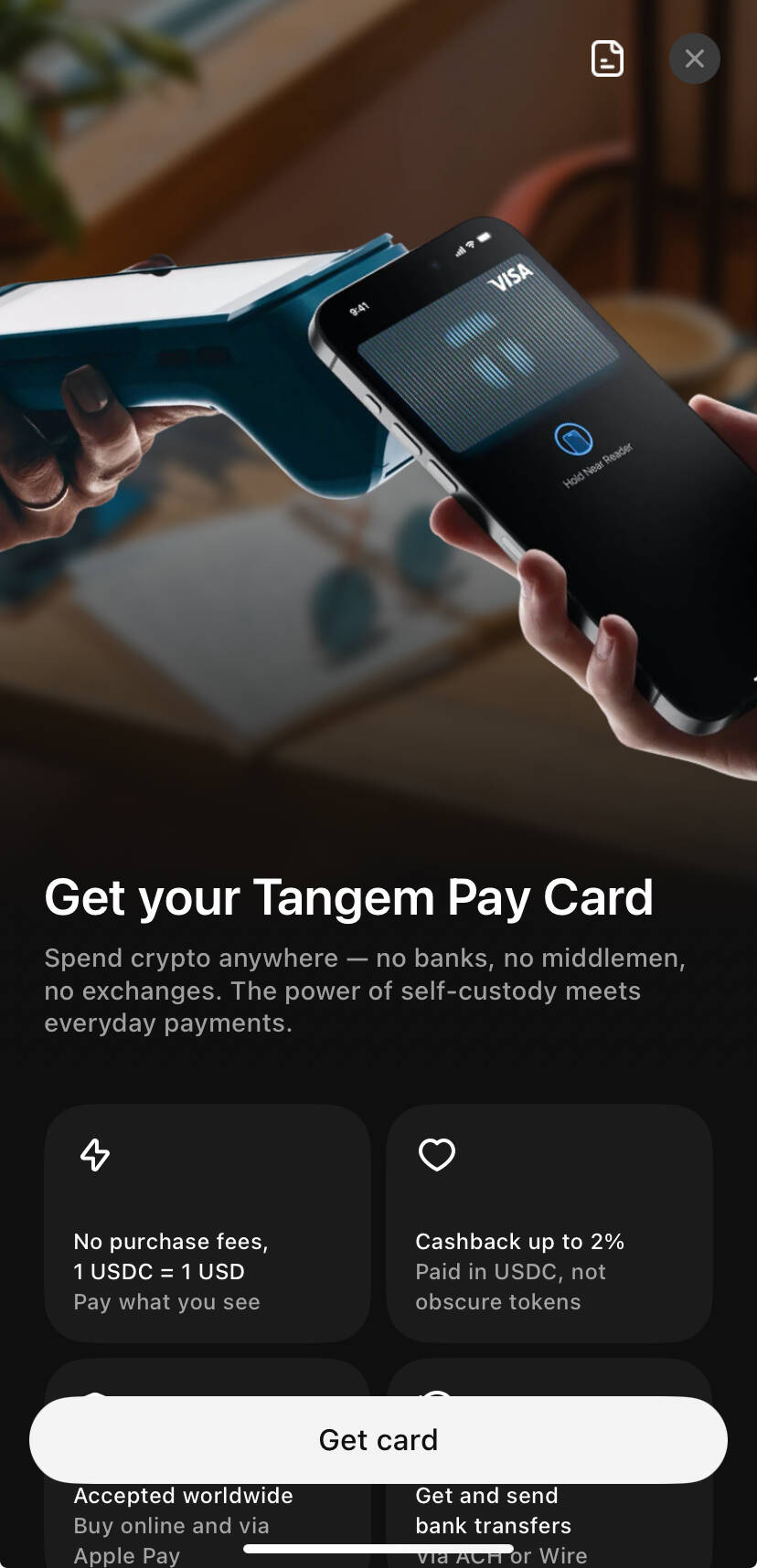
On the details/settings page tap "Get Tangem Pay", then "Get card".
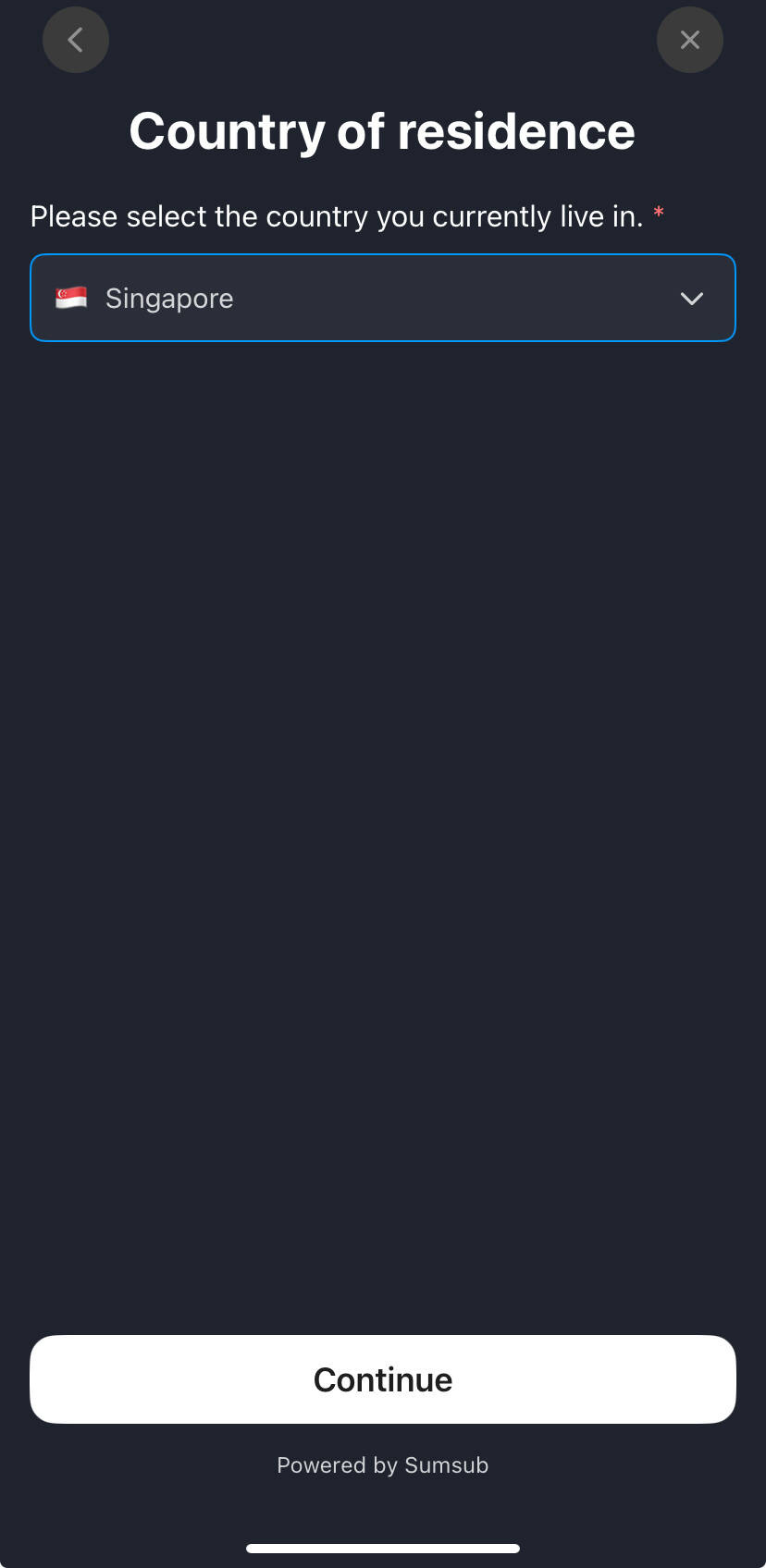
Step 3: Choose your country of residence
Pick the country you really live in. Unsupported countries cannot continue.
Step 4: Sumsub identity verification
KYC runs through Sumsub, the issuer Rain's compliance vendor: photograph your ID, complete a face check, verify your email and phone by code, and enter your home address. In the screenshots the ID issuing country is chosen separately from residence; the address must match the residence you chose.
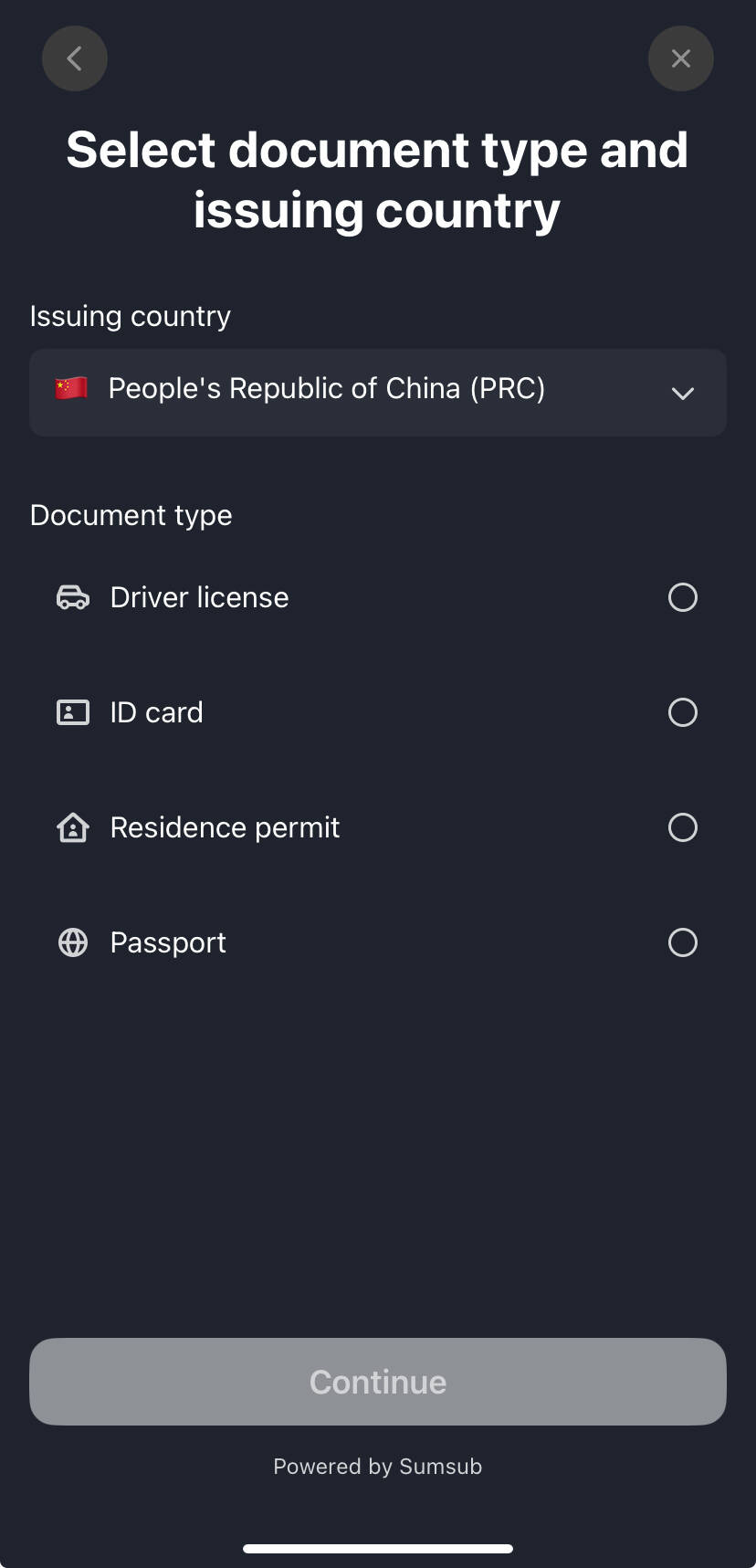
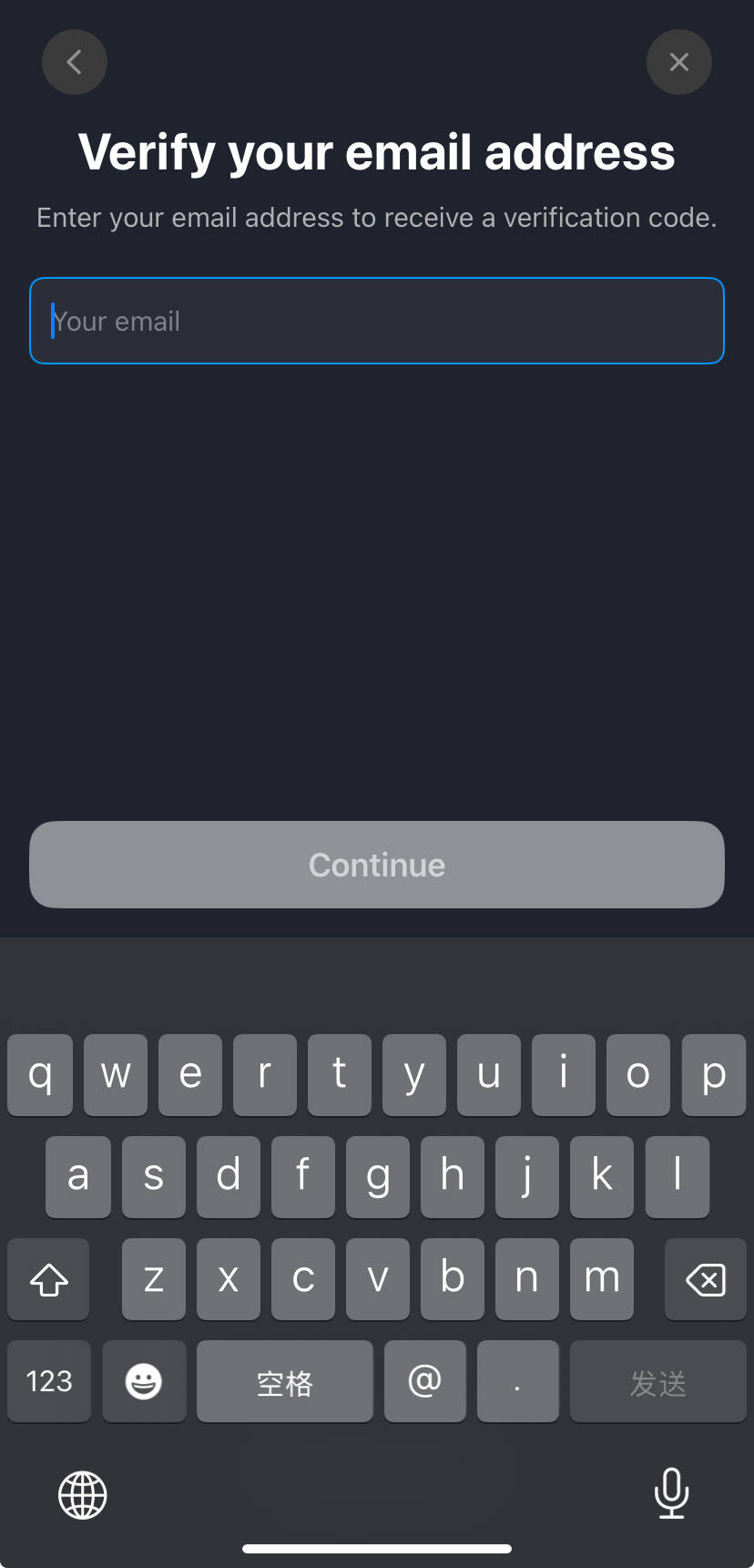
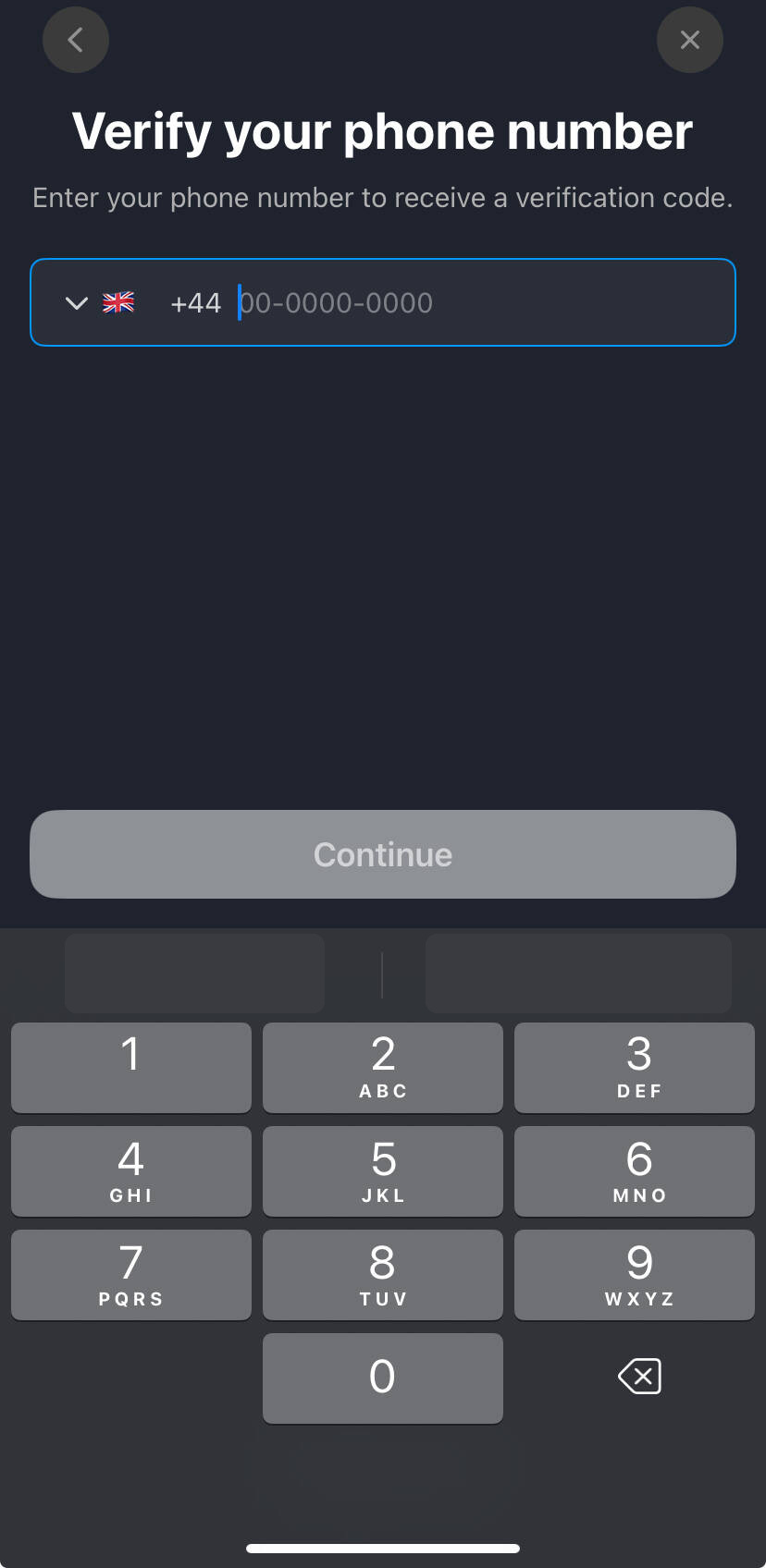
Use bright light, keep all four corners in frame and avoid glare; remove hats and glasses for the face check. If rejected, ask support@paera.com; Tangem Support cannot see KYC data.
Step 5: Get the virtual card
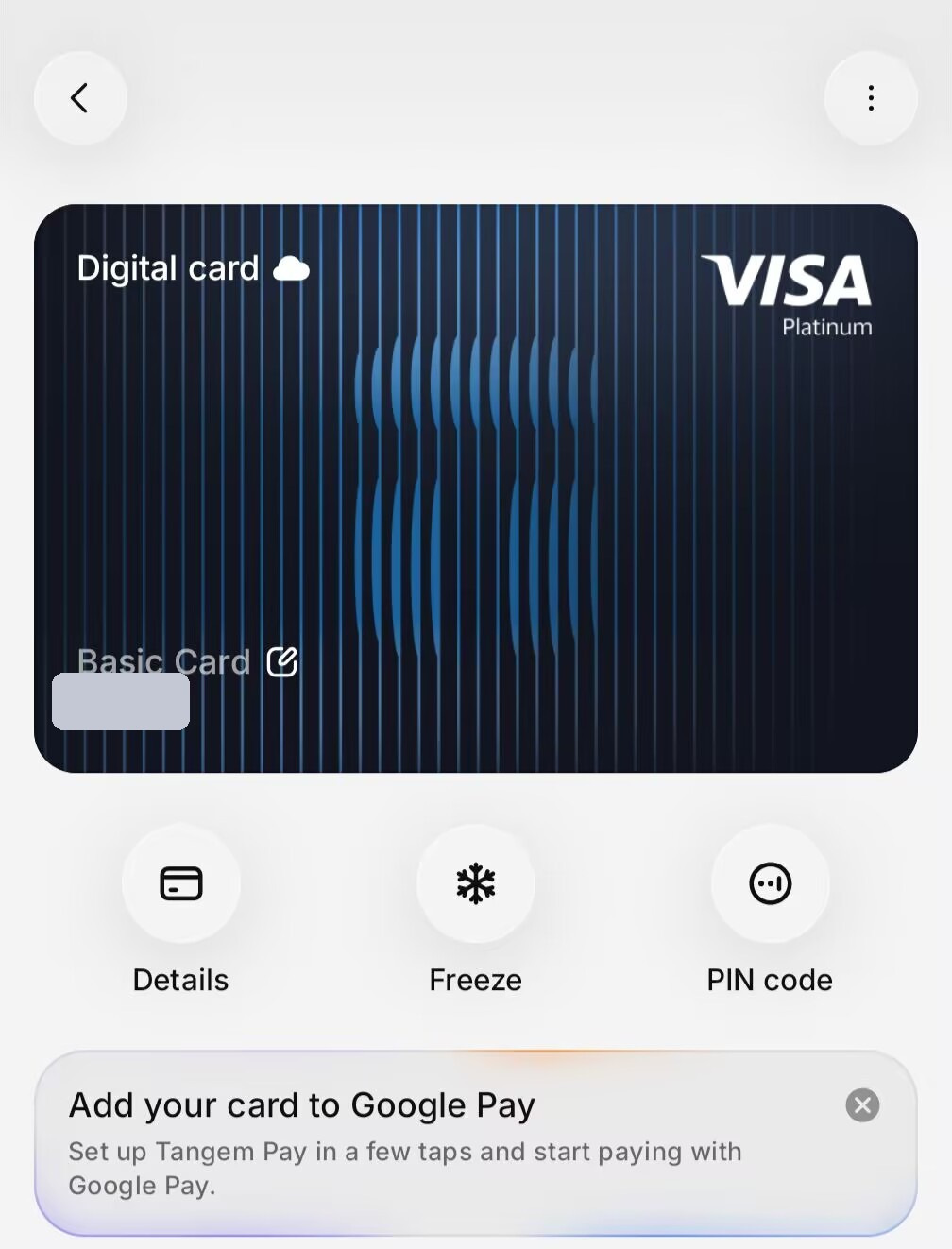
Once approved you get a Visa Platinum virtual card (Basic Card). Tangem says most cards are issued within 5 minutes, rarely up to 48 hours. The author's card BIN was 45492419 with Puerto Rico shown as the issuing location (Rain). That is one personal record, not a guarantee.
Step 6: Top up
Send USDC/USDT on Polygon, Base, BNB Smart Chain or Arbitrum to your Tangem Pay deposit address, or swap inside Tangem Wallet. Always check token and network; a wrong network may be unrecoverable, and on-chain top-ups pay network fees.
Step 7: Add to Apple Pay / Google Pay
The app shows an "Add your card to Google Pay" prompt. The author added it to Apple Pay; Tangem states both Apple Pay and Google Pay are supported. For online subscriptions, enter the card number directly.
4. Risks and limits
- Gambling, online casinos, liquor stores and similar categories are declined; some MCCs earn no cashback.
- In-store purchases at EU merchants earn no cashback.
- Tangem Pay is a card account separate from Tangem Wallet; you can only spend what you load onto it.
- Rules, fees and promotions can change; follow the app and the latest terms.