Cashi Card Guide: UK Details, Passport or Licence KYC, Same-Name USD Account and 3-2-1 Cashback
Cashi is a stablecoin Visa Platinum virtual card (USDT/USDC) with an optional same-name USD virtual account (ACH/Fedwire/SWIFT). With a UK number and address, p
What this covers
Cashi is a stablecoin Visa Platinum virtual card. Your balance is in USDT / USDC. After the card is live you can also open a USD virtual account in your name (ACH / Fedwire / SWIFT); incoming dollars convert 1:1 to USDT or USDC. Cashback is 3-2-1: 3% on subscriptions, 2% on online shopping, 1% on travel. We ran the full flow with a UK phone number and UK address: a passport or a Chinese driving licence both passed KYC, the card landed in minutes, and the USD account needed no second KYC.
Before you start
- Cashi is a fintech company, not a bank and not a self-custody wallet. Officially, user assets sit with a third-party custodian and you do not hold the keys. If you care about "not your keys, not your coins", do not park large amounts.
- What we needed: a non-mainland phone number (+44 UK for SMS), a real UK home address with postcode, proof of address from the last 3 months (full name, full address with postcode, issuer), a valid ID (prefer a passport or Chinese driving licence; national ID is listed but some applicants with a Chinese ID were blocked, so avoid it), and age 18+.
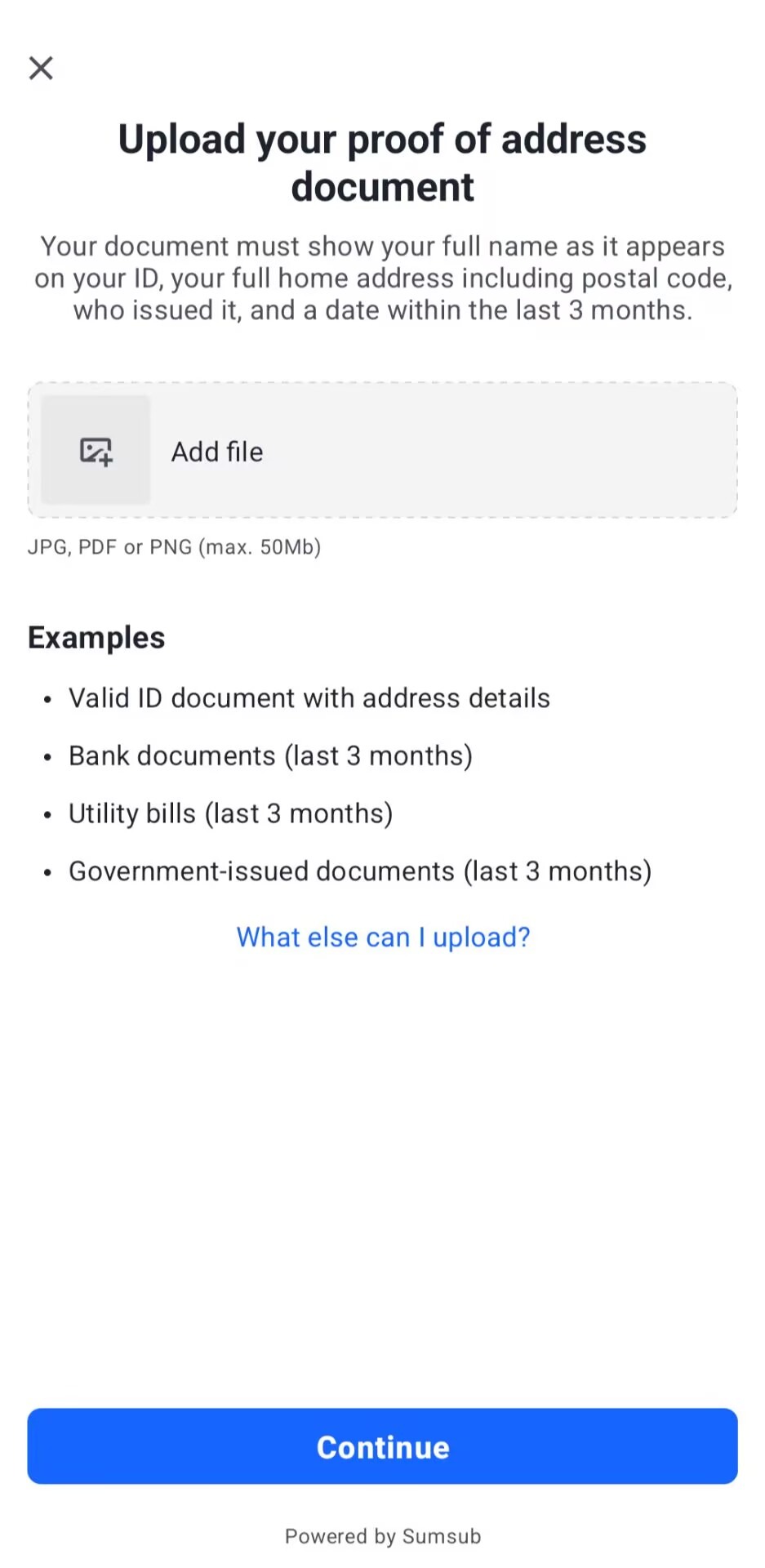
- Proof of address can be a bank statement, utility bill, government letter, or a valid ID that shows the address. Upload JPG / PDF / PNG, max 50MB.
- Fill everything in truthfully. A fake address or phone number is false information to a financial institution and can freeze the account and hold funds.
- Open verification only from inside the app. Never use a link someone sends you.
- The card is mainly for online spend and works with Google Pay; Apple Pay is still being adapted. Non-USD spend has a 1% FX fee; fiat deposits are about 0.6% per public info. Cashback is spending credit only — not withdrawable — and refunds claw it back.
- Screens, fees and limits follow the app and official terms (info as of Nov 2026).
Steps
1. Download the Cashi app
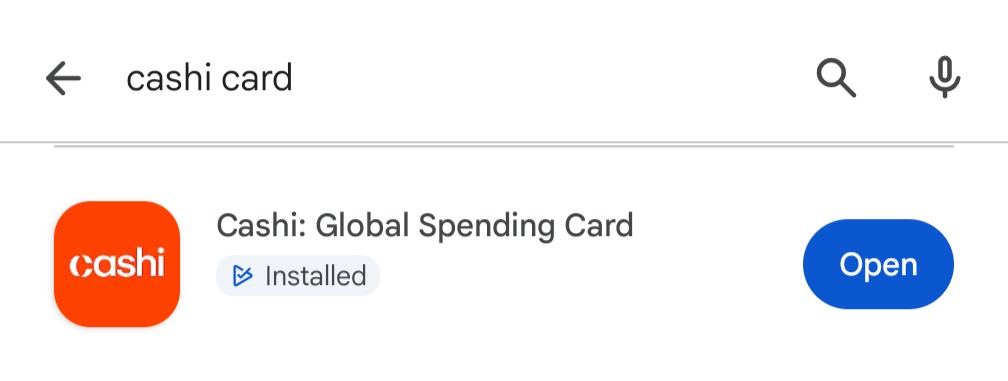
Search for Cashi on Google Play or the App Store. The title is "Cashi: Global Spending Card". Install and open it.
2. Verify your phone number
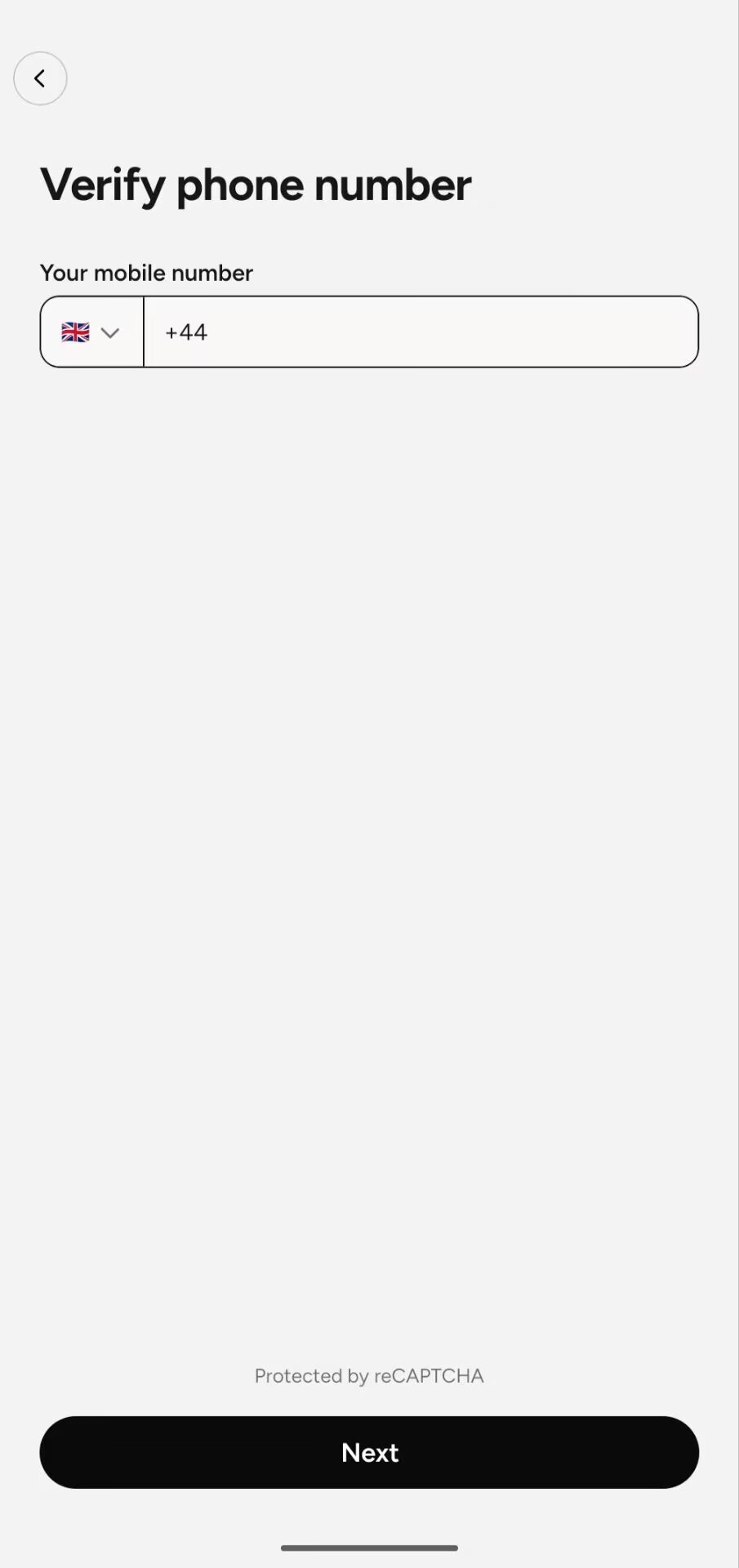
Choose the UK +44 code, enter a UK number that can receive SMS, and complete the code.
3. Tap Verify identity on Home
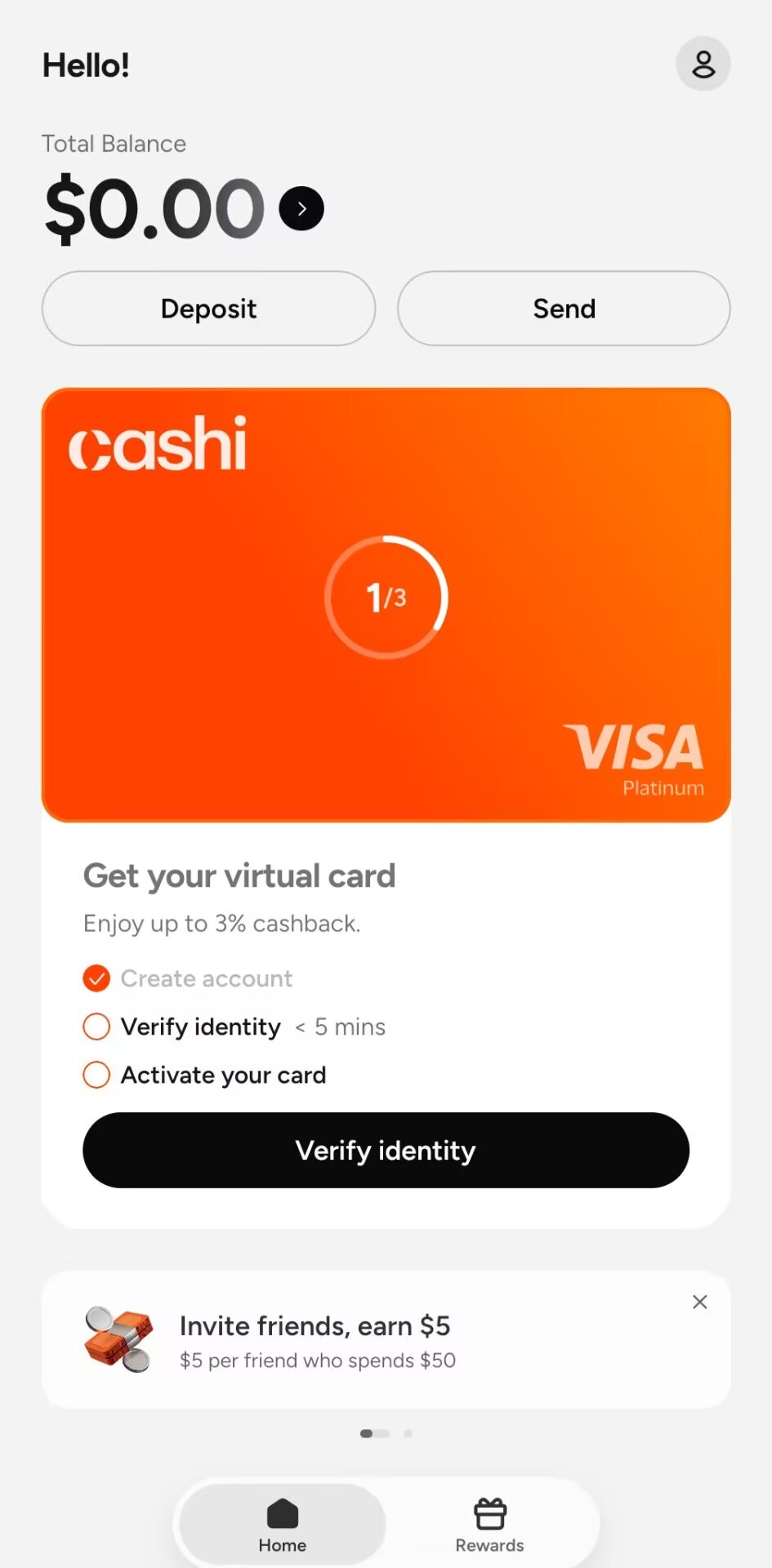
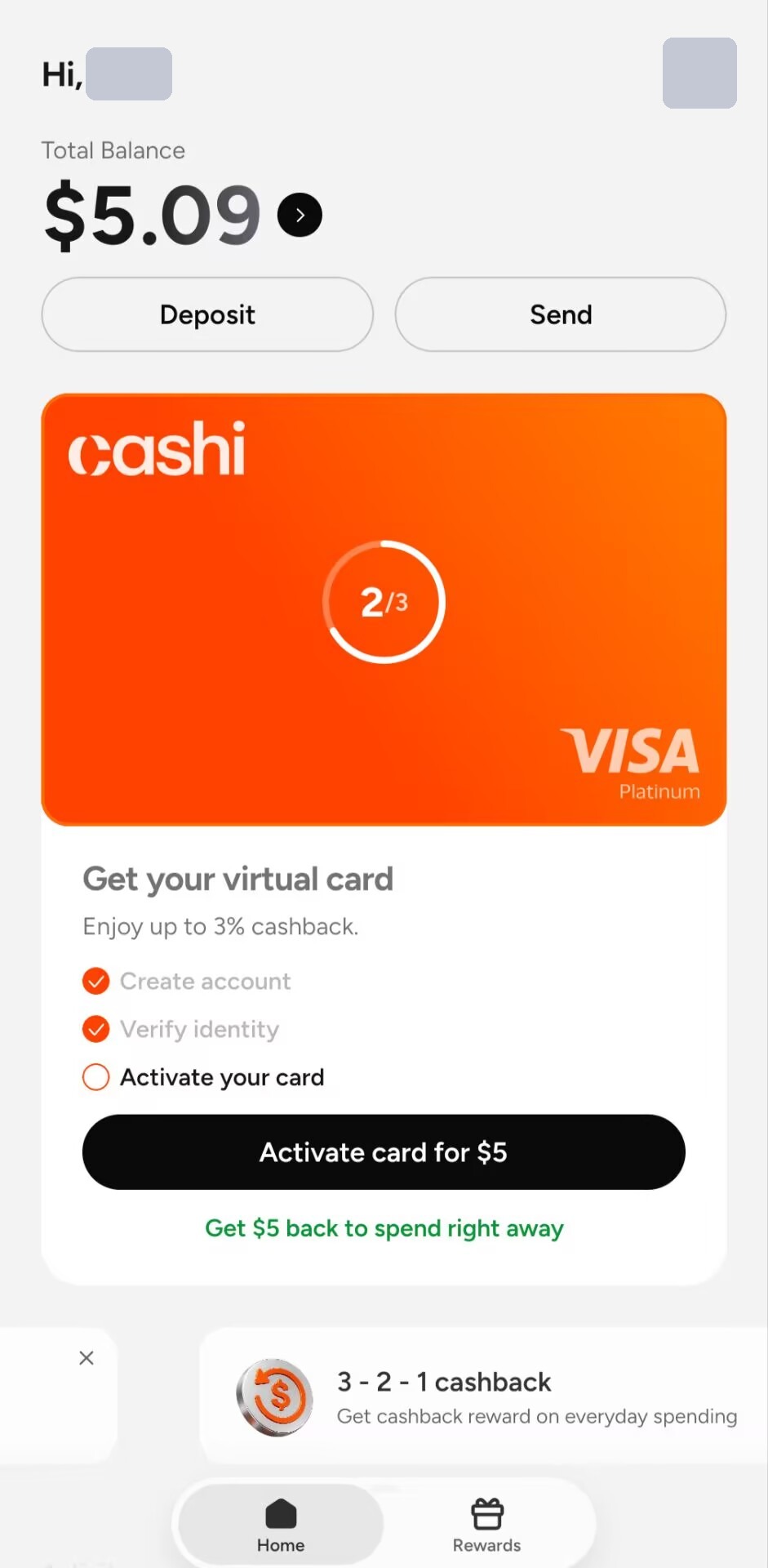
After signup the home screen shows an orange virtual card at step 1/3: Create account (done) → Verify identity (~5 mins) → Activate your card. Tap Verify identity to start KYC.
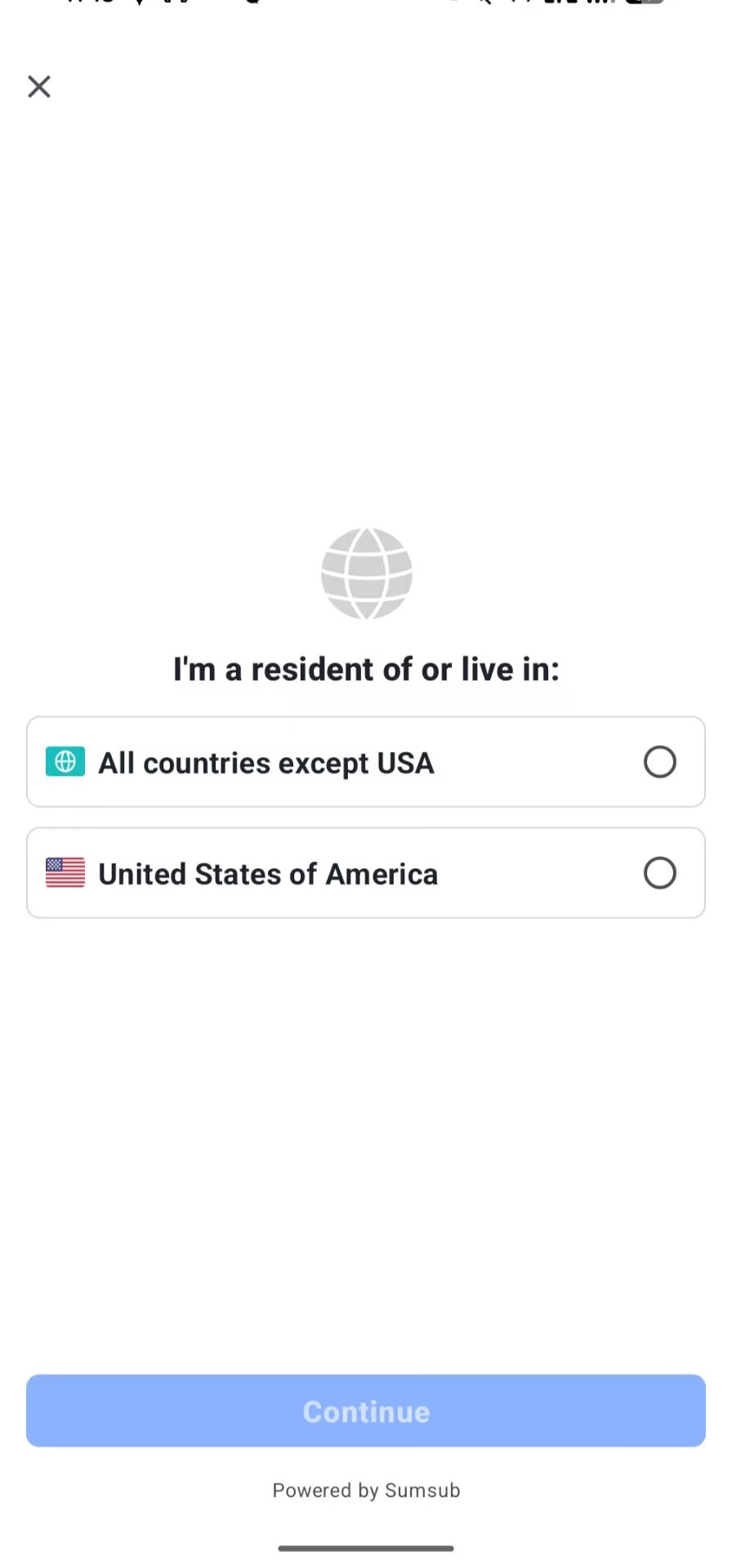
4. Choose where you live
KYC is powered by Sumsub. On "I'm a resident of or live in", pick All countries except USA.
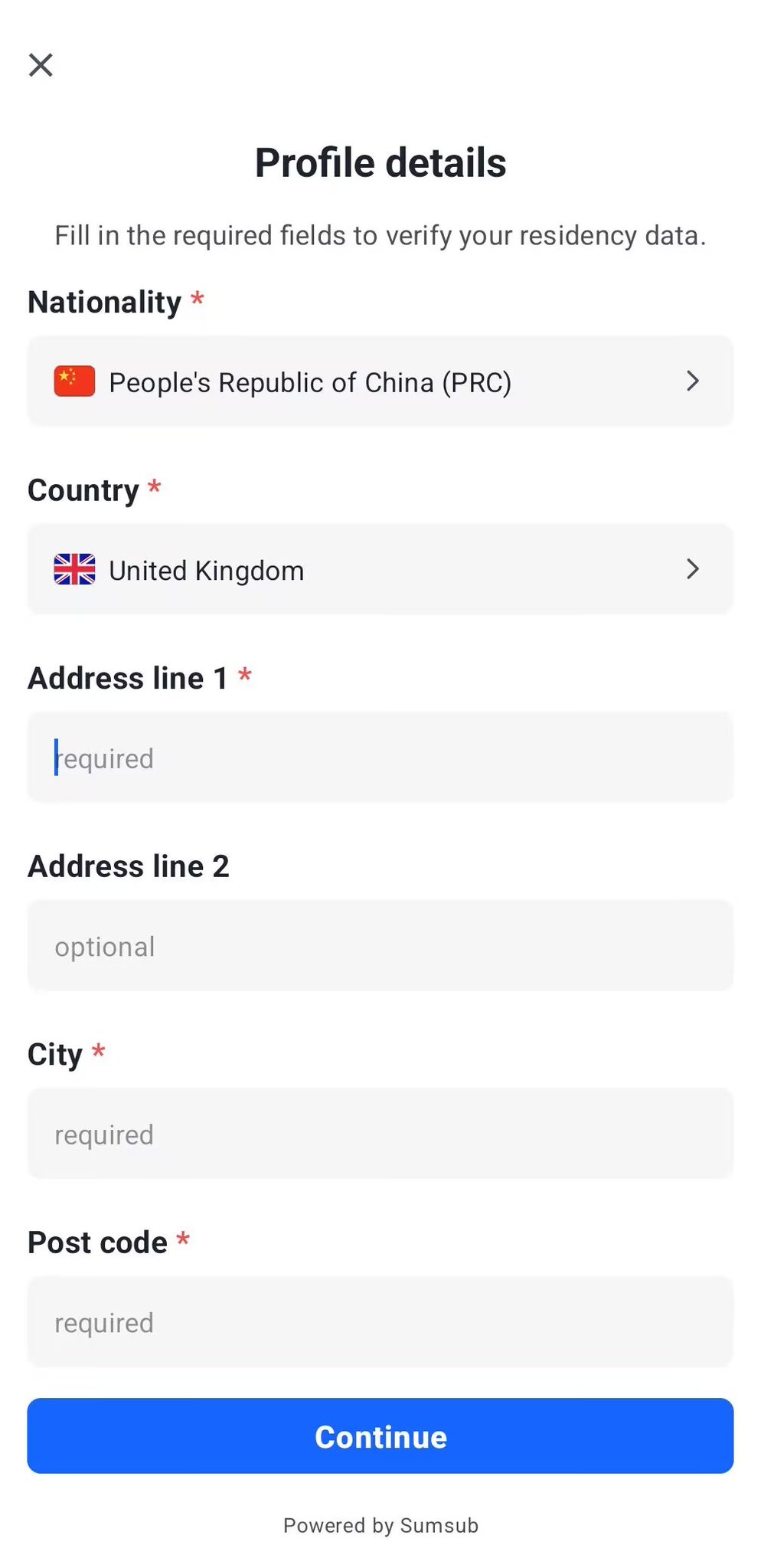
5. Nationality and UK address
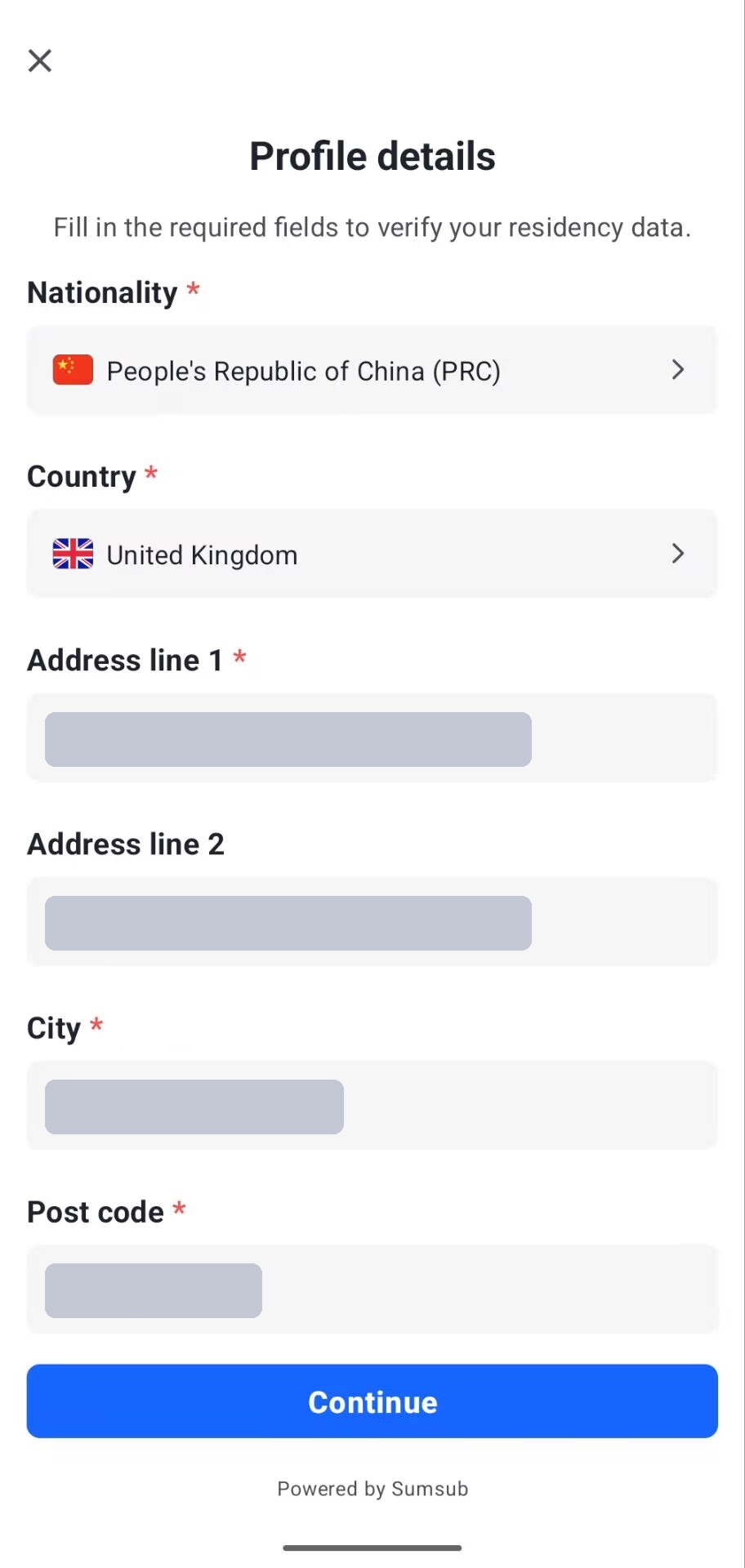
Set Nationality to People's Republic of China (PRC) and Country to United Kingdom. Address line 1, line 2 (optional), city and postcode must match your proof of address exactly.
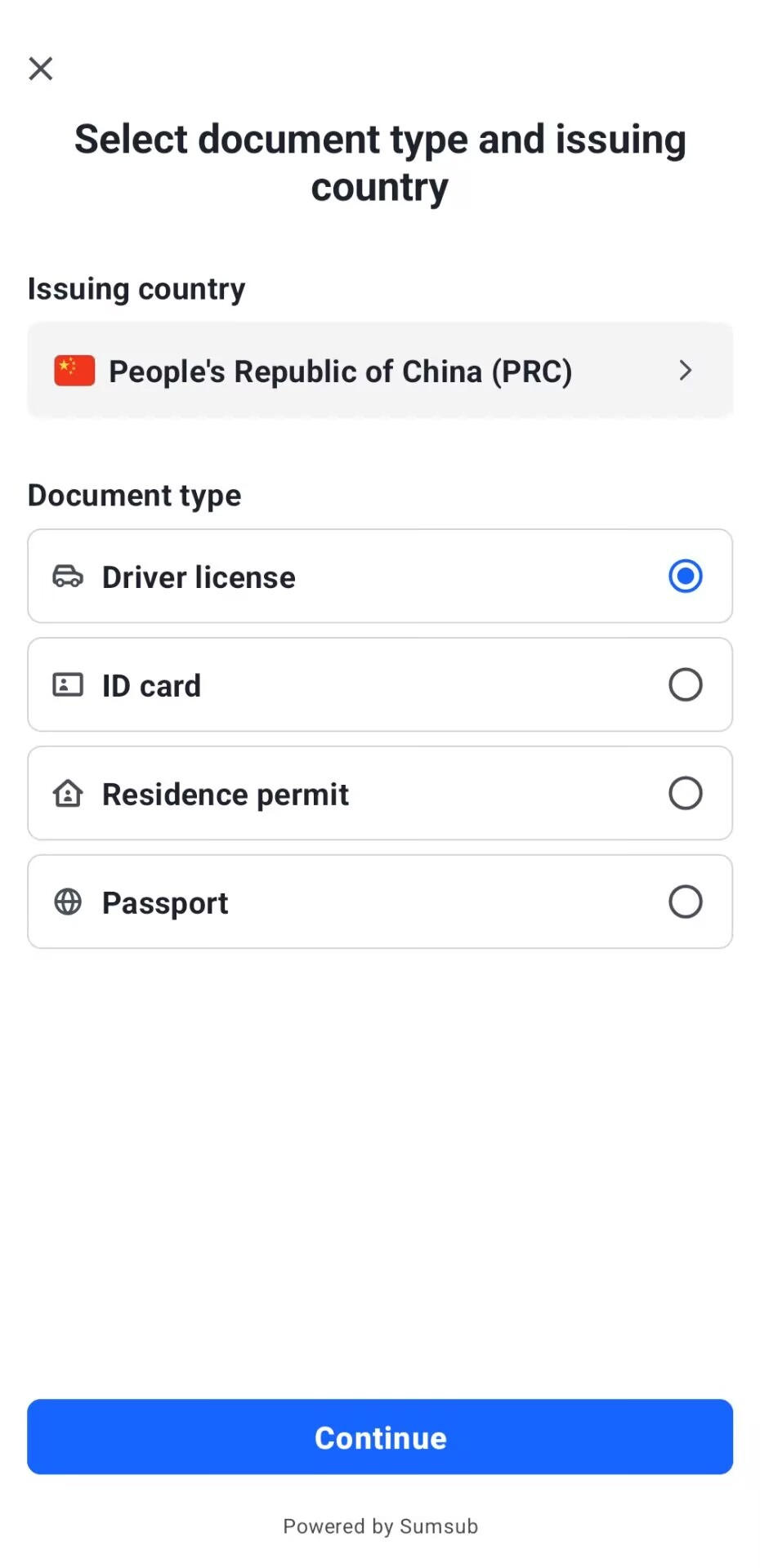
6. Pick your ID
Issuing country: People's Republic of China (PRC). Options: Driver license, ID card, Residence permit, Passport. A Chinese driving licence passed for us in one go; a Chinese passport also works (live photo only, no gallery upload). National ID is listed but some Chinese ID submissions were blocked — prefer passport or driving licence. Follow the prompts for the document photo and selfie.
7. Upload proof of address
Upload a proof of address from the last 3 months: full name matching your ID, full address with postcode, issuer and date.
8. Wait for review
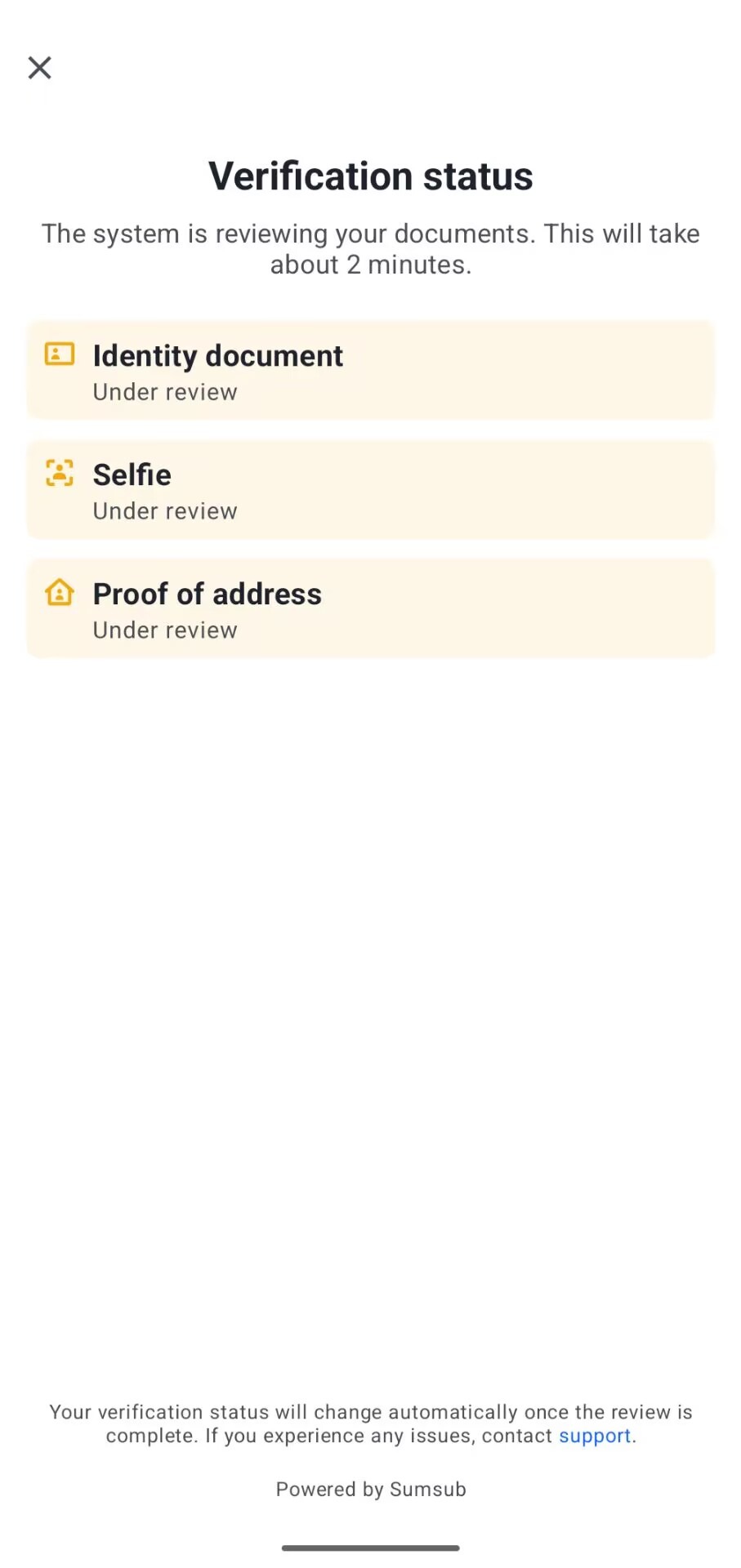
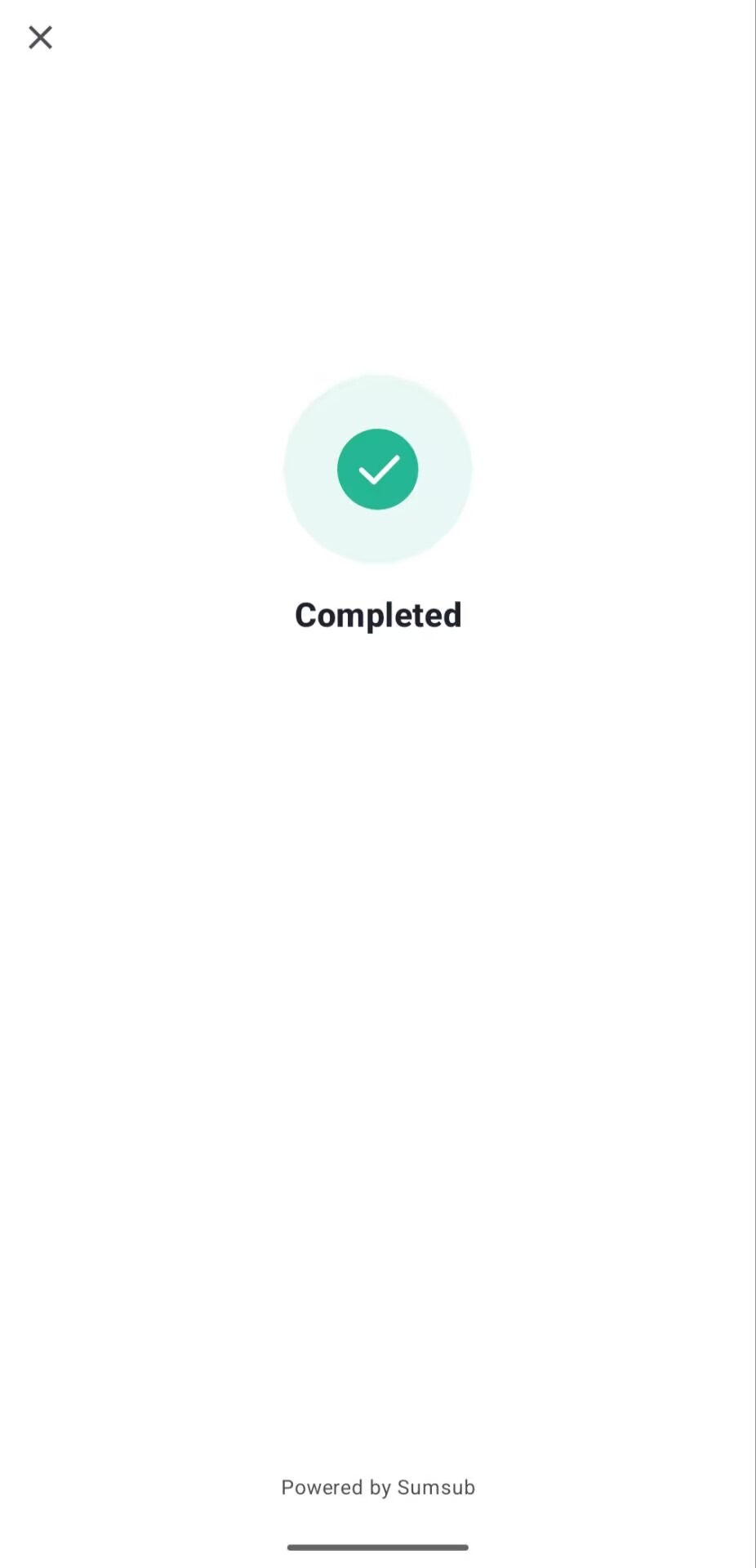
ID, selfie and proof of address are reviewed together; the screen says about 2 minutes. Completed means you passed.
9. Activate the card: $5 in, $5 back
After KYC the progress shows 2/3. Tap Activate card for $5 — the screen says Get $5 back to spend right away. Top up a little USDT / USDC (or fiat) first, then activate.
10. Card ready
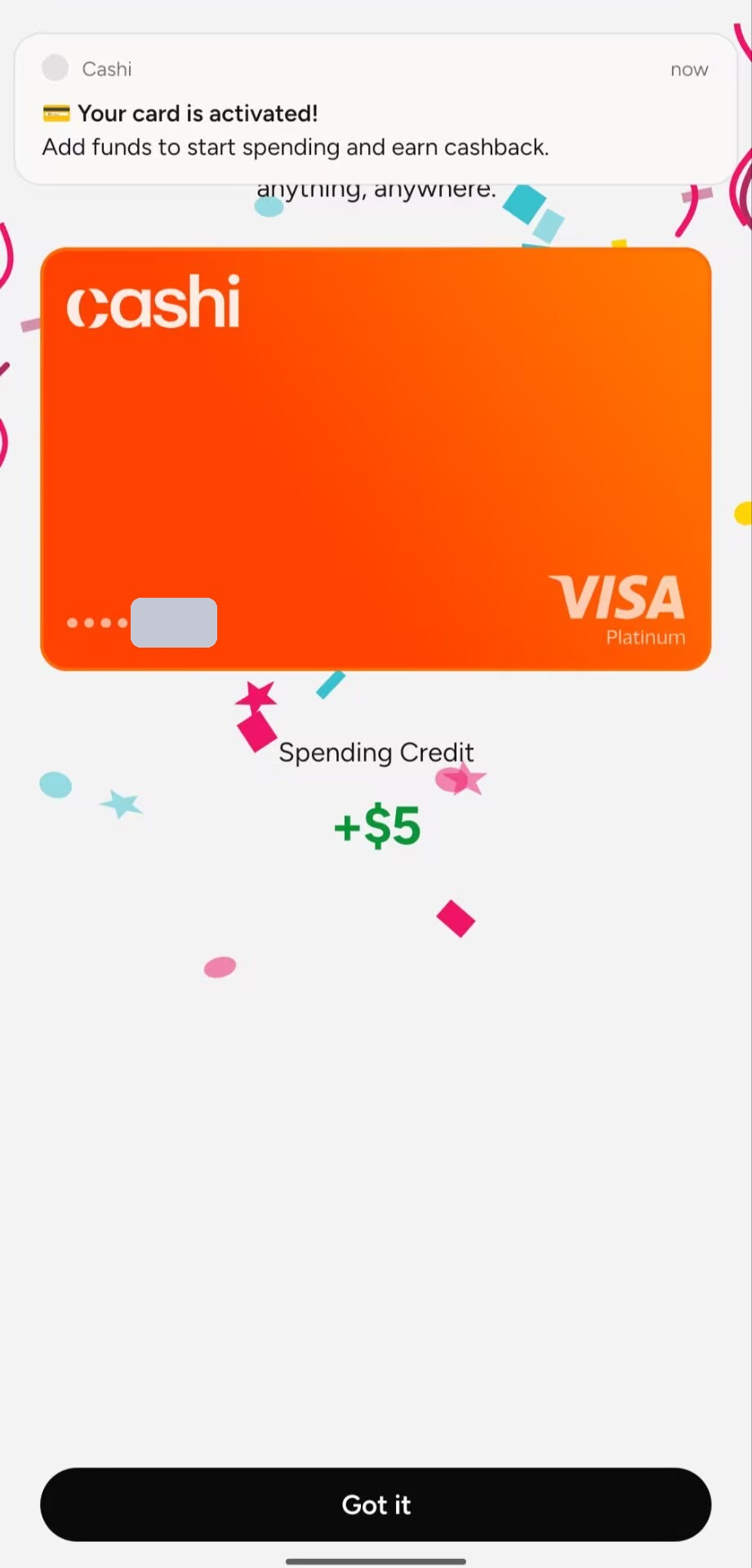
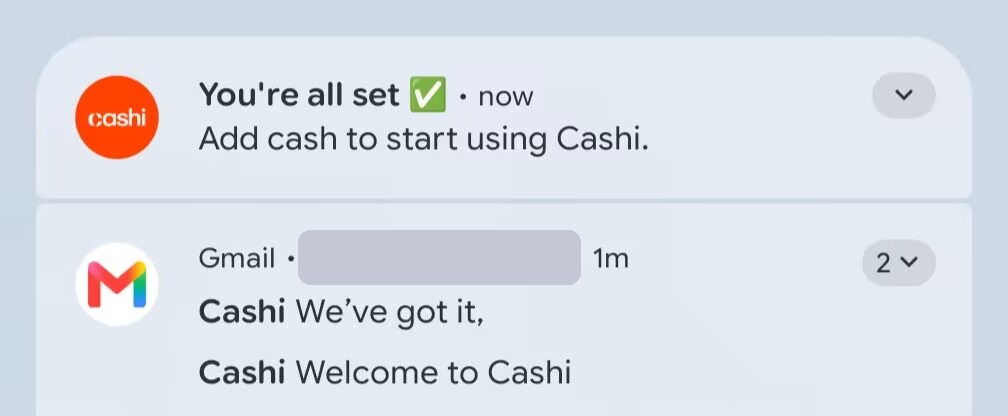
You get a "Your card is activated!" notice and Spending Credit +$5. App and email confirmations follow.
11. Apply for the USD account (no second KYC)
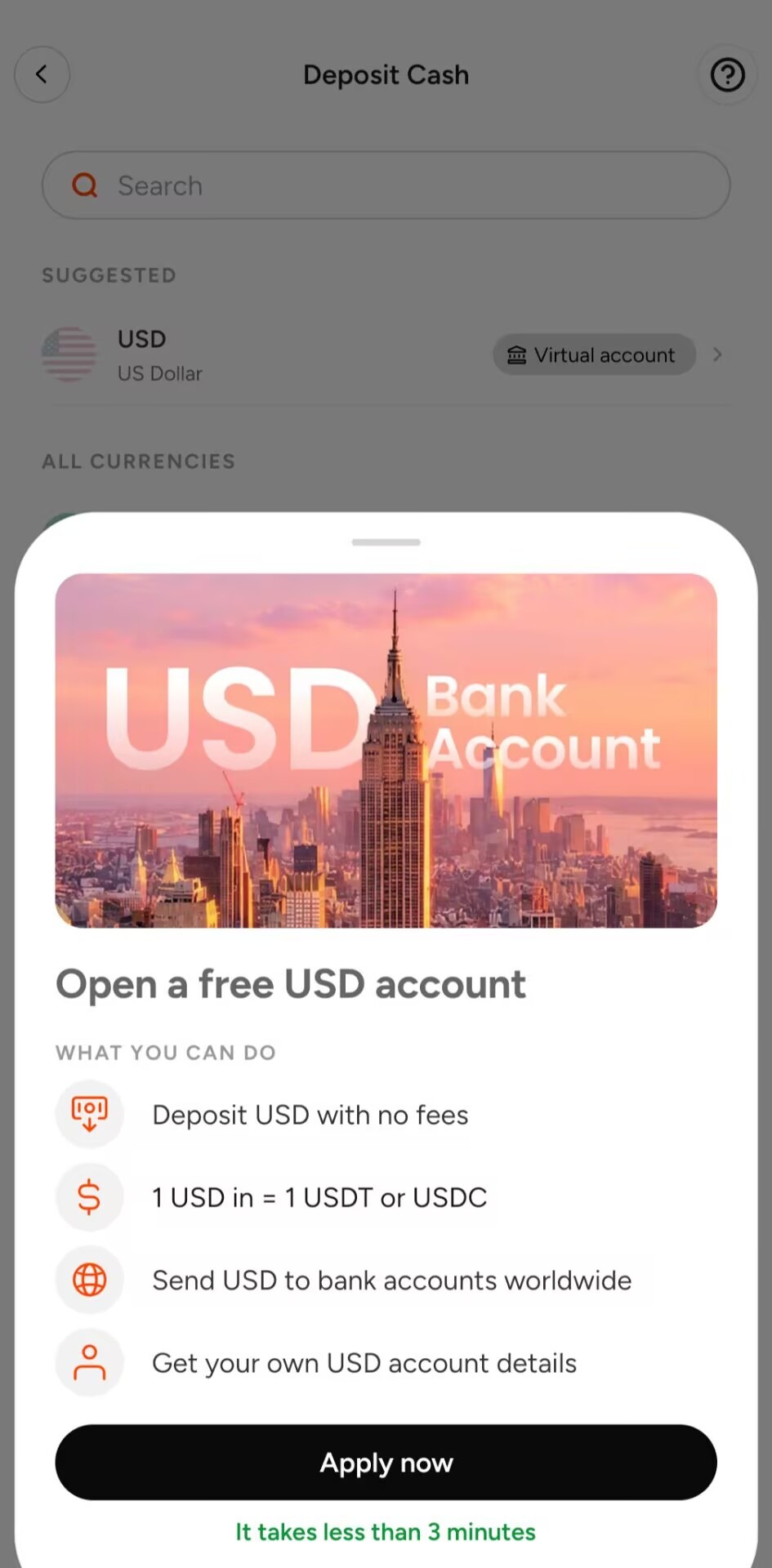
On Home tap Deposit → USD (Virtual account) under Suggested → Apply now. It says under 3 minutes; cardholders do not repeat KYC.
12. Answer four questions
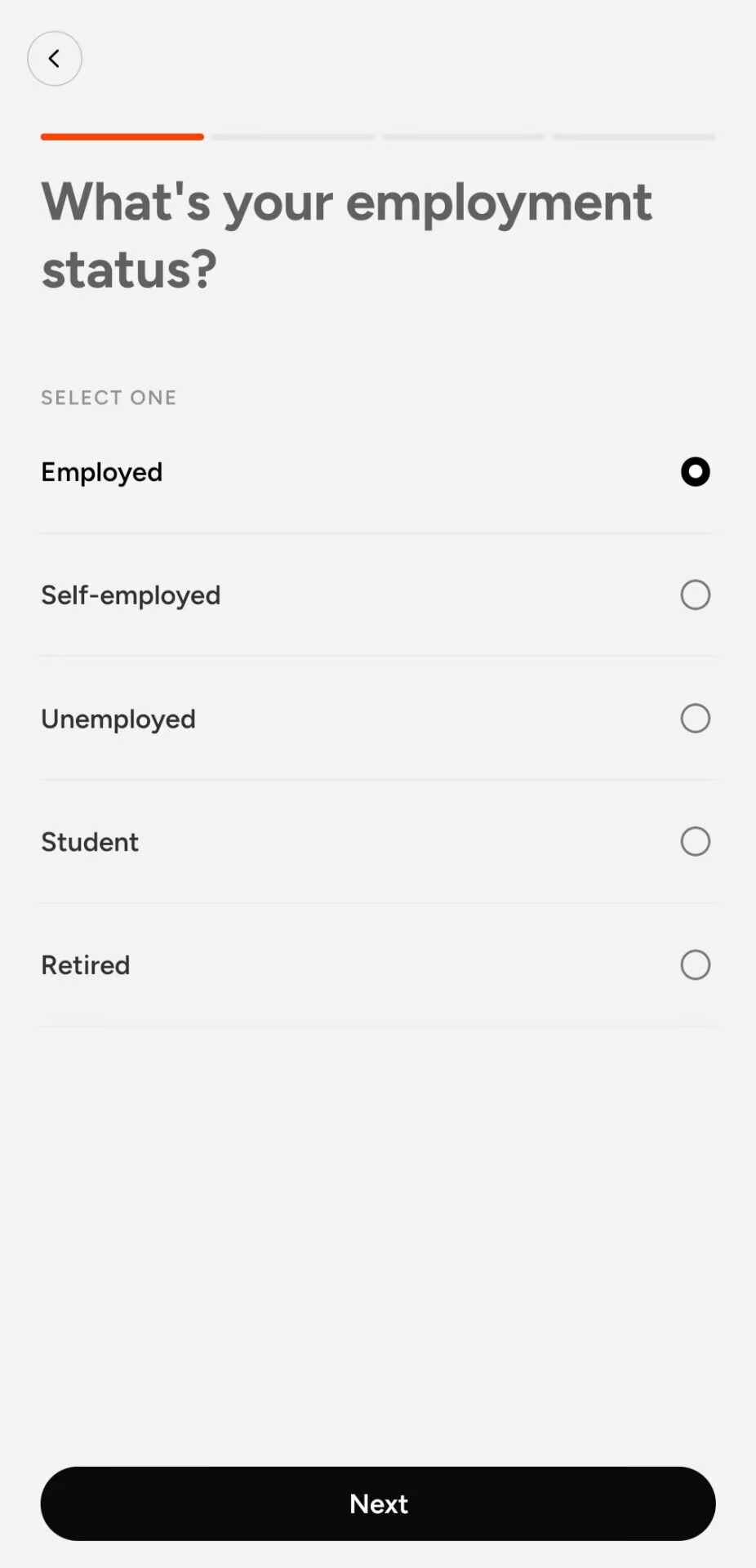
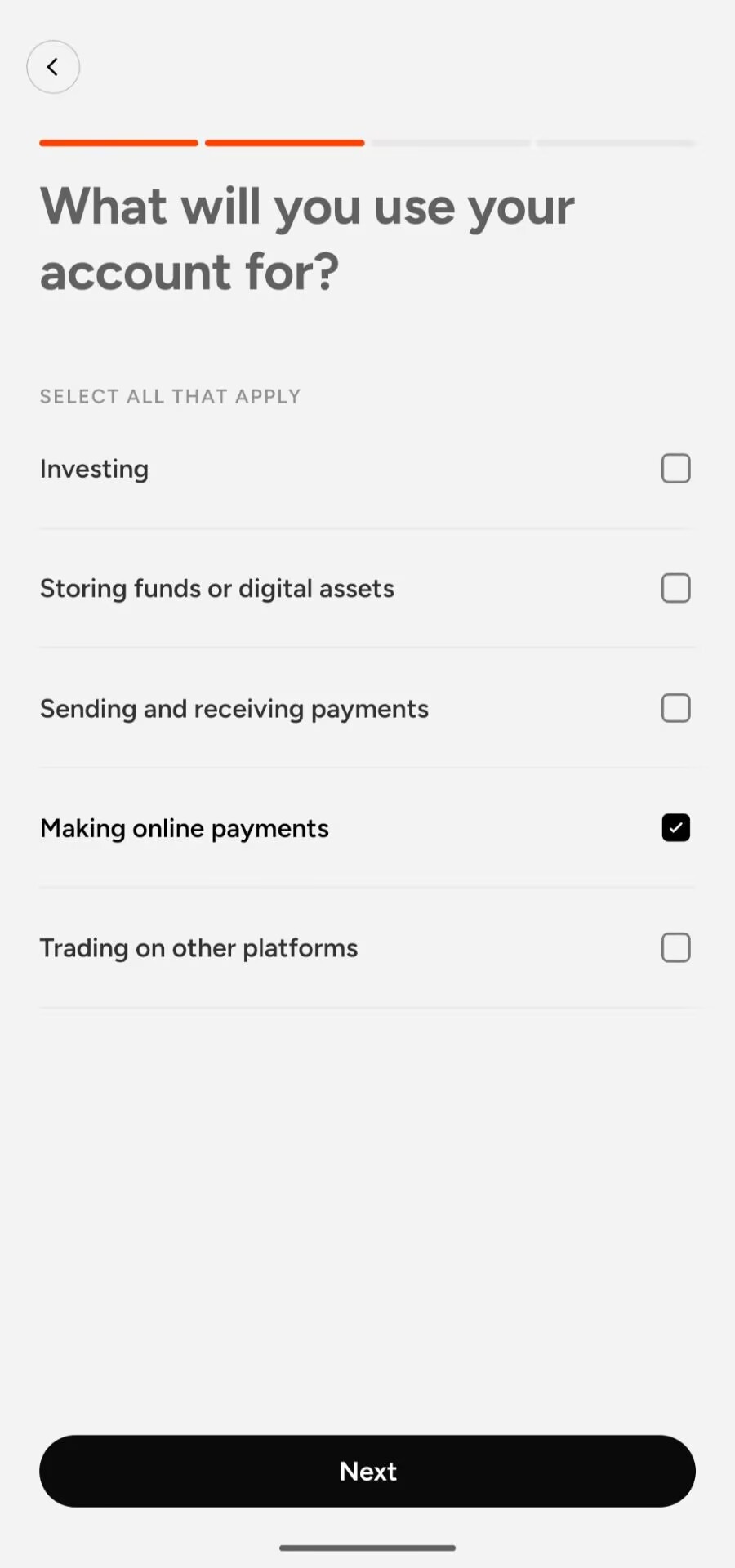
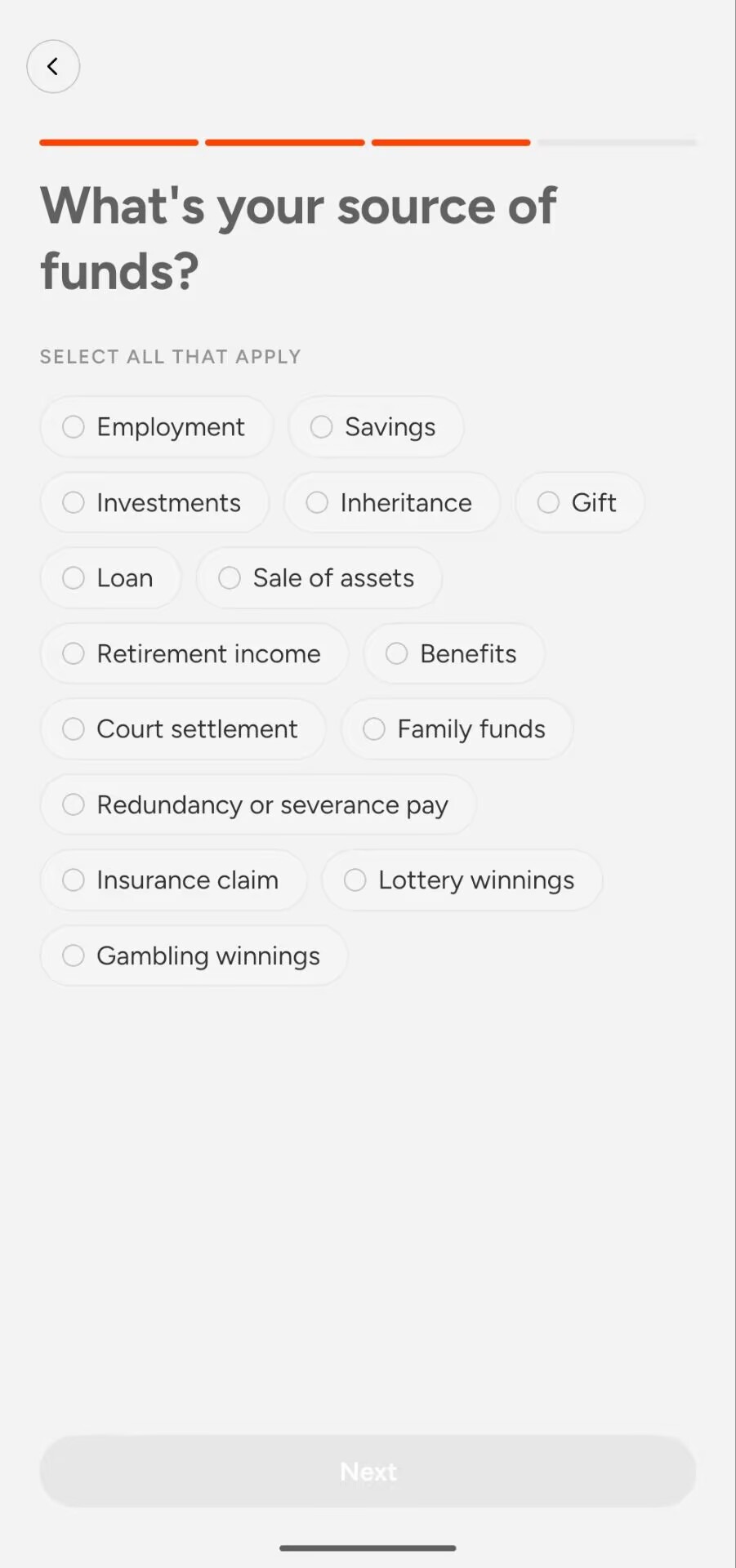
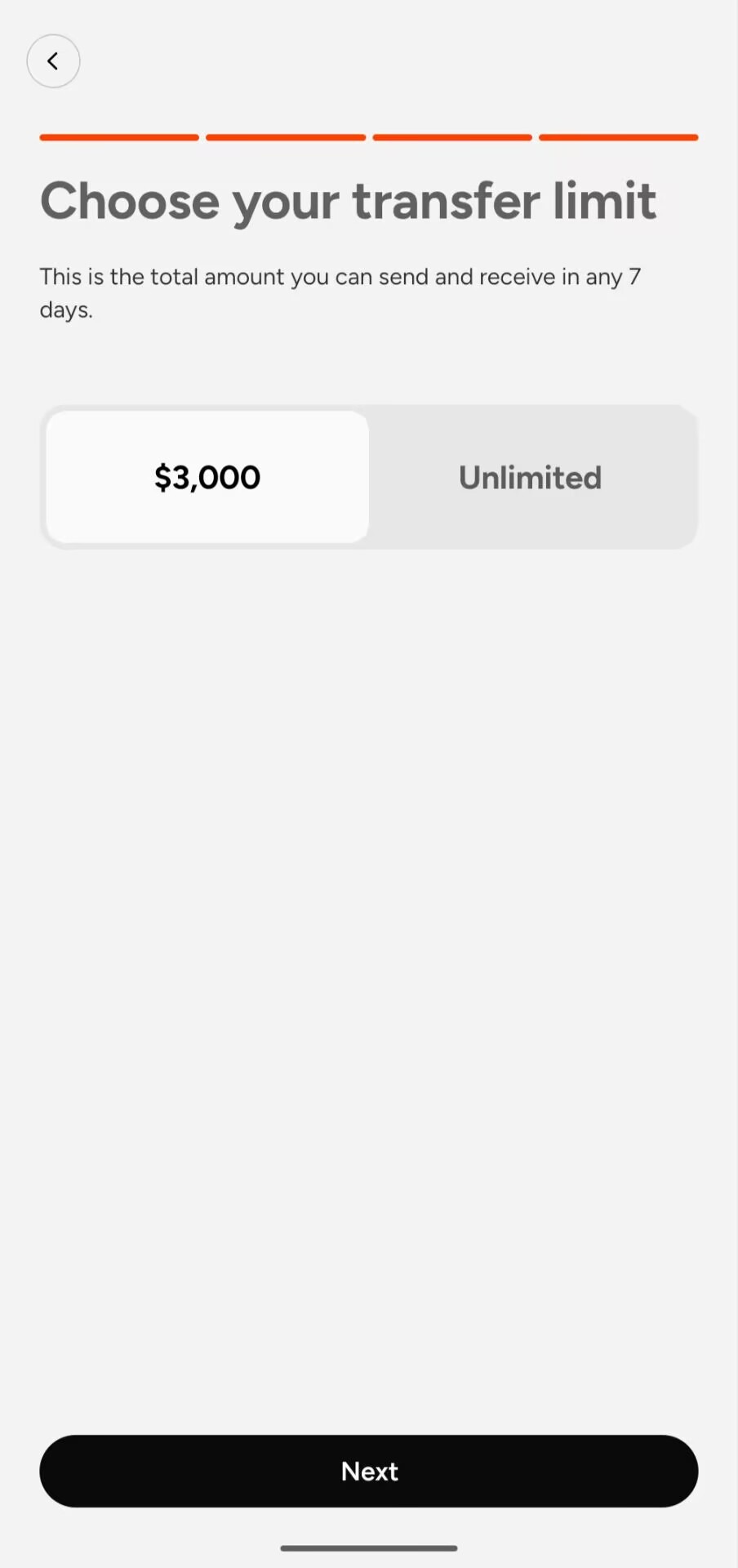
Answer truthfully: employment status; account use (multi-select); source of funds (multi-select); and a 7-day send/receive total of $3,000 or Unlimited. $3,000 is enough for normal use and can be changed later.
13. Wait for USD review
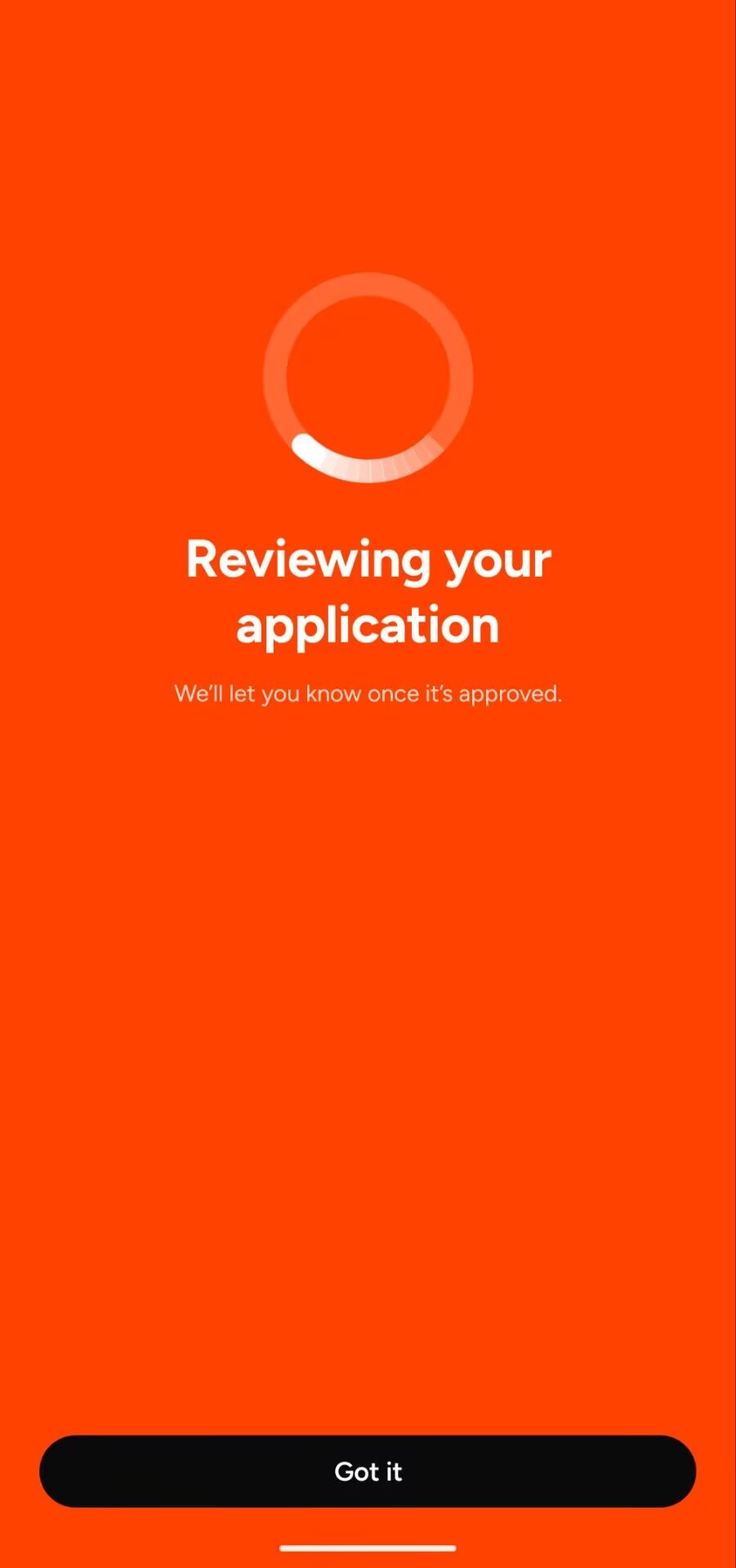
You will see Reviewing your application and USD marked In review.
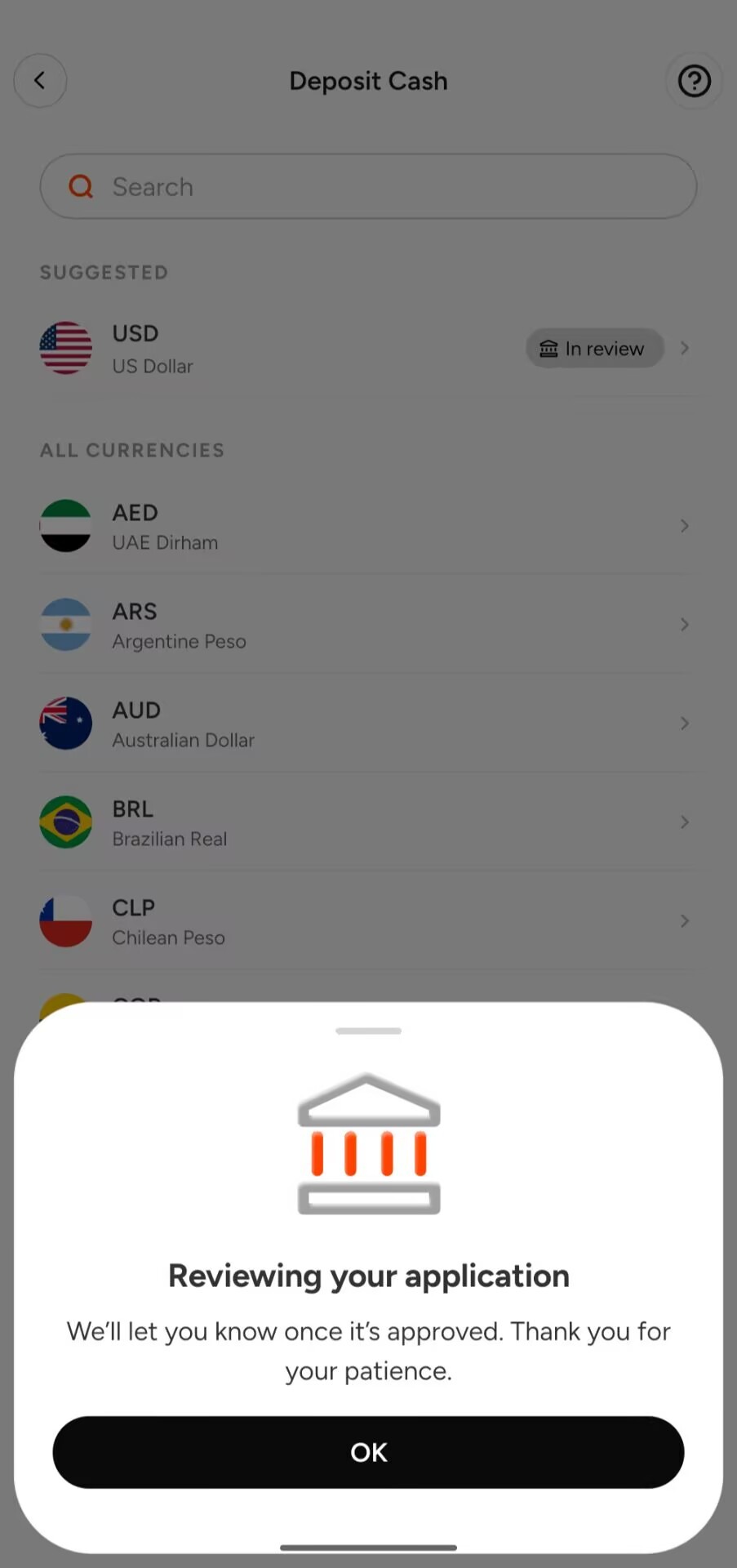
14. Get your USD receiving details
When approved, Deposit Cash → USD shows ACH / Fedwire / SWIFT details: account name, number and routing number at Lead Bank. Deposits are free, arrive in about 1–3 business days, and credit 1 USD = 1 USDT (or USDC). Keep the details private; they are hidden in our screenshot.
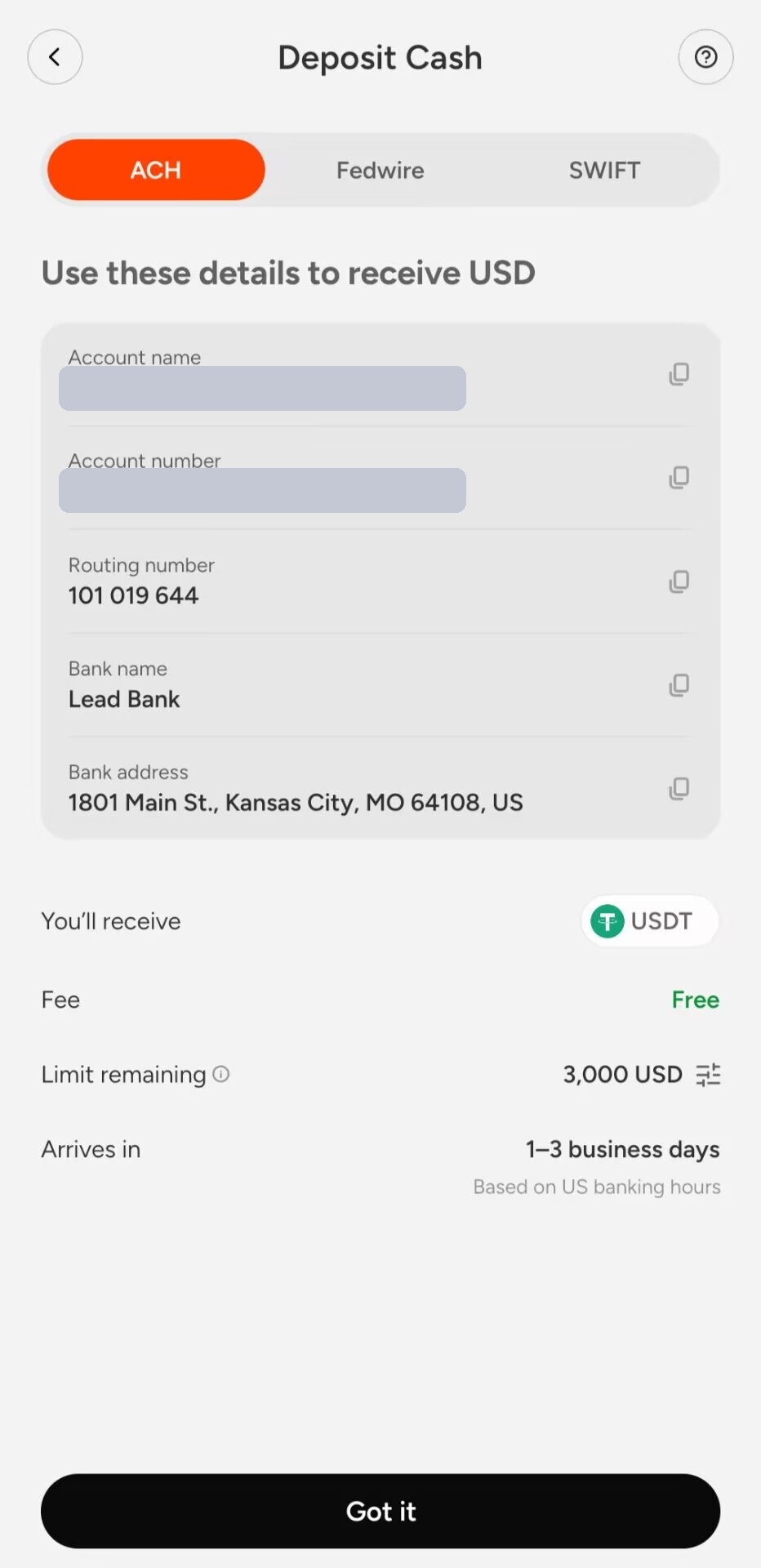
15. Deposit, withdraw and spend
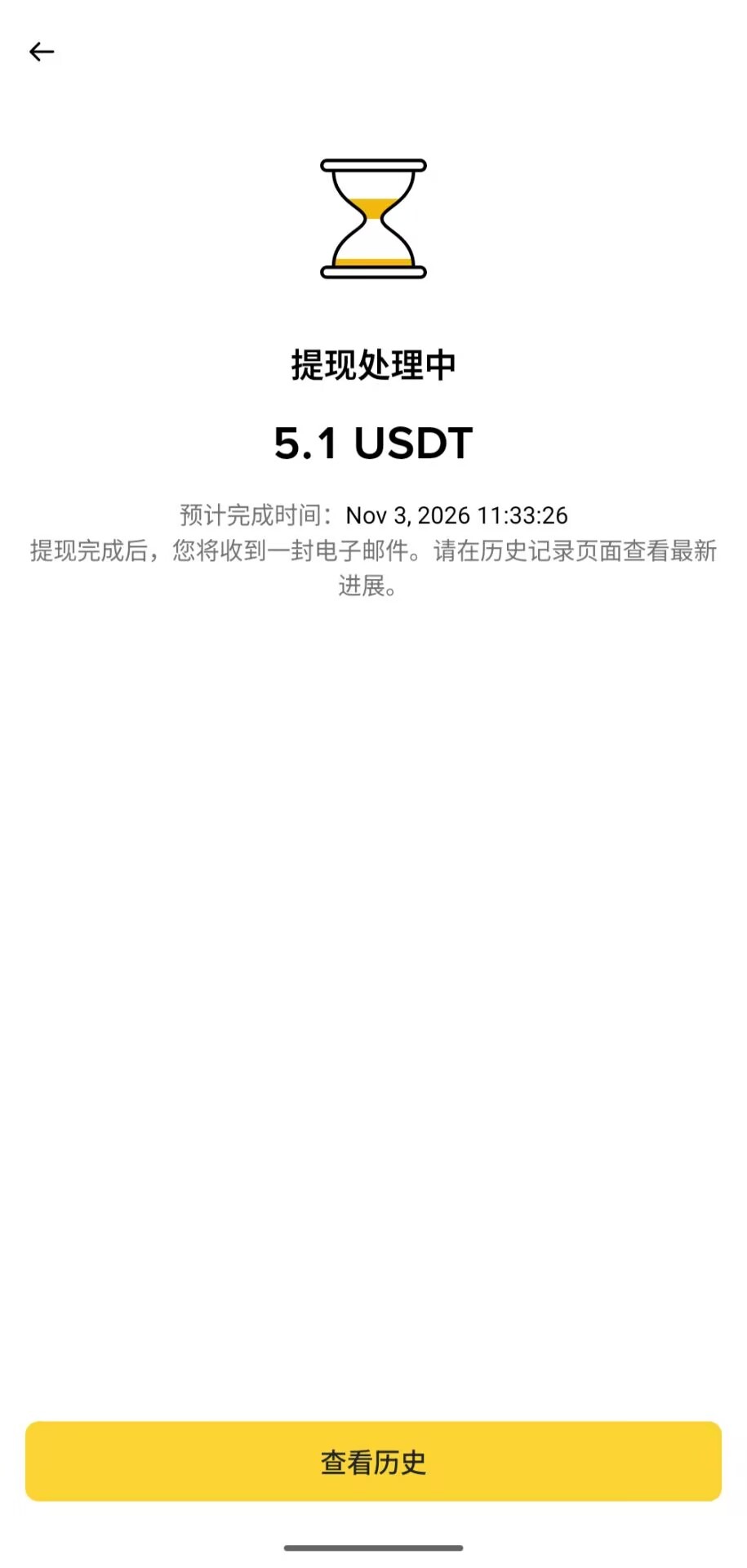
Deposits: USD via the virtual account; EUR via the UK-region IBAN (same-name only); crypto via USDT, USDC, BTC, ETH, SOL and other supported networks. Withdrawals: USDT / USDC with an email when done; EUR same-name only. Spending is mainly online with Google Pay; non-USD purchases take a 1% FX fee.
16. Cashback 3-2-1 (extra)
Cashback is USD spending credit: spend-only, not withdrawable, never expires; refunds reverse it.
- Subscriptions 3%: monthly subscriptions only (annual plans do not count), one claim per service per month; Apple App Store-billed subscriptions do not earn cashback — pay the merchant directly or via Google Play.
- Online shopping 2%: listed stores such as Amazon, Shein, Temu and AliExpress up to $500 each per month; other online shops share a $500 monthly pool; in-store and tap-to-pay do not count.
- Travel 1%: flights and hotels (including Booking, Agoda, Expedia, Trip.com), capped at $20 cashback per month and $2,000 per transaction.
Limits follow the in-app Rewards page.
Carddoger summary
Cashi suits people who already have a UK number and UK address and want a fast stablecoin Visa virtual card plus a same-name USD receiving account: passport or Chinese driving licence for KYC, a $5 activation that returns $5, no second KYC for the USD account, and 3-2-1 cashback that is strong for subscriptions. It is not a bank and not self-custody; national ID is unreliable; Apple Pay is not ready; non-USD spend costs 1% FX; cashback cannot be withdrawn. Fill in real details, test small deposits, card payments and withdrawals first, then decide whether to rely on it.