Open a Kliq Mastercard virtual card with an international number
A 28 Oct 2026 follow-along registered Turkey's Kliq wallet with a Georgia +995 number and issued a Mastercard virtual card in the app. Before any identity upgra
What this guide covers
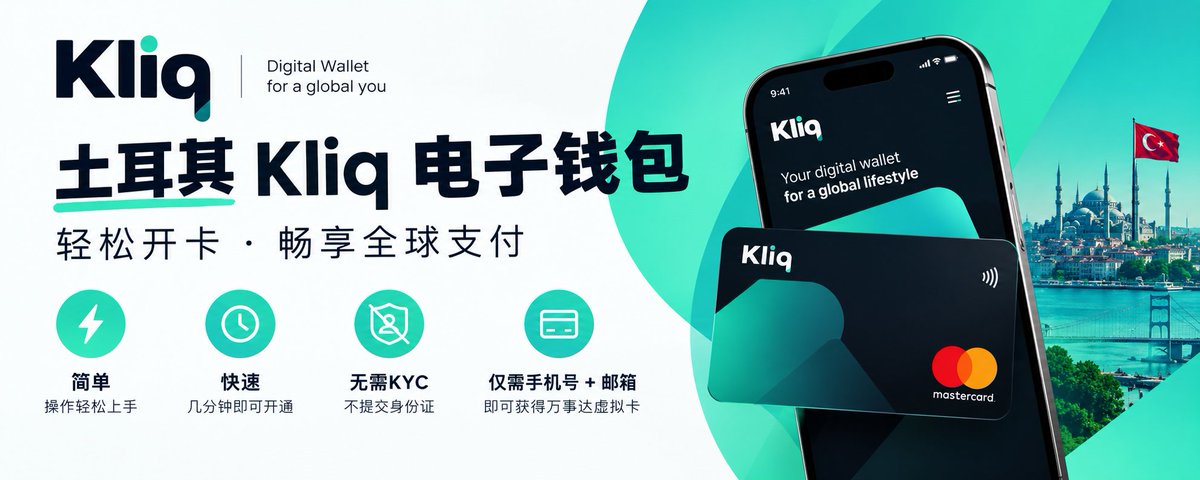
Kliq is the wallet app of BPN Ödeme ve Elektronik Para Hizmetleri A.Ş. in Turkey. The company operates under Law No. 6493. Its about page says it received a payment-institution license on 12 August 2015 and an e-money license in 2021. The official FAQ asks for a name, surname, mobile number, and email. A virtual card is issued inside the app and, per the FAQ, is for online payments only. A physical card is picked up at a BPN representative and then paired in the app.
On 28 October 2026 a follow-along finished signup with a Georgia +995 number and issued one Mastercard virtual card. The screenshot shows only the 5317 prefix. The home screen still offered Upgrade Your Account, which asks you to verify your identity. This is a record of card issuance on an account that has not been upgraded. It is not an anonymous account, and it is not a way around identity checks.
Before you start
Have these ready:
- An international mobile number that can receive SMS. The follow-along used Georgia +995. The source post also links two Georgia number write-ups and one Thailand AIS write-up. This guide does not repeat them: Georgia number, part 1, Georgia number, part 2, Thailand AIS. Any other country depends on whether the signup screen actually delivers the SMS.
- An email address.
- Your name. The follow-along put the given name in Name and the family name in Surname, in pinyin. The FAQ only says name and surname. It does not promise every spelling will pass.
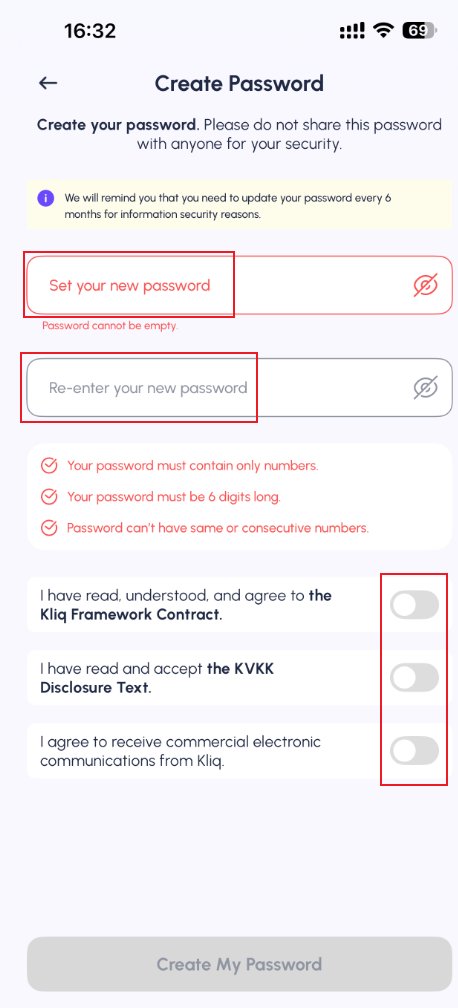
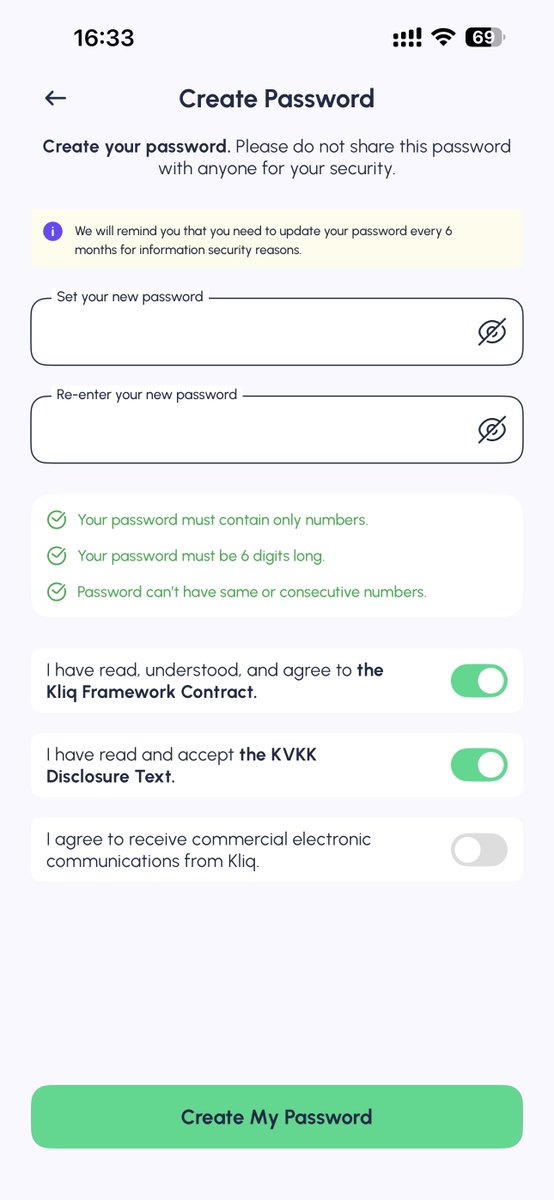
- A 6-digit numeric password. The create-password screen says digits only, exactly 6 digits, and not the same or consecutive numbers. The same screen says the app will remind you to change it about every 6 months.
The public Fees and Limits table can change. On that page, opening an account is free, the virtual-card line is 20 TL, and the physical-card line is 50 TL. When the follow-along created the virtual card, the screen said Free and Ready for immediate use. Trust the screen you see at the moment you tap create.
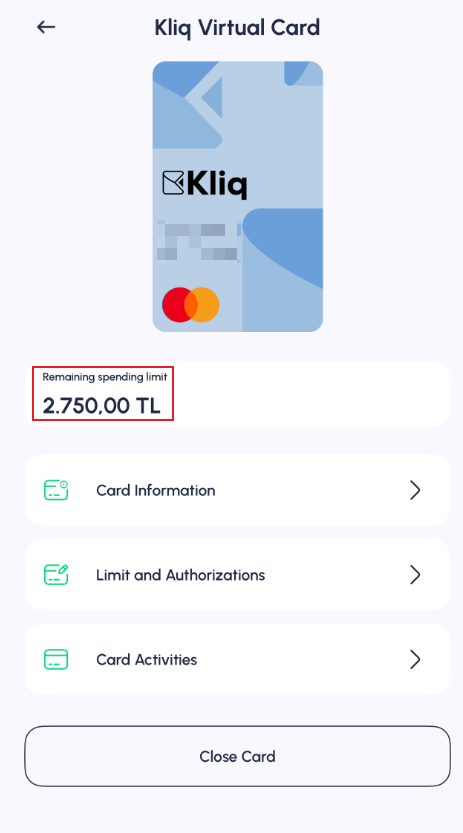
For an account that has not been upgraded, read the limits under Profile, Account Settings, Account Details, and the card's Remaining spending limit. This new card showed 2,750.00 TL. The official FAQ says higher limits require a contracted account (sözleşmeli hesap): identity and address documents, submitted at a BPN representative in Turkey.
This guide stops before a deposit. The source post only describes a cross-border transfer, says the memo must include the Kliq account, and names Wise, TransferGo, and Revolut as examples. The author later replied that the tutorial ends at card issuance, and that deposits and identity upgrade are for the reader to handle. A reply under the post says a deposit requires a KYC upgrade first. The public fee table also lists card top-up (up to about 4.99%), deposits at BPN representatives, and ATM deposits. Use whatever Top up actually shows in the account.
Steps
Step 1. Install Kliq
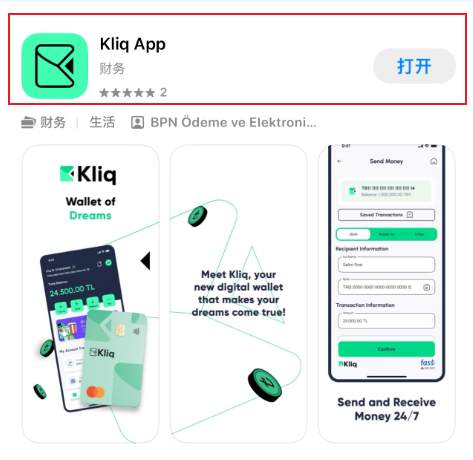
Install it from the App Store or Google Play. The store listing names BPN Ödeme ve Elektronik Para Hizmetleri A.Ş. Search for Kliq.
Step 2. Change +90 to your own country code
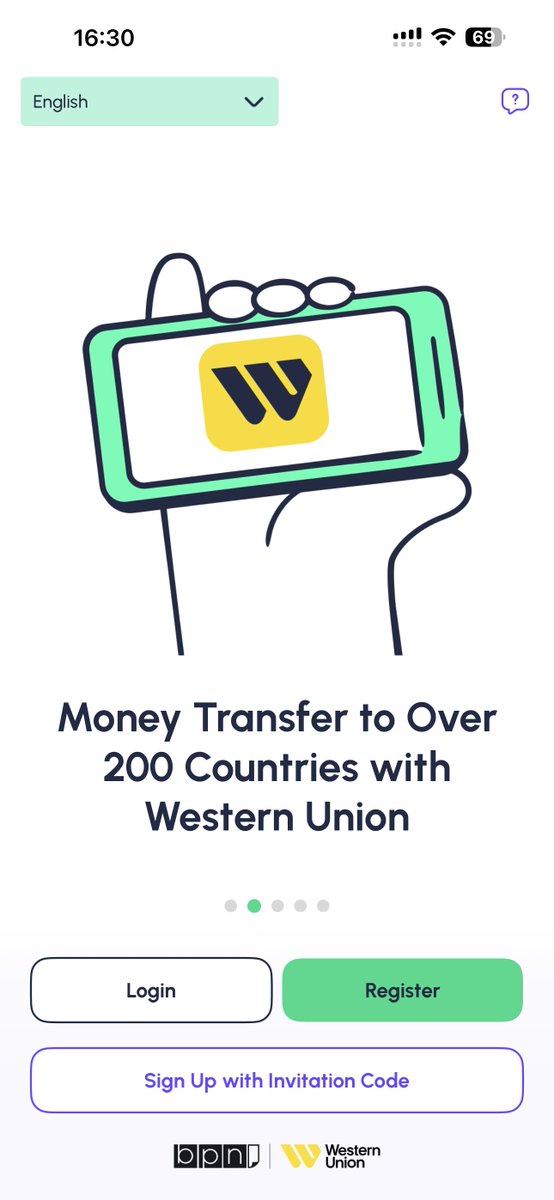
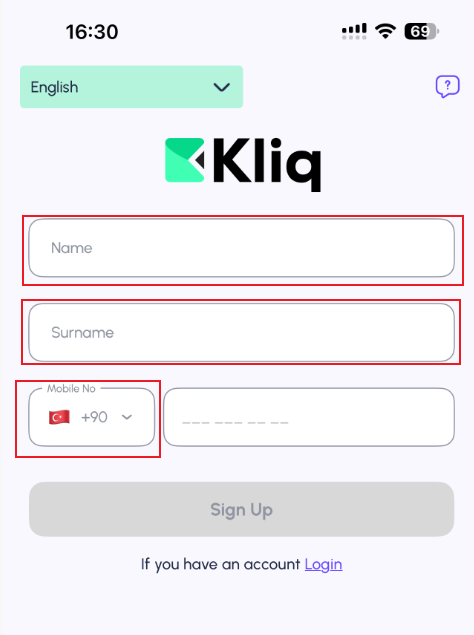
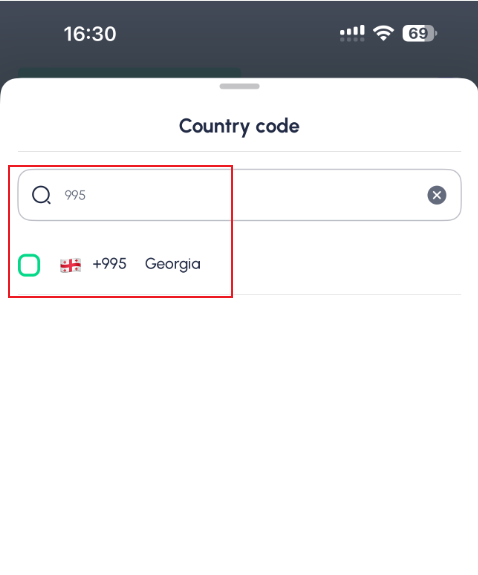
Open the app and start signup. The form defaults to Turkey +90. The follow-along did not use that code. Tap the code, search 995, and choose Georgia.
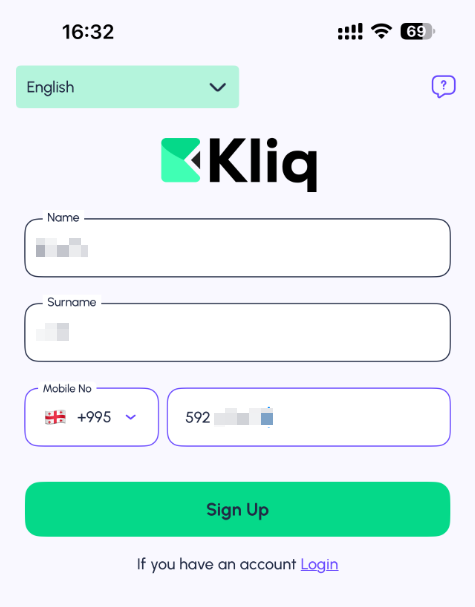
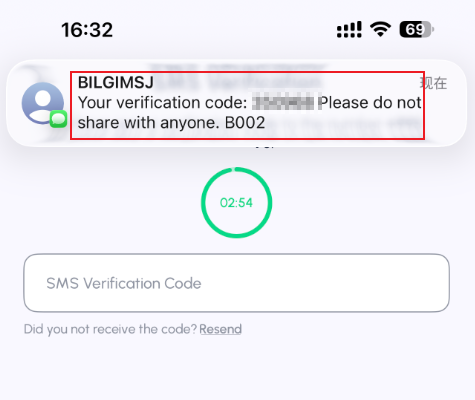
Put the given name in Name and the family name in Surname, enter the mobile number, and tap Sign Up. The SMS sender is BILGIMSJ. The code expires quickly. Enter it under SMS Verification Code.
Step 3. Set the password and accept two documents
The password is 6 digits. It cannot be the same digit repeated or a straight run such as 111111 or 123456.
Three rows sit under the password. Check the first two:
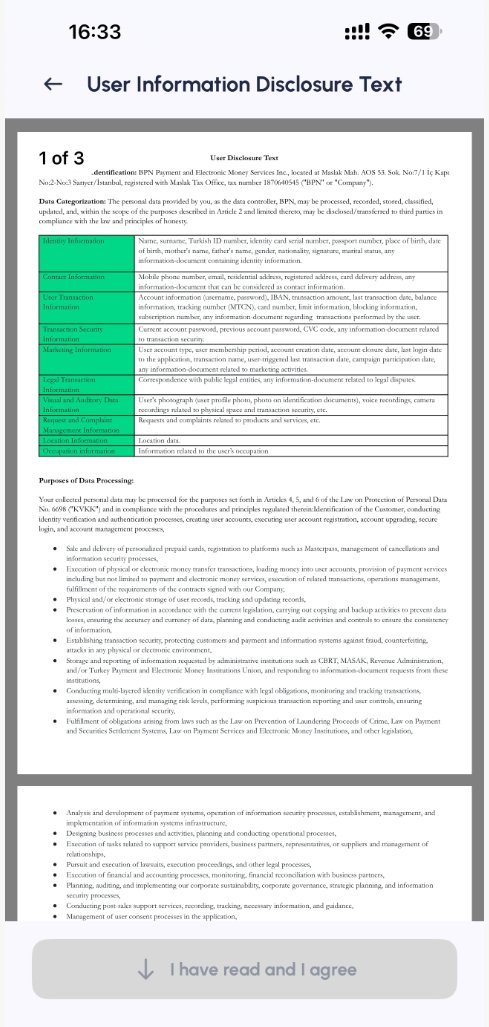
- Kliq Framework Contract. Open it, scroll to the bottom, and agree.
- KVKK Disclosure Text. This is the Turkish personal-data notice. Accept it as well.
- Commercial electronic messages from Kliq. That row is marketing. The follow-along left it unchecked.
Then tap Create My Password. On the success screen, tap Continue.
Step 4. Verify email and allow notifications
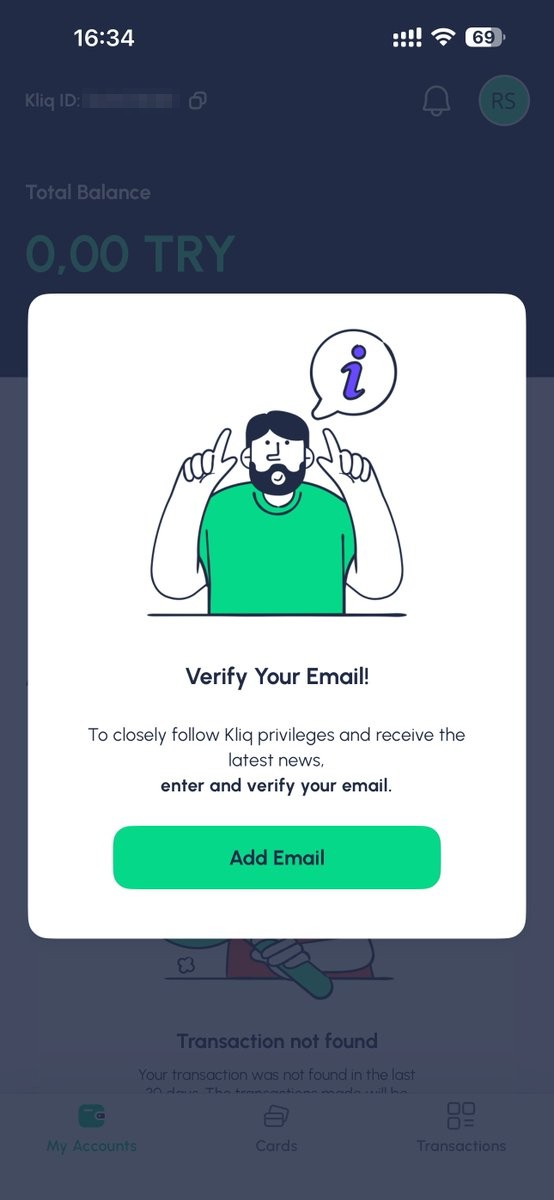
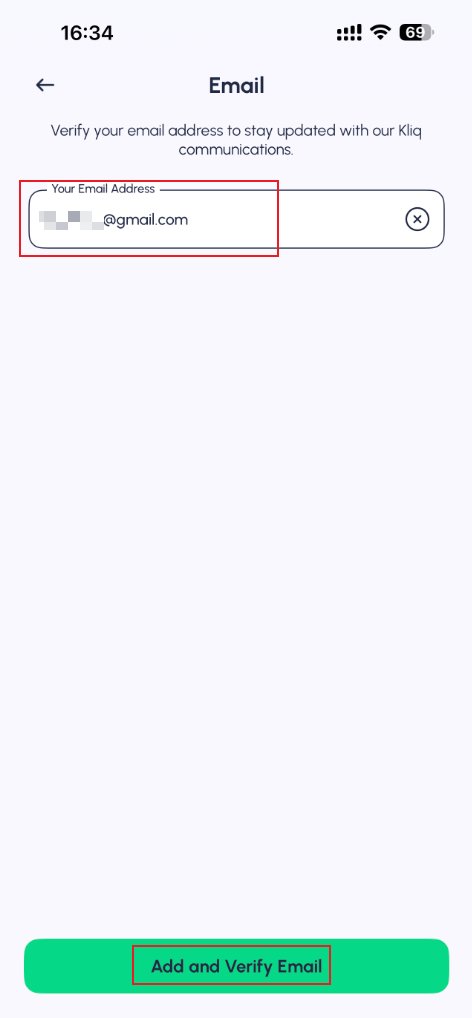
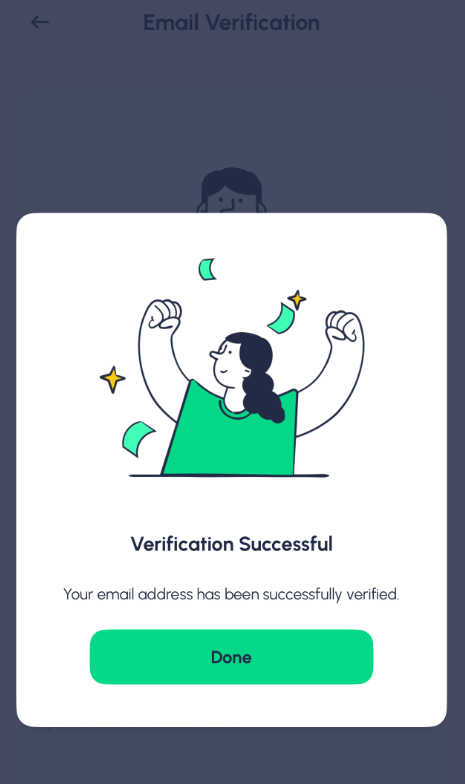
The home screen asks you to Verify Your Email. Tap Add Email, enter the address, then Add and Verify Email. Tap Done after it succeeds.
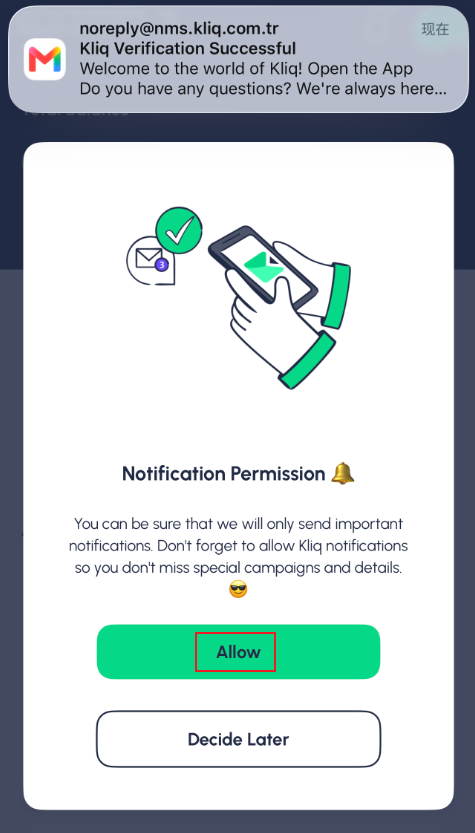
A notification prompt comes next. The follow-along tapped Allow. The copy is about campaigns and account messages.
Step 5. Create the virtual card under Cards
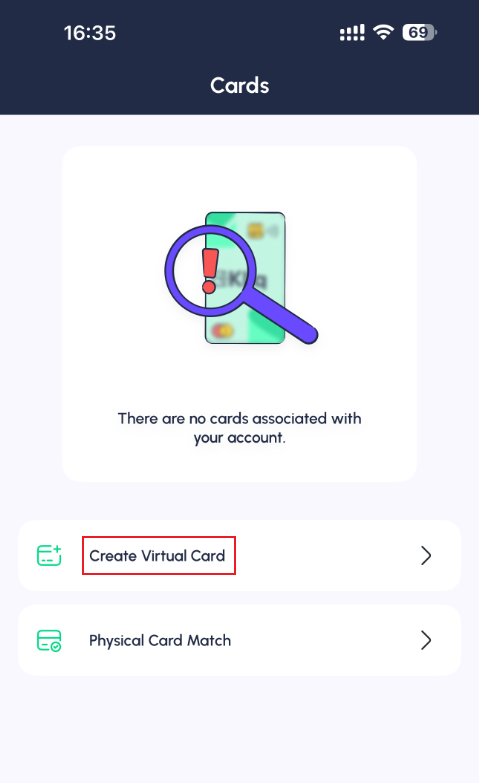
Open Cards in the bottom bar. With no card on the account, the screen shows Create Virtual Card and Physical Card Match. This follow-along only created the virtual card.
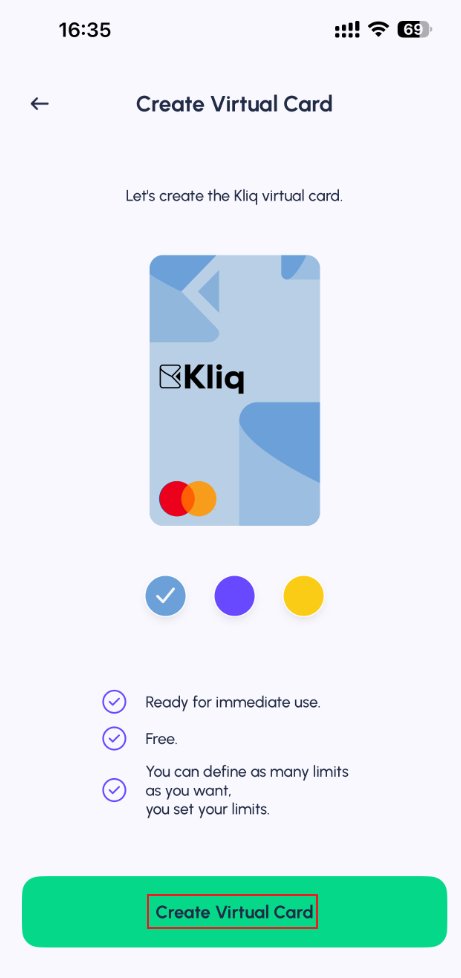
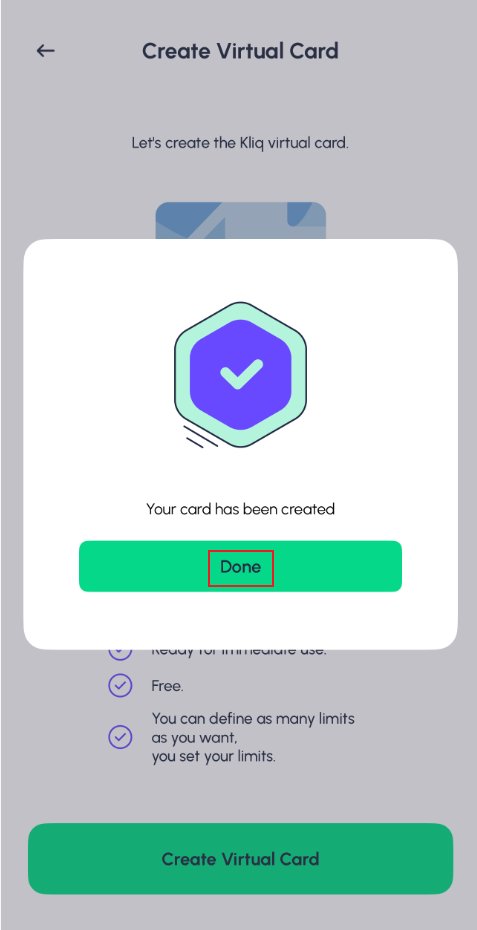
The create screen lets you pick a color. In the follow-along it said Ready for immediate use and Free. After confirmation, Cards lists a Kliq Virtual Card on Mastercard.
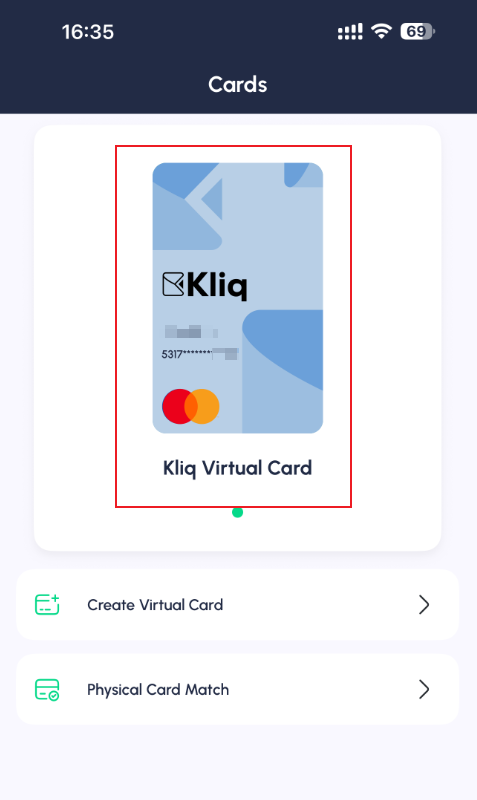
Create Virtual Card is still on the screen after the first card exists. The source post says you can hold two, and that closing one and opening another issues a new number. This follow-along opened one card. The close control on the card detail screen is Close Card. Whether a new number works immediately depends on the card screen in your own account.
Step 6. Read the limit and keep the card number in the app
Open the card. The follow-along screenshot shows Remaining spending limit 2,750.00 TL. Under it are Card Information, Limit and Authorizations, and Card Activities.
Read the number, expiry, and security code only inside Card Information. The FAQ says a virtual card has no plastic copy and is for online payments. The card's own limit is set under Limit and Authorizations and cannot exceed the account limit.
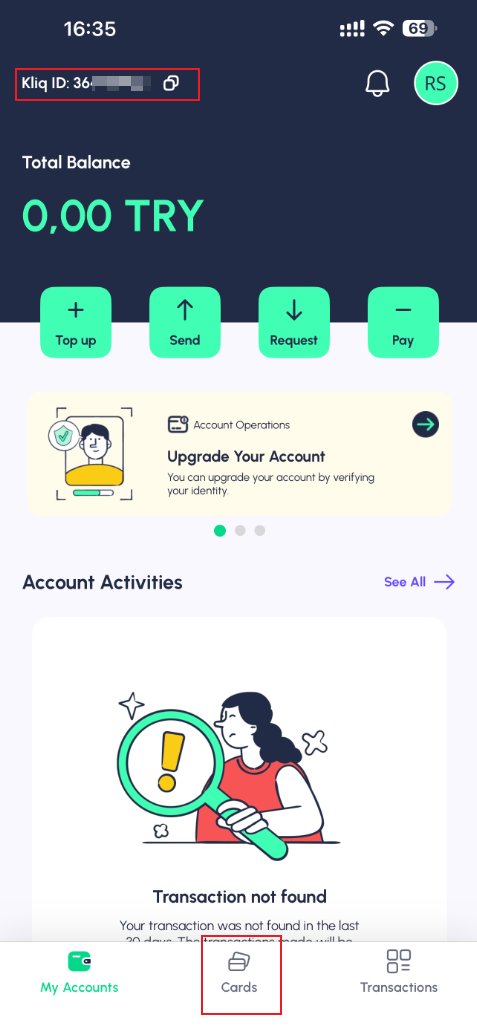
The home balance in the follow-along was 0.00 TRY. Top up, Send, Request, and Pay are all on that screen. This guide stops at the card. The Kliq ID is at the top left of home. If a transfer memo asks for the account, that ID is the value to use.
Kliq fees and limits Kliq FAQ App Store Google Play Source post, 28 Oct 2026
Carddoger总结
Kliq is a licensed wallet. The 28 October 2026 follow-along shows that a Georgia +995 number and an email were enough to finish signup and issue a Mastercard virtual card in the app. Before the account is upgraded, the card screen showed a remaining spending limit of 2,750.00 TL. Signup defaults to +90, so the country code has to be changed. The password is 6 digits and cannot be repeated or consecutive.
The create screen said Free. The public fee table lists 20 TL for a virtual card. Trust the screen at the moment you create it. A higher limit and a physical card both go through a BPN representative and identity documents. Deposit method, transfer memo, and whether an upgrade is required first were left unfinished in the source post. The author said the tutorial stops at the card. A reply said a deposit needs a KYC upgrade. Check Top up in the app.
Trust the Kliq app, the Fees and Limits page, and the limits shown inside the account. This article compiles public pages and one follow-along. It is not a promise that signup or a payment will succeed.