Buy a .com through Google Workspace Turkey for ₺75 a year
Google Workspace signup in Turkey can sell a Squarespace-registered domain. October 2026 follow-alongs often show .com at ₺75/year, about 10 CNY. This guide cov
What this guide covers
During Google Workspace signup in the Turkey region, you can buy a new domain from the partner registrar Squarespace. Community write-ups in October 2026 commonly show .com, .net, and .org at ₺75.00 TRY per year. At the 26 Oct 2026 mid-market rate of about 1 TRY = 0.134 CNY, that is roughly 10 yuan. Google resells the registration; Squarespace Domains is the registrar.
This is not a free domain. You pay the annual registration fee. The flow also starts a 14-day Google Workspace trial and creates an admin account such as you@yourdomain.com. If you do not cancel the Workspace plan before the trial ends, the card is charged the business monthly fee.
A June 2026 public renewal invoice still showed 75.00 TRY. That is a follow-along record. FX, tax, and list prices change. Trust the price on your checkout screen.
Before you start
Have these ready:
- A Visa or Mastercard that can settle foreign currency. Physical cards clear more often in write-ups. Some virtual cards trigger ID checks; Bybit U cards have been reported as failing.
- An inbox you can open. Squarespace and Google send confirmation mail there.
- A phone that can receive codes. The +90 field on the business-info step is described as unverified. Signing in as admin may still ask for Cellfie or a +86 number if the network looks dirty.
- The domain you actually want. The primary domain is hard to change later.
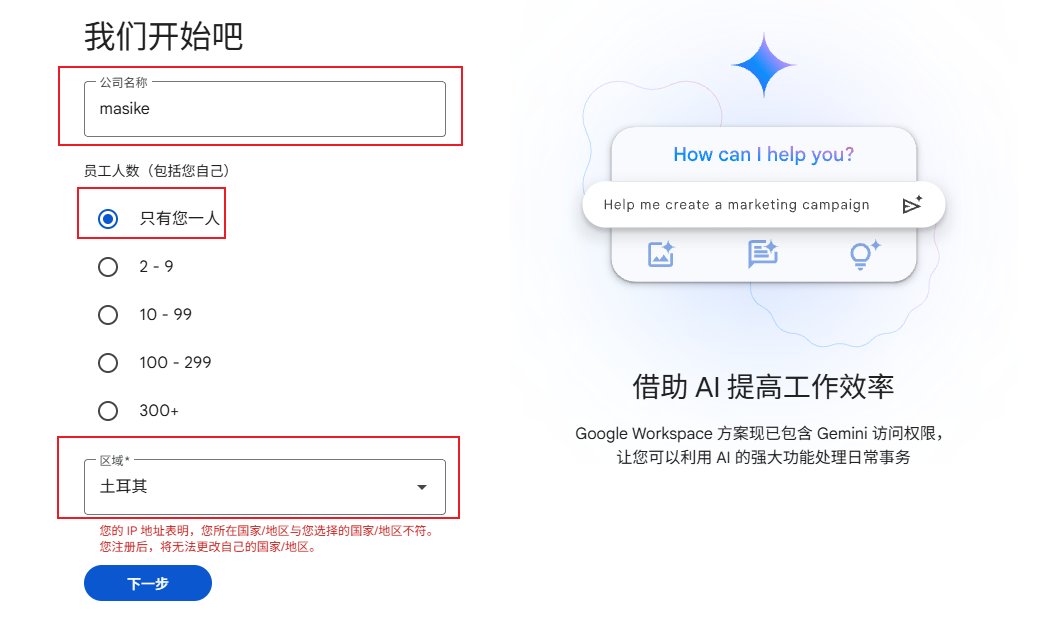
The country must be Turkey. That is what switches pricing to lira. After signup you cannot change the country. Screenshots show a red warning when the IP does not match the selected country.
Regional pricing may not match where you live. If Google later asks for documents, follow the page. If you cannot complete verification, stop. Do not submit fake ID.
Steps
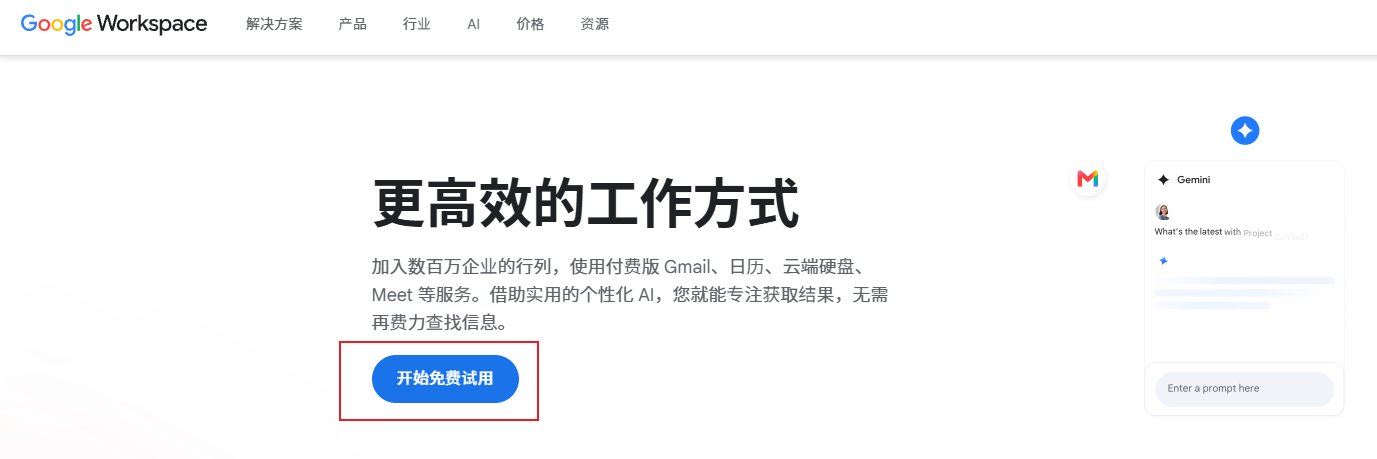
Step 1. Start the free trial
Open the Google Workspace signup page and click Start free trial. The admin you create is separate from a regular Gmail login.
Step 2. Business name, one person, Turkey
Fill any business name. Set employees to Just you. Set region to Turkey. Read the IP mismatch warning before you continue.
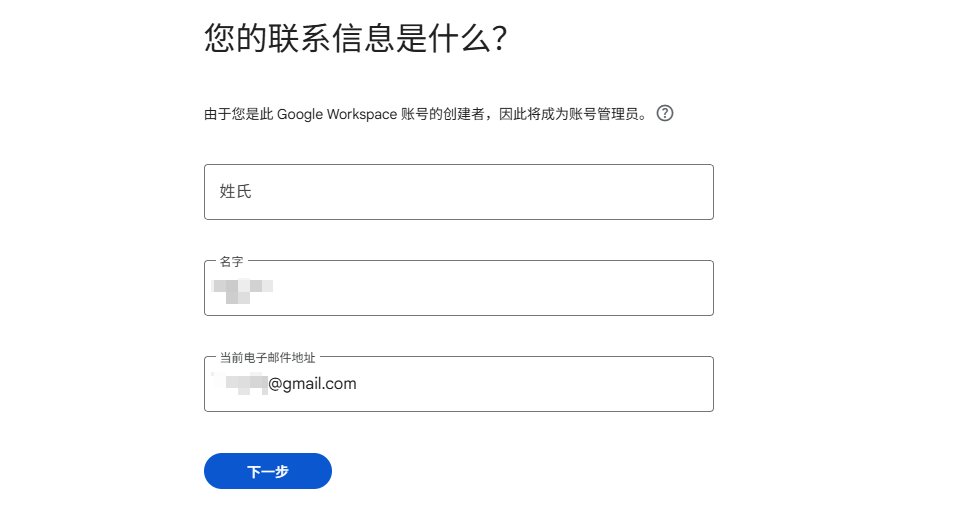
Step 3. Contact details
Use a name and email you control. Domain and billing mail go there.
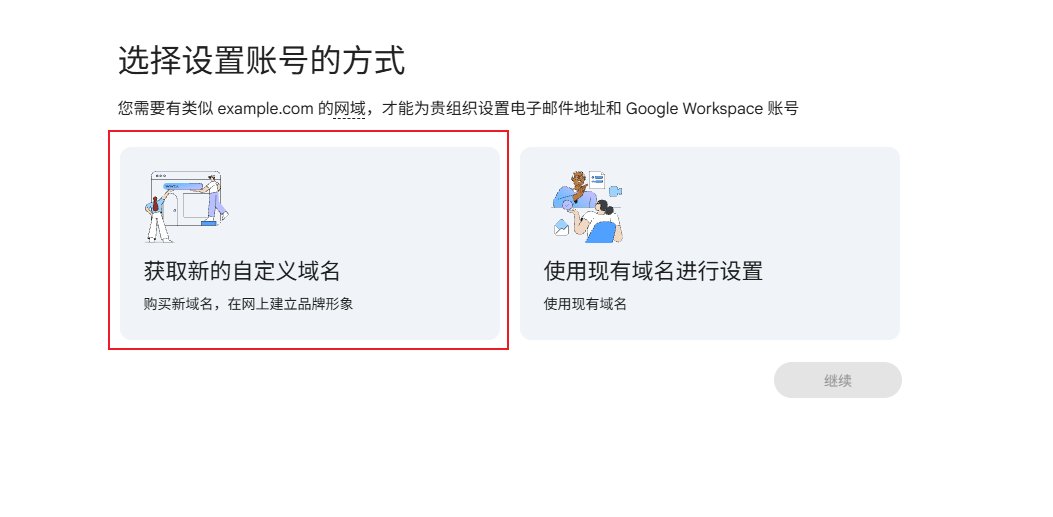
Step 4. Buy a new custom domain
Choose Get a new custom domain. Using an existing domain skips this ₺75 offer.
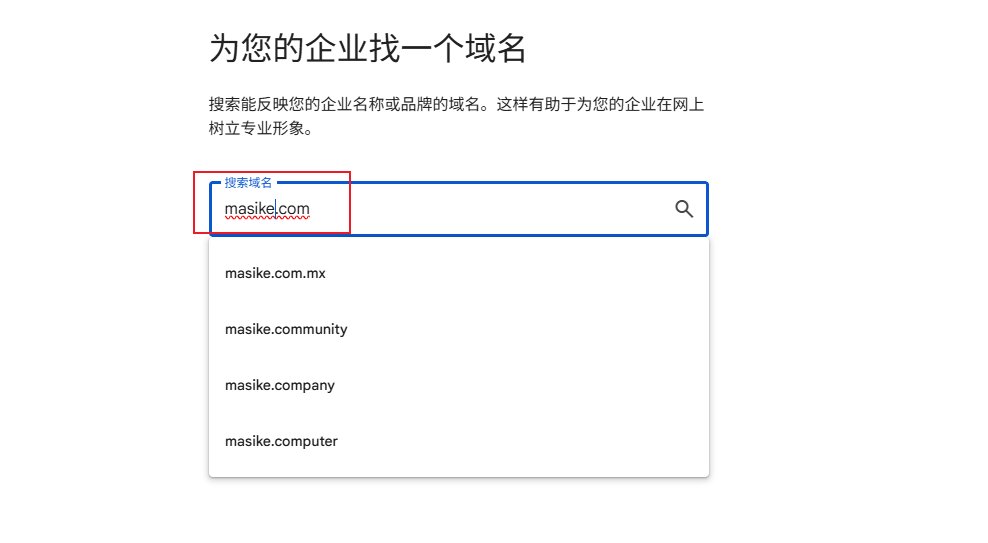
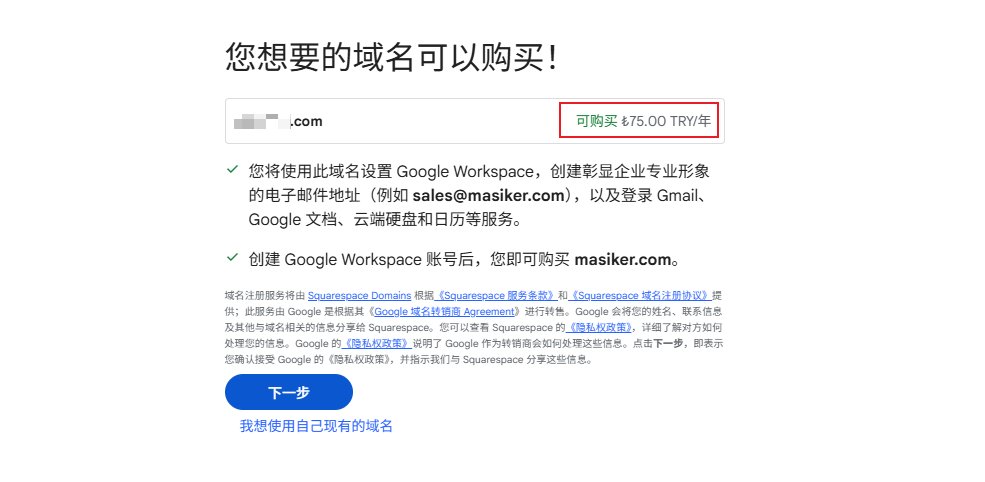
Step 5. Search and confirm ₺75.00 TRY/year
Keep trying names until the confirm screen shows Available ₺75.00 TRY/year in green. Next means you accept sharing name and contact data with Squarespace.
Step 6. Business information
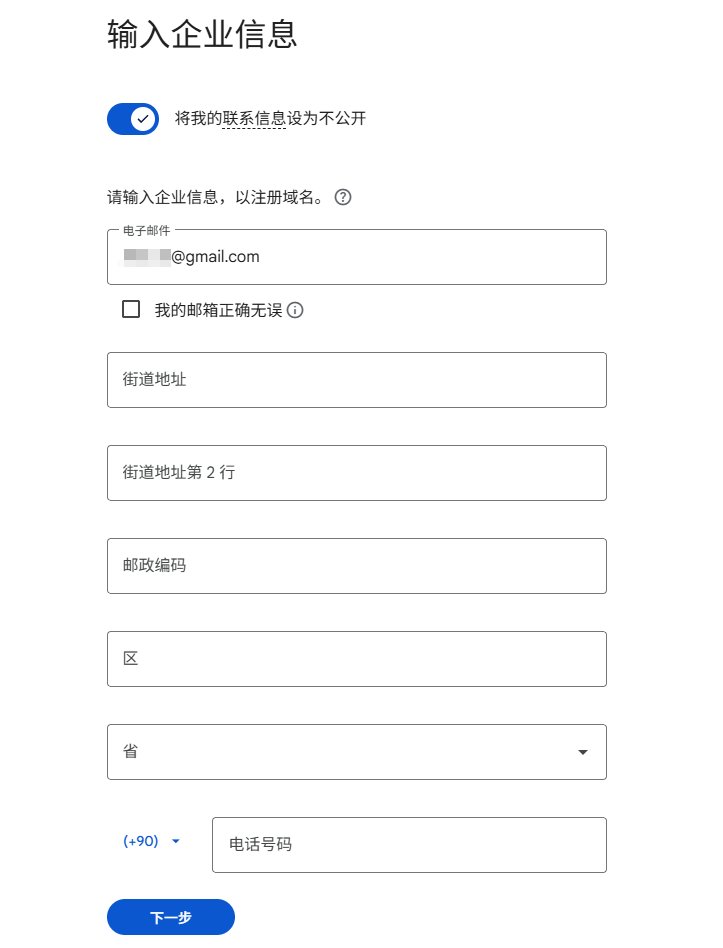
This screen is WHOIS. The original write-up says to copy a real address from Google Maps. Phone defaults to +90 and is described as unverified. Turn on Keep my contact information private, confirm the email, then continue.
Step 7. Create the admin username
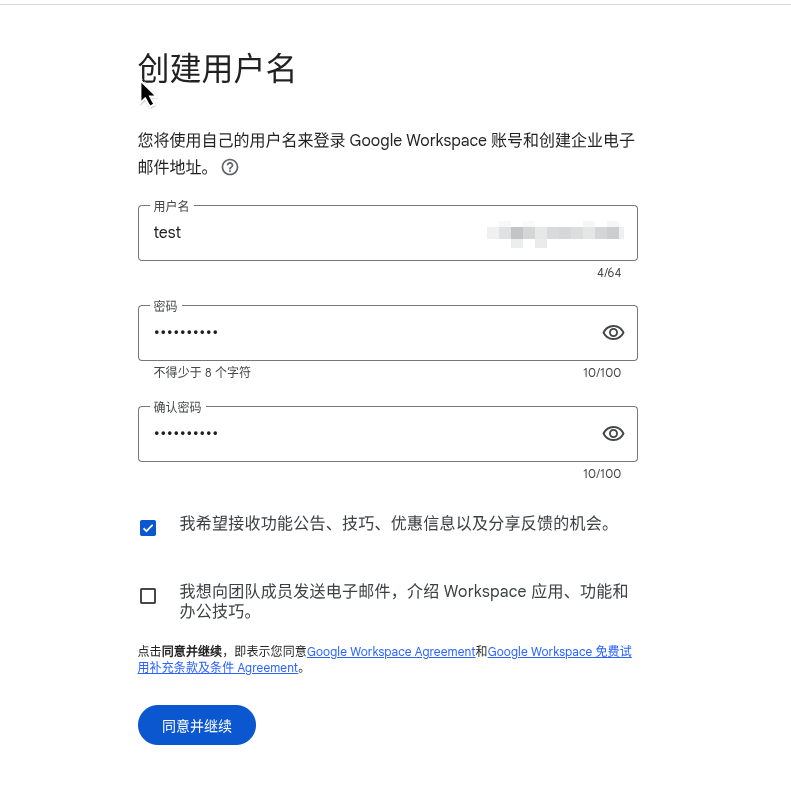
This becomes the Workspace admin, for example admin@yourdomain.com. Password must be at least 8 characters. Agreeing accepts the Workspace terms and the trial terms.
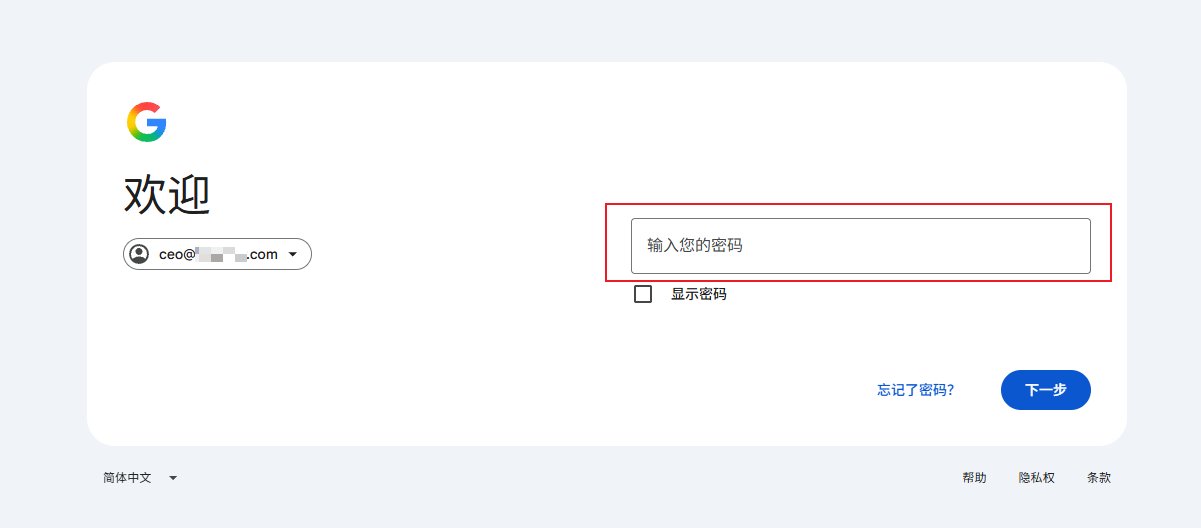
Step 8. Sign in; you may need a phone
Sign in with the new admin address. A phone challenge may appear. Cellfie or +86 are both reported to work. If it loops, try a cleaner IP.
Step 9. Pay: today should be domain ₺75 only
The bill usually has two lines:
- Google Workspace business: 14-day trial, 0 today
- Domain registration: ₺75 TRY/year, charged now
Pick the trial, add a card, check the amount. After a successful charge you typically get mail from Squarespace and Google. The domain lasts one year and auto-renews at the then-current price if a card stays on file. Google Help says that after you turn off domain auto-renew, you cannot turn it back on in the same account.
Step 10. Cancel the Workspace trial; keep Domain registration
If you only want the domain, cancel the business plan before the trial ends. Official Help: if you bought the domain during signup, you can still manage it in the Admin console after cancelling the trial.
Open Subscriptions. Cancel only the Google Workspace business plan. Confirm Domain registration remains.
Do not delete the whole account. Deleting it can drop the Squarespace management path. Some people who hit login issues after cancelling transfer the domain out first. If you cannot sign in, claim the domain with Squarespace.
Step 11. Point DNS at Cloudflare
Add the site in Cloudflare, then set the two Cloudflare nameservers in Google Admin or Squarespace. Wait for NS to propagate before adding records.
If you still want Google mail on the domain, copy MX / SPF / DKIM from the Admin console. For a website only, add your own A or CNAME.
Google Workspace trial Admin subscriptions Cancel Workspace Domain renewal
Carddoger takeaway
The Turkey-region Workspace signup can sell an international domain at the local list price, commonly ₺75/year for .com in October 2026 follow-alongs, plus an admin mailbox. The Workspace seat is a separate charge. Cancel the business trial and keep Domain registration if you only need the name.
Check ₺75 on the order page before you pay. Virtual cards may ask for ID. Auto-renew is on by default. Choosing Turkey uses regional pricing and that region's terms.
Follow the live Google Workspace signup page, the charged amount, and Admin console subscriptions. This article compiles public write-ups and official Help. It is not purchase or cross-border payment advice.